New to Telerik UI for WinForms? Start a free 30-day trial
Alternating Row Color
Updated over 6 months ago
RadGridView supports alternating row color mode which allows you to easily distinguish one row from another.
In order to enable the feature, you should set the EnableAlternatingRowColor property to true:
Enable alternating row color
C#
this.radGridView1.EnableAlternatingRowColor = true;
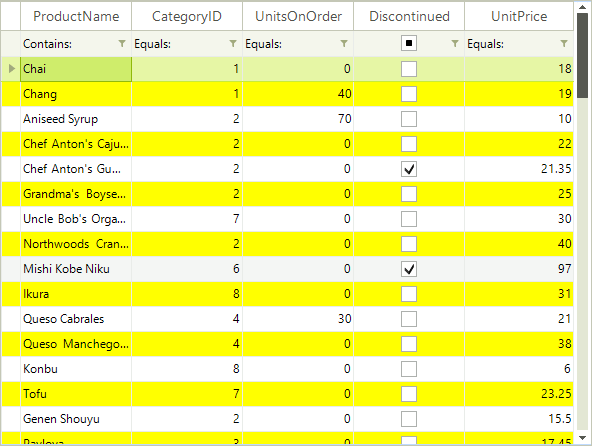
In order to change the default alternating row color, set the AlternatingRowColor property:
Changing the alternating row color
C#
((GridTableElement)this.radGridView1.TableElement).AlternatingRowColor = Color.Yellow;
The result is shown on the screenshot below: