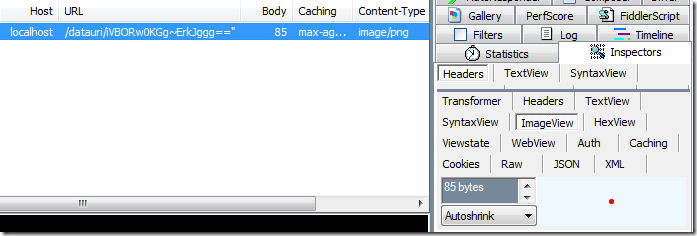
Inspect DataURI Object
Updated on Aug 3, 2026
To inspect a DataURI object:
- Copy a DataURI to your clipboard from Fiddler Classic or any other source.

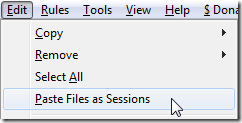
- Click Edit > Paste Files as Sessions. Fiddler Classic will parse the DataURI and create a new Session for it in the Web Sessions List.
- Use Fiddler Classic inspectors to examine the resulting object.