View Web Session Content
Updated on Oct 5, 2026
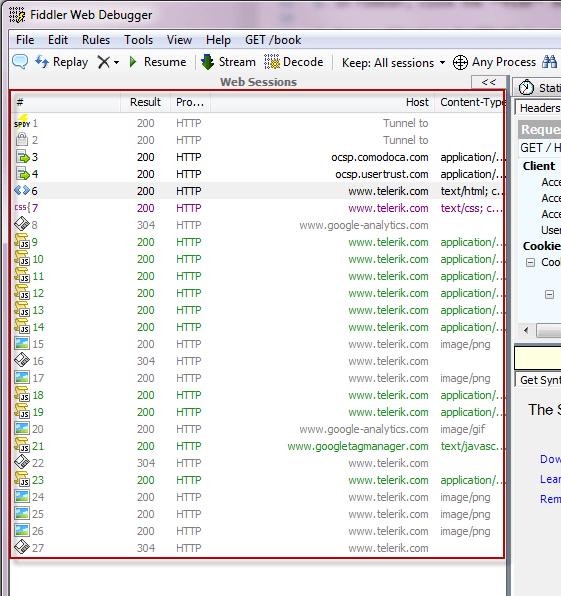
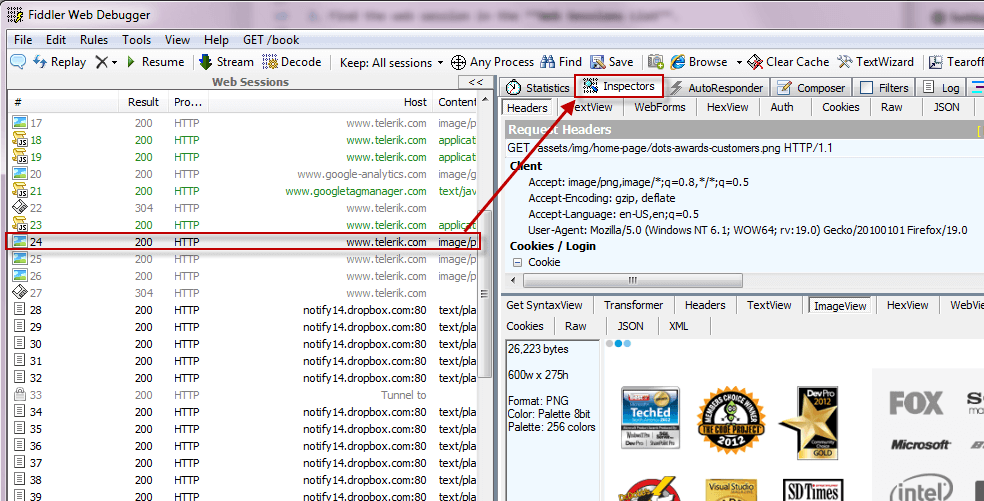
To view the content of a web session in a variety of formats:
- Click on a web session in the Web Sessions List.
- Click the Inspectors tab.
Supported Content Encodings
Fiddler Classic automatically decompresses response bodies encoded with the following Content-Encoding values:
- gzip
- deflate
- br (Brotli)
- zstd (Zstandard) — supported in Fiddler Classic v6.0.20261 and later. Chrome and Edge advertise
zstdin theAccept-Encodingrequest header by default; Fiddler Classic can transparently decompress such responses so the body is readable in the Inspectors tab.