New to Telerik Document Processing? Start a free 30-day trial
Handling License Key File Name and Environment Variable Name Changes in the 2025 Q1 Release
Updated on Jun 5, 2026
Environment
| Version | Product | Author |
|---|---|---|
| Q1 2025 | Telerik Document Processing | Desislava Yordanova |
Description
After downloading the License Key file by using the VS2022 extensions menu:
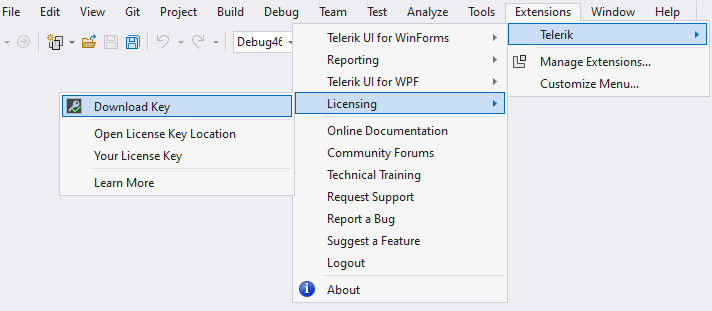
when building a simple console app with the Telerik Document Processing libraries, you get the following error:

Solution
An old KENDO_UI_LICENSE environment variable may cause this error. Delete it and run the refreshenv command. If the rebuild produces the same error again, follow these steps:
-
Go to telerik.com and generate a new License Key.
-
Compare the license key with the one downloaded from the extensions. If it differs from the one VS2022 downloaded, replace the original
telerik-license.txtfile with the newly downloaded one. -
Restart VS2022 to ensure it loads fresh environment variables and compile the project. The build succeeds:
