New to Telerik Document Processing? Start a free 30-day trial
Converting a PDF Document to a Multipage TIFF Image in .NET Framework
Updated on Jun 5, 2026
Environment
| Version | Product | Author |
|---|---|---|
| 2024.2.426 | RadPdfProcessing | Desislava Yordanova |
Description
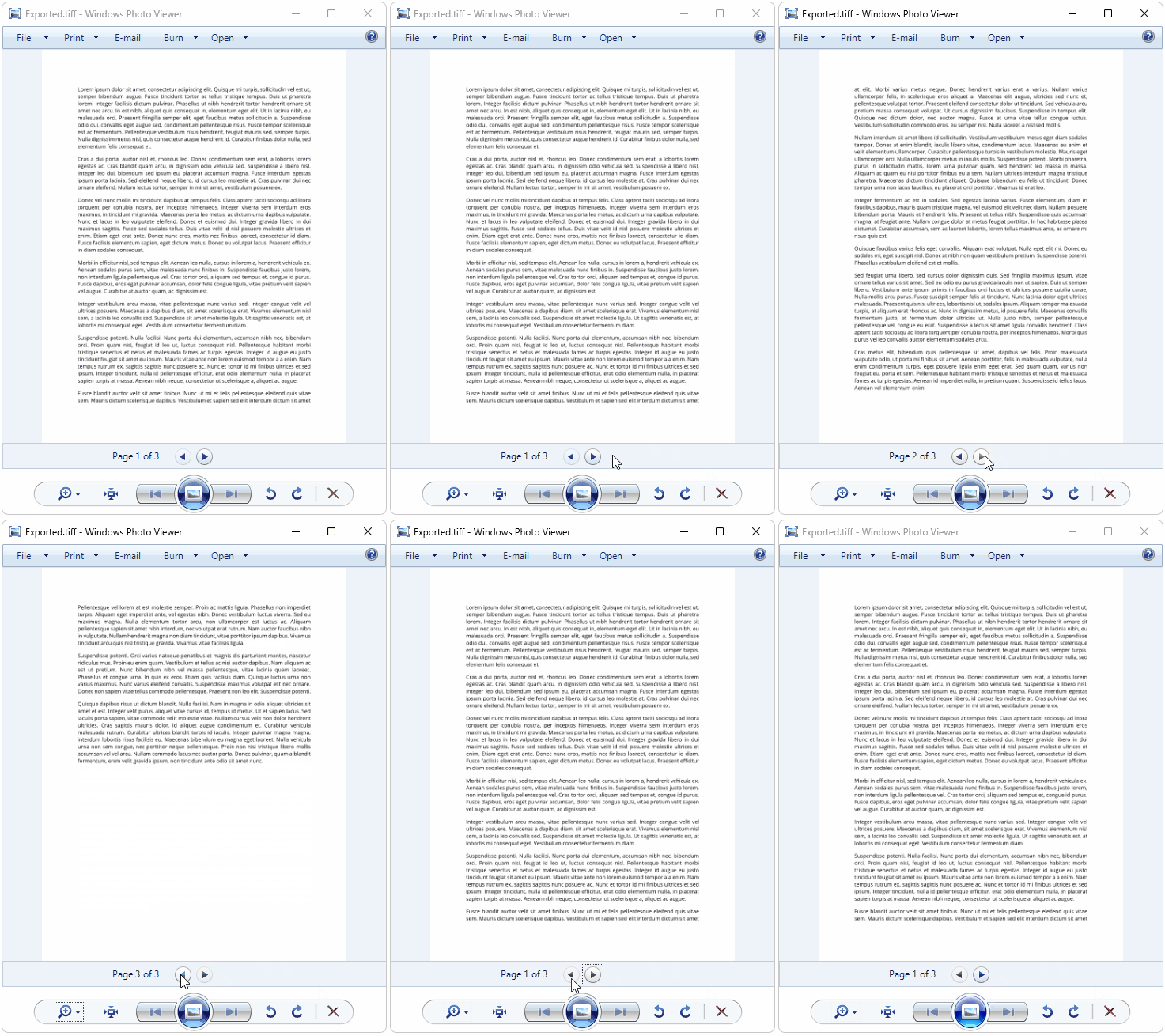
You may need to convert PDF pages into multipage TIFF images for archival purposes or for compatibility with systems that require image formats. Many graphic applications do not directly support this conversion. This article demonstrates how to convert PDF documents to multipage TIFF images with RadPdfProcessing.
Solution
To convert a PDF document to a multipage TIFF image, follow the steps below:
- Use the PdfFormatProvider to import the PDF document.
- Iterate through all the pages (RadFixedPage) of the imported RadFixedDocument.
- For each page, create a thumbnail image.
- Render each thumbnail image to a
RenderTargetBitmap. - Add each rendered bitmap as a frame to a TiffBitmapEncoder.
- Save the encoded TIFF image to a file.
The following code snippet demonstrates this process:
csharp
[STAThread]
private static void Main(string[] args)
{
    string inputFilePath = @"path_to_your_pdf_document.pdf";
    PdfFormatProvider pdfProcessingProvider = new PdfFormatProvider();
    RadFixedDocument document = pdfProcessingProvider.Import(File.ReadAllBytes(inputFilePath));
    ThumbnailFactory factory = new ThumbnailFactory();
    BitmapEncoder encoder = new TiffBitmapEncoder();
    string exportedFileName = "Exported.tiff";
    using (FileStream fileStream = new FileStream(exportedFileName, FileMode.Create))
    {
        foreach (RadFixedPage page in document.Pages)
        {
            ImageSource imageSource = factory.CreateThumbnail(page, page.Size);
            System.Windows.Controls.Image image = new System.Windows.Controls.Image();
            image.Source = imageSource;
            Grid container = new Grid();
            container.Background = Brushes.White;
            container.Children.Add(image);
            container.Measure(new Size(double.PositiveInfinity, double.PositiveInfinity));
            container.Arrange(new Rect(new Point(0, 0), container.DesiredSize));

            RenderTargetBitmap bitmap = new RenderTargetBitmap((int)PageLayoutHelper.GetActualWidth(page),
                (int)PageLayoutHelper.GetActualHeight(page), 96, 96, PixelFormats.Pbgra32);
            bitmap.Render(container);

            encoder.Frames.Add(BitmapFrame.Create(bitmap));
        }
        encoder.Save(fileStream);
    }
    Process.Start(new ProcessStartInfo() { FileName = exportedFileName, UseShellExecute = true });
}
Required Assemblies
- Telerik.Windows.Controls.FixedDocumentViewers.dll
- Telerik.Windows.Documents.Core.dll
- Telerik.Windows.Documents.Fixed.dll
- WindowsBase.dll
- PresentationCore.dll
Notes
- Add references to the required Telerik Document Processing and WPF libraries in your project.
- Adjust the
inputFilePathvariable to point to your PDF document. - The generated TIFF file is saved with the name "Exported.tiff" in the project directory. Change the
exportedFileNamevariable to modify the output file name and location.