Deleting the Installer Packages Cache
Updated over 6 months ago
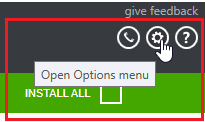
You can clear the installer packages in the download folder by opening the Options menu as shown below.
After the Options dialog pops up, in the DOWNLOAD SETTINGS section you will see the current download location and the DELETE CACHED INSTALLER PACKAGES button below it.
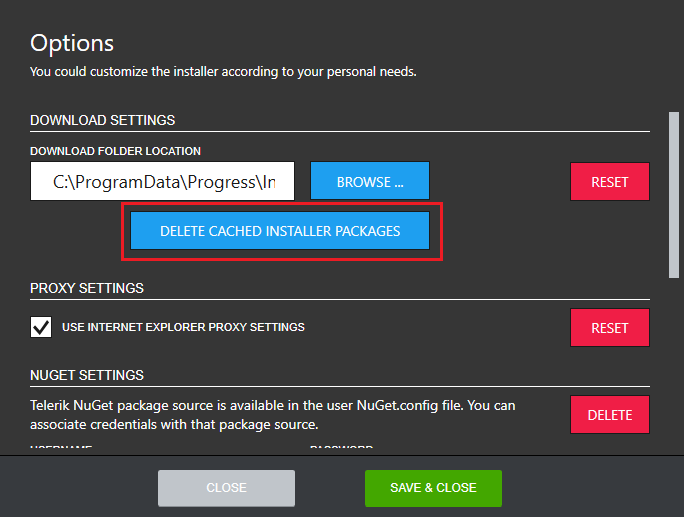
Click DELETE CACHED INSTALLER PACKAGES and confirm the operation.
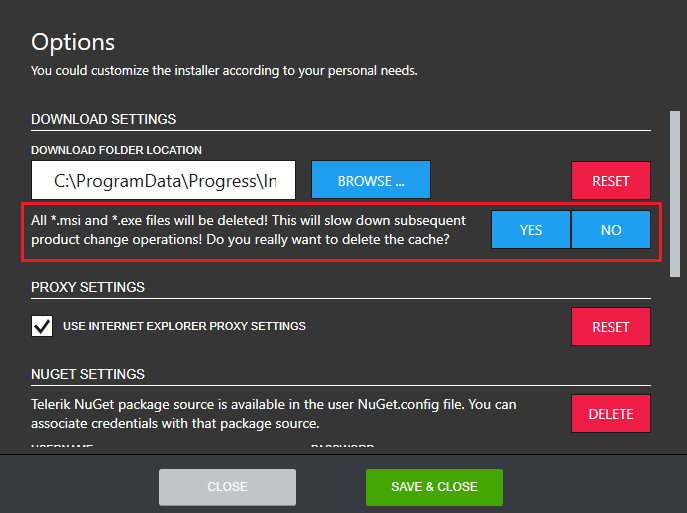
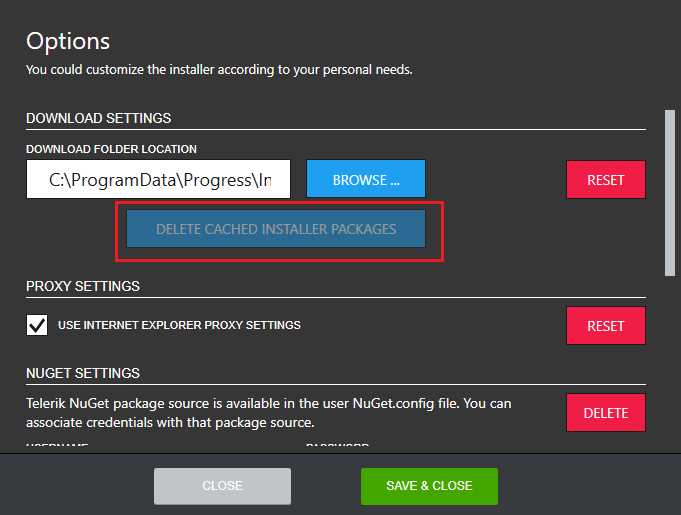
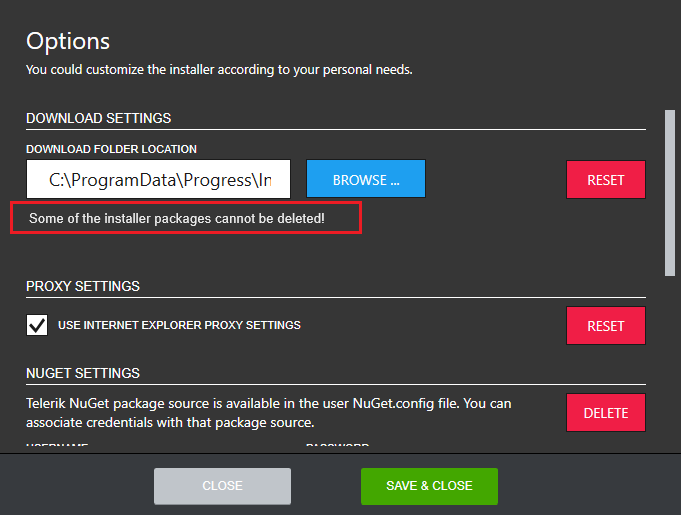
Removing the cached installer packages will lead to disabling the DELETE CACHED INSTALLER PACKAGES button if the operation succeeds or a message will be shown in the case of failure.