Changing the Default Installation Location
Updated over 6 months ago
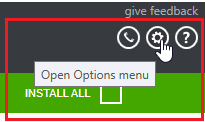
The Progress Control Panel's default install location is [ProgramFilesDir]\Progress. To change this, you should open the Options menu as shown below.
In the Options dialog, the default install location is displayed in the INSTALLATION SETTINGS section.
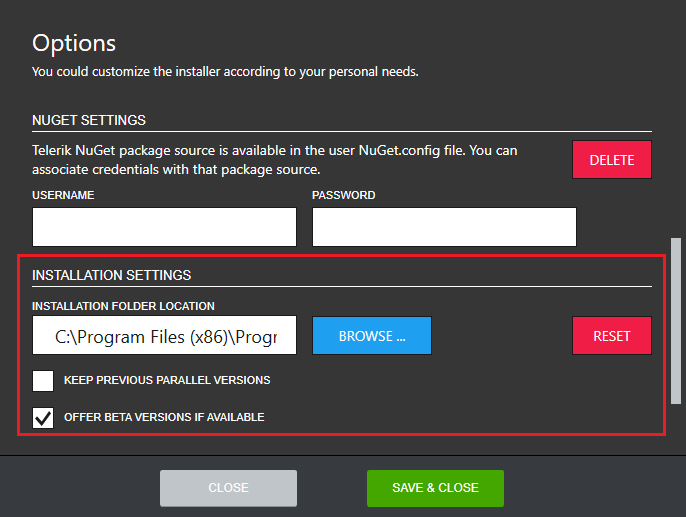
In order to change the download location, click the BROWSE button and navigate to the desired folder. The default section settings can be set back any time by clicking RESET.