New to Telerik UI for WinUI? Start a free 30-day trial
Standard and Compact Styles
Updated on Mar 26, 2026
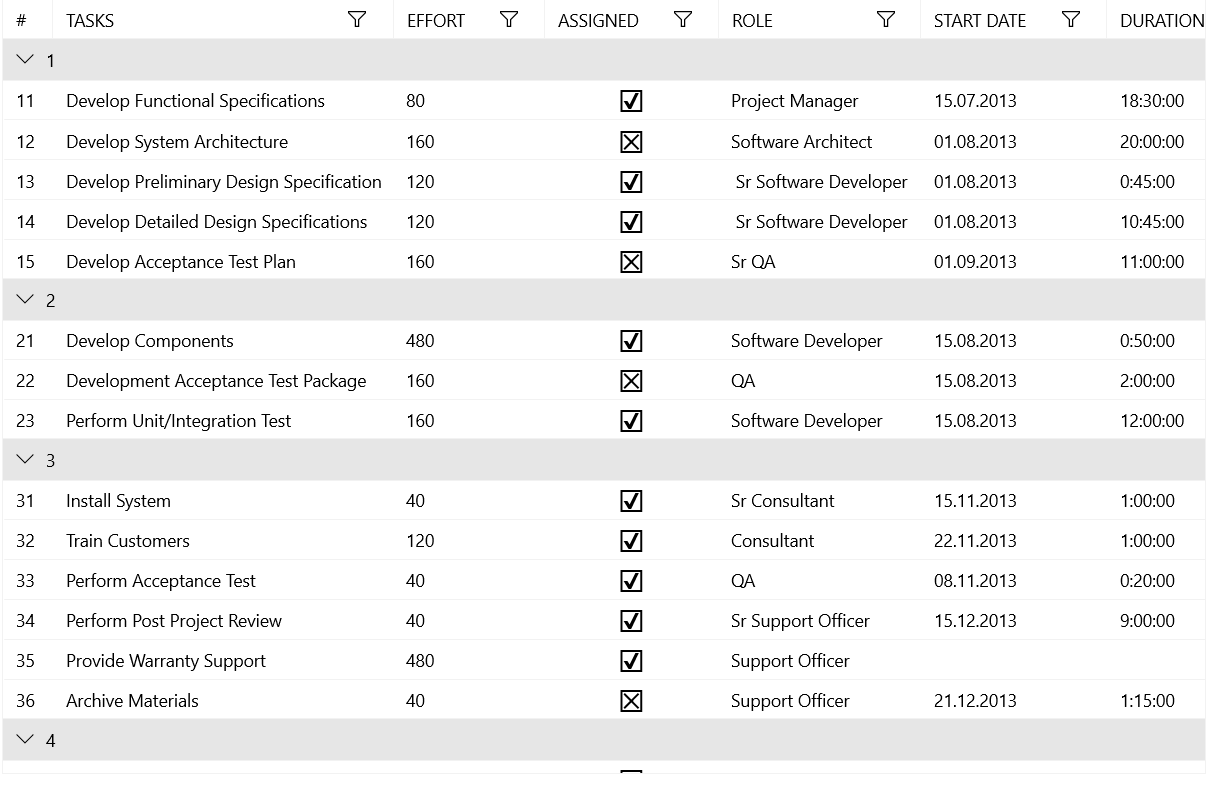
By default, the DataGrid is displayed with a low-density (or Standard) layout. However, you can also display it with a high-density (or Compact) layout.
Compact Sizing
To switch to the compact sizing feature, merge a ResourceDictionary containing the resources that enable the compact mode. The following example shows how to merge two ResourceDictionaries—one with the resources for the native WinUI controls and the other with the resources for the Telerik controls.
Merge the Compact ResourceDictionaries
XAML
<Page.Resources>
	<ResourceDictionary>
		<ResourceDictionary.MergedDictionaries>
			<ResourceDictionary Source="ms-appx:///Microsoft.UI.Xaml/DensityStyles/Compact.xaml" />
			<ResourceDictionary Source="ms-appx:///Telerik.WinUI.Controls/DensityStyles/Compact.xaml" />
		</ResourceDictionary.MergedDictionaries>
	</ResourceDictionary>
</Page.Resources>
DataGrid with a Standard Size
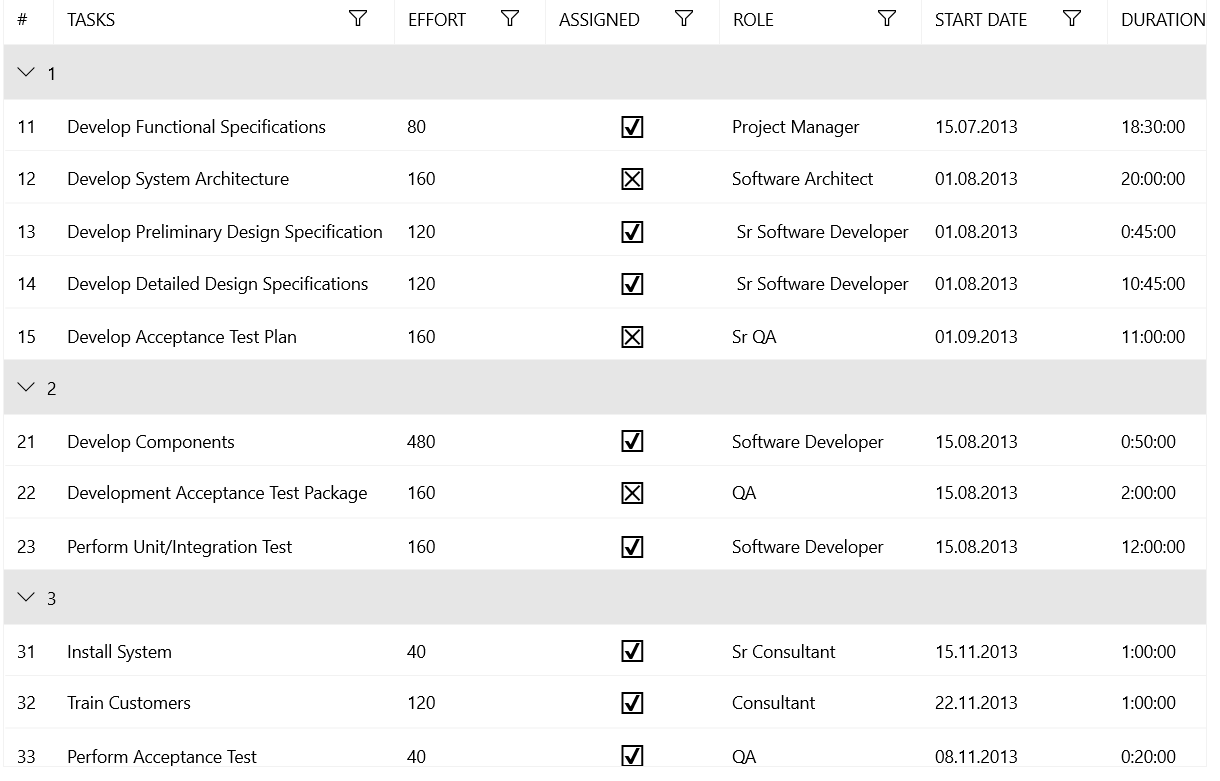
DataGrid with a Compact Size