New to Telerik Test Studio Dev Edition? Start a free 30-day trial
Data Driven Find Expressions
Updated on May 20, 2026
I would like to data drive a find expression and use it to perform an action against or verify an element.
Solution
The example below is against this Telerik demo site.
-
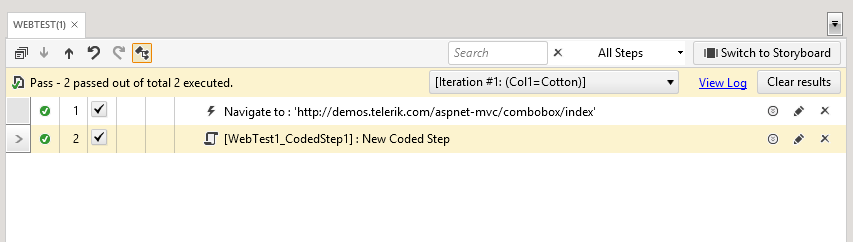
Record a Navigate to step.
-
Open the drop-down for the ComboBox.
-
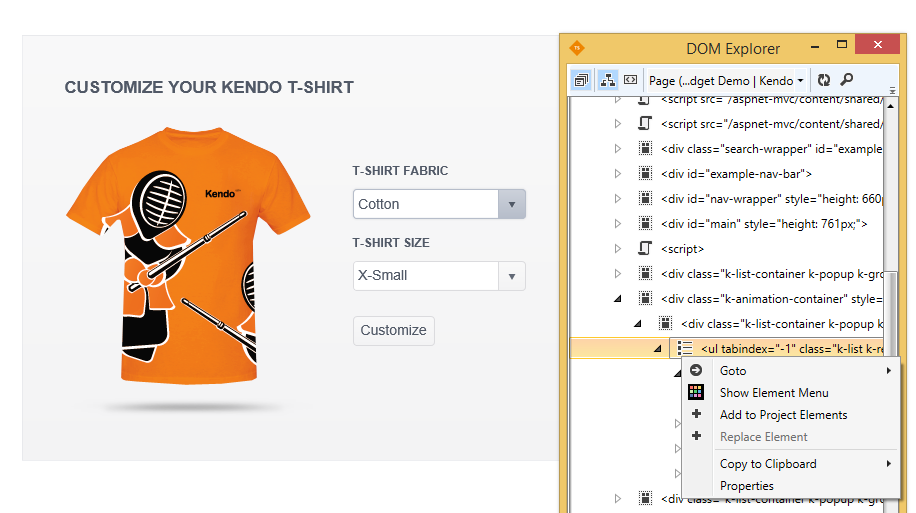
Locate the parent element in the DOM Explorer (see below). Here the Unordered List holds all the child List Item elements. Right click it and select Add to Project Elements.
-
Insert a Coded Step.
-
Use the local data to enter values for the find expression.
-
We will use the Find.ByContent method in the coded step. More information can be found in our Finding Page Elements article. Here's the code for our Script Step:
C#
	HtmlListItem listItem = Pages.TelerikExtensionsForASP.UnorderedList.Find.ByContent<HtmlListItem>(Data["Col1"].ToString());
	Assert.IsNotNull(listItem);
listItem.Click();-
Test Studio Dev uses the data table to find the element in the list, performs an Assert on it, and then clicks it.