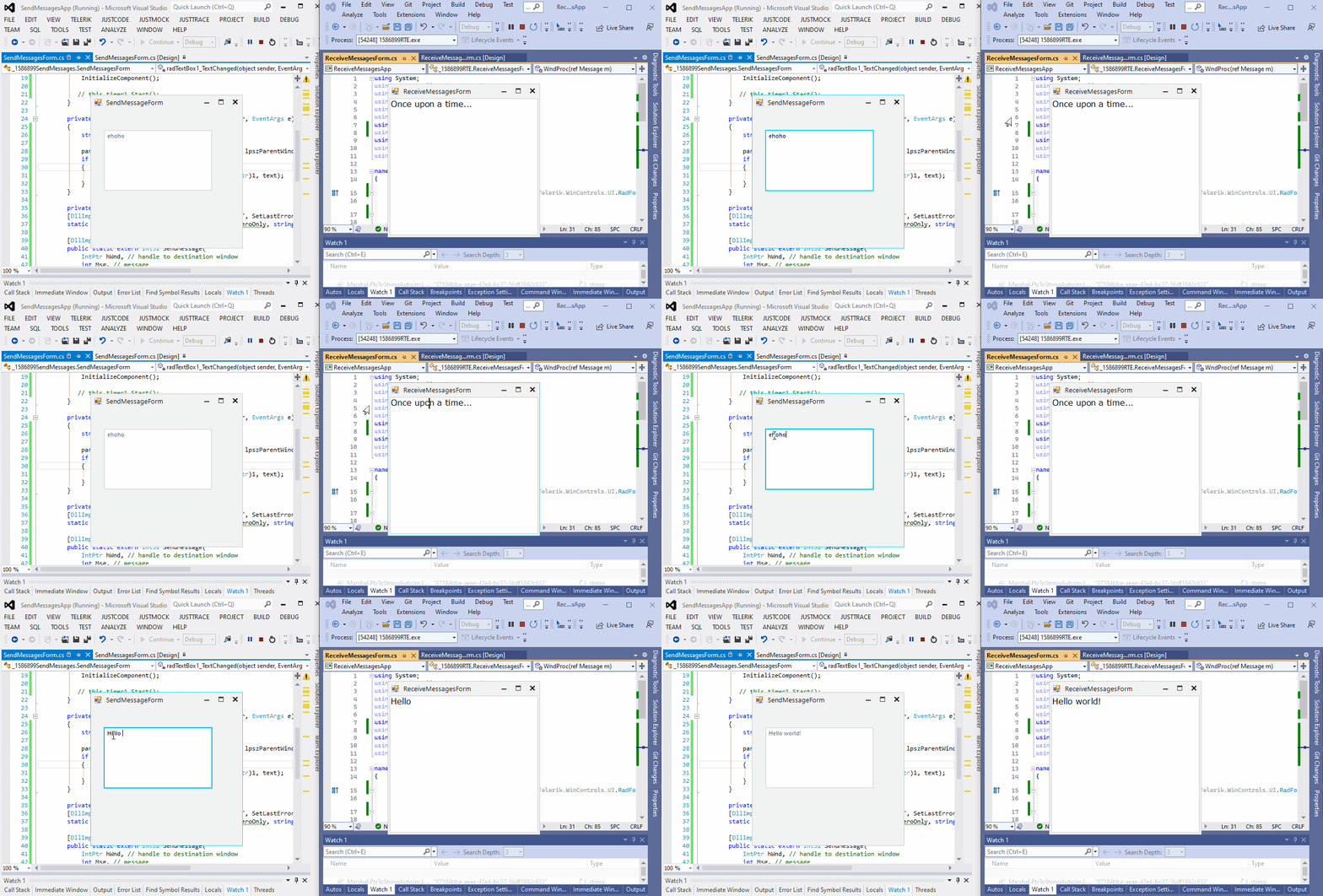
How to Send and Receive Messages Between Windows Forms Applications
Environment
| Product Version | Product | Author |
|---|---|---|
| 2022.3.913 | UI for WinForms | Desislava Yordanova |
Description
This article demonstrates a general approach for transferring messages between two separate Windows Forms Applications.
Solution
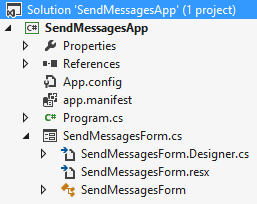
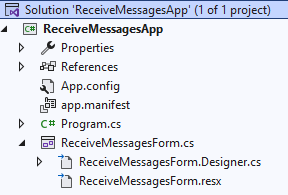
It is necessary to create two separate Windows Forms Applications, one with name "SendMessagesApp" and another one called "ReceiveMessagesApp".
SendMessagesApp
ReceiveMessagesApp
We will use the SendMessage function passing WM_SETTEXT with the input available in a RadTextBox control. The FindWindowByCaption function is used for finding the handle of the "receiver" form. Then, the form that is expecting to receive the message from another application, should override its WndProc method and execute the desired action - in our case this will be inserting the text in a RadRichTextEditor.
This is the code added to the SendMessagesApp:
private void radTextBox1_TextChanged(object sender, EventArgs e)
{
    string text = this.radTextBox1.Text;

    parenthWnd = FindWindowByCaption(IntPtr.Zero, lpszParentWindow);
    if (!parenthWnd.Equals(IntPtr.Zero))
    {
        SendMessage(parenthWnd, WM_SETTEXT, (IntPtr)1, text);
    }
}

private const int WM_SETTEXT = 0x000C;
[DllImport("user32.dll", EntryPoint = "FindWindow", SetLastError = true)]
static extern IntPtr FindWindowByCaption(IntPtr ZeroOnly, string lpWindowName);

[DllImport("User32.dll")]
public static extern Int32 SendMessage(
    IntPtr hWnd, // handle to destination window
    int Msg, // message
    IntPtr wParam, // first message parameter
    String lParam); // second message parameter

string lpszParentWindow = "ReceiveMessagesForm";
IntPtr parenthWnd = new IntPtr(0);
This is the code added to the ReceiveMessagesApp:
public ReceiveMessagesForm()
{
    InitializeComponent();

    this.radRichTextEditor1.Text = "Once upon a time...";
}

private const int WM_SETTEXT = 0x000C;
protected override void WndProc(ref Message m)
{
    if (m.Msg == WM_SETTEXT)
    {
        if (m.WParam == (IntPtr)1)
        {
             this.radRichTextEditor1.Text= Marshal.PtrToStringAuto(m.LParam);
        }
    }
    else
    {
        base.WndProc(ref m);
    }
}
It is important to note that the Text of the receiver form is set to "ReceiveMessagesForm" since the handle is found by the caption.