New to Telerik UI for WinForms? Start a free 30-day trial
Resize using the UI
Updated over 1 year ago
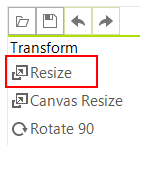
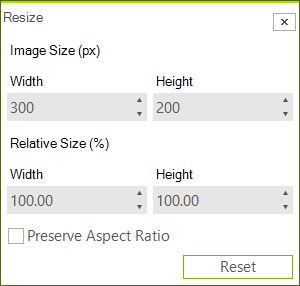
You can use the Resize button which will open the resize dialog. In this dialog you can enter the new size of the image.
Resize Programmatically
You can resize an image that is loaded inside the image editor with code as well. This can be achieved with the Resize method. The following snippet demonstrates this.
Resize Programmatically
C#
radImageEditor1.ImageEditorElement.Resize(500, 500);
radImageEditor1.ImageEditorElement.SaveState();