New to Telerik UI for WinForms? Start a free 30-day trial
Tooltips
Updated on May 7, 2026
There are two ways to assign tooltips to RadCheckBox, namely setting the ToolTipText property of the ButtonElement, or as in most of the RadControls by using the ToolTipTextNeeded event of RadCheckBox. It is necessary the ShowItemToolTips property to be set to true which is the default value.
Setting the ToolTipText property
C#
this.radCheckBox1.ButtonElement.ToolTipText = "CheckBox tool tip";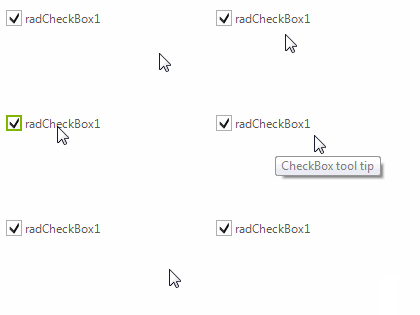
Setting tool tips in the ToolTipTextNeeded event
C#
private void radCheckBox1_ToolTipTextNeeded(object sender, Telerik.WinControls.ToolTipTextNeededEventArgs e)
{
    e.ToolTipText = "I am a checkbox";
}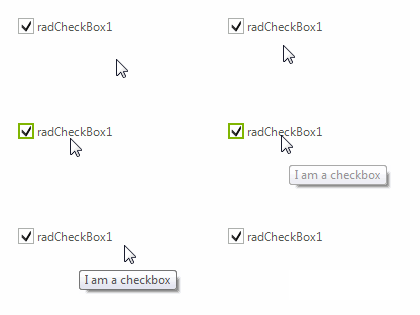
The ToolTipTextNeeded event has higher priority and overrides the tool tips set in the ToolTipText property.