Resend a Request
Updated on Aug 3, 2026
You can resend a request directly from the Sessions List, or save requests to resend in the Composer.
Resend a Request from the Sessions List
- Select one or more sessions in the Sessions List.
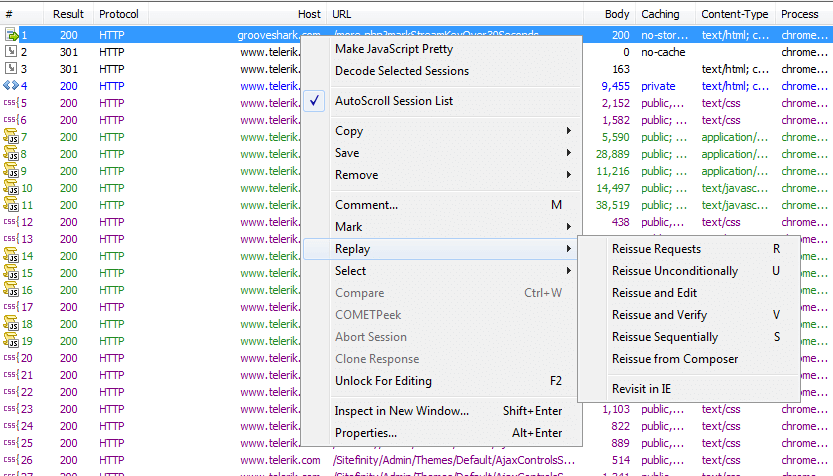
- Press R or right-click the session(s) and click Replay > Reissue Requests.
Resend a Session from the Composer
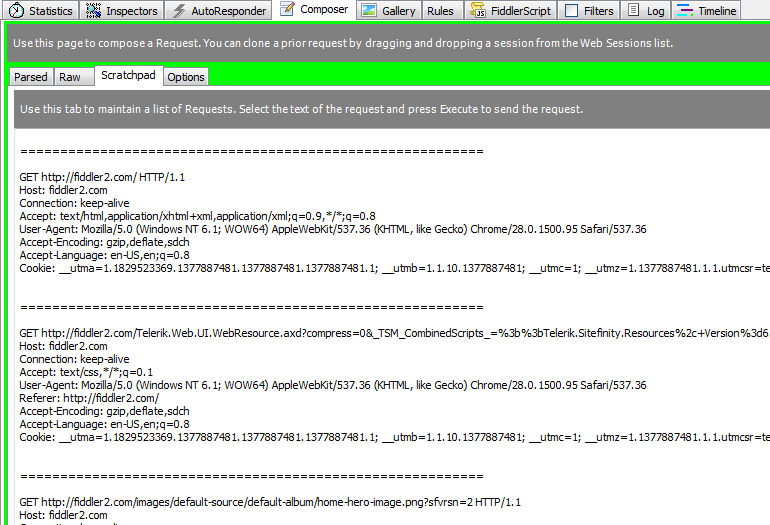
- Click the Composer tab.
- In the Composer tab, click the Scratchpad tab.
- Click and drag one or more sessions from the Sessions List.
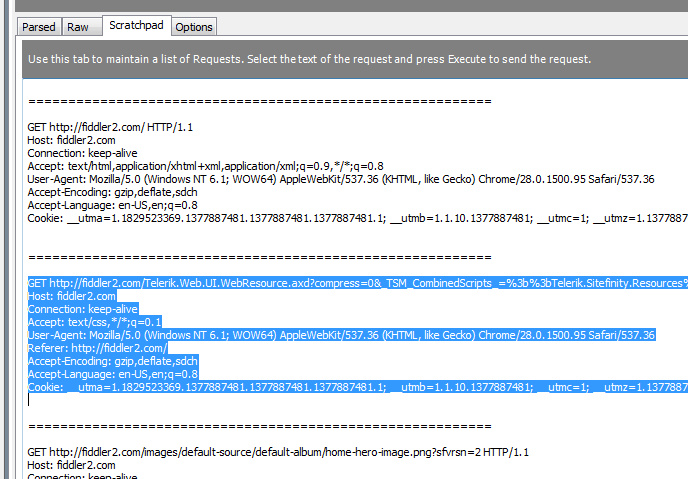
- Triple-click the content of a session in the Scratchpad to select the entire session contents.
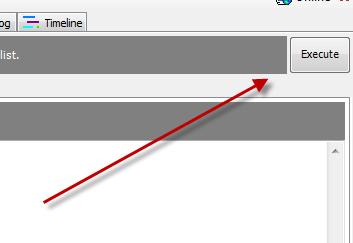
- Click Execute to reissue the request(s).