Modify Matching Rules
Updated on Aug 3, 2026
Edit Rule
-
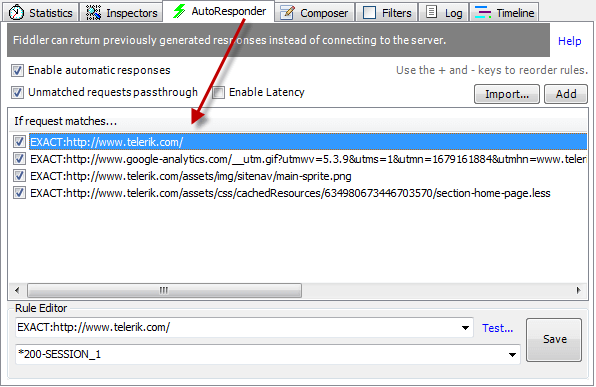
Select a rule from the Autoresponder ruleset.
-
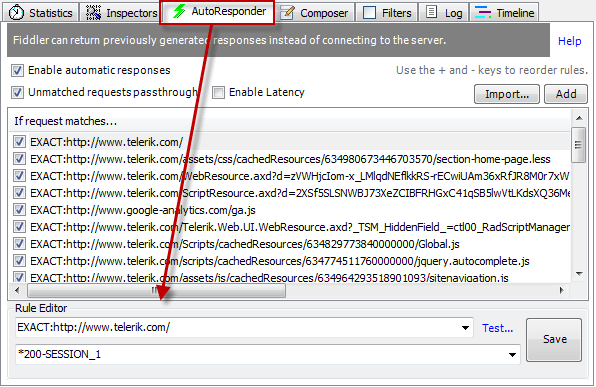
At the bottom of the Autoresponder tab, under the Rule Editor:
- Type a match rule in the top field.
- Type an action string in the bottom field.
Select Active Rules
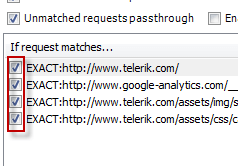
- To enable or disable a rule, click the checkbox next to the rule.
Set rule priority
To change the priority of a rule in the ruleset:
-
Select a rule from the Autoresponder rulset.
-
Move the rule up or down in the ruleset:
- Click and drag the rule to the correct location in the ruleset.
- Press + to move the rule up in the list or press - to move the rule down in the list.