
Beyond Boilerplate: Production-Ready Code for Business Apps
Bring Telerik and Kendo UI expertise into the AI coding assistant you already use, so UI works with less rewriting, fewer surprises and faster delivery.
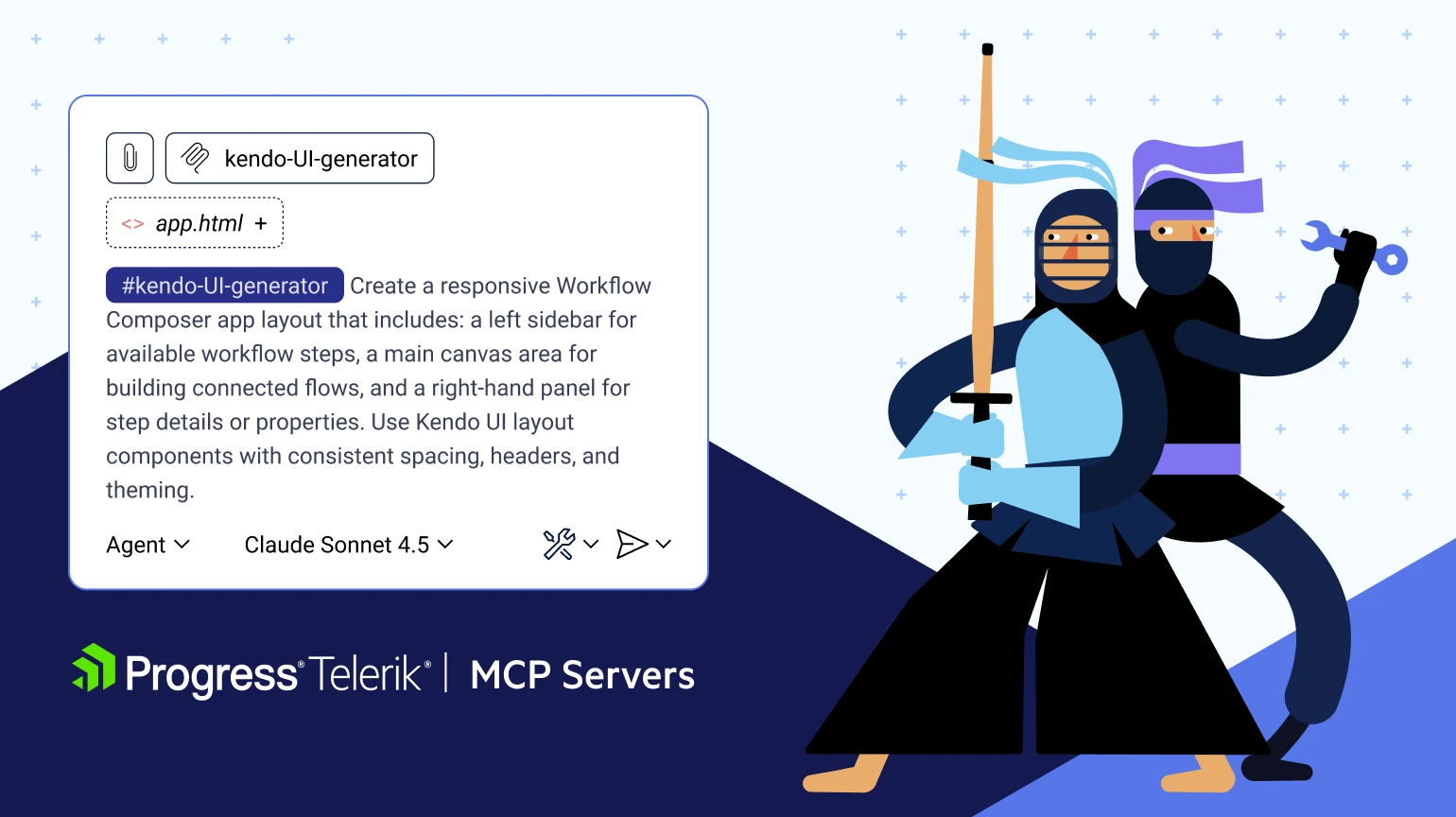
AI Productivity Across Telerik & Kendo UI
Teams have relied on our UI libraries to build business apps the right way for decades. Our AI Tools bring deep context from that codebase into your IDE.
- Generate Complete Pages:Create entirely styled, accessible, and connected pages with multiple components.
- Get Component-Level Help:Generate component code and get help setting them up.
- Built for Quality and Token Efficiency:Continuous improvements and optimizations have reduced token consumption by 45% in selected products while improving output quality.
Choose Your Workflow: Automated UI Generation or Component-Level Assistance
Generate complete pages with the Agentic UI Generator, or generate, configure and refine individual components when that is all you need. Choose what fits the task without changing your existing AI workflow.
Telerik Agentic UI Generator
Turn prompts into working pages built on Telerik and/or Kendo UI. Easily integrating with your already existing workflow, the AI UI Generator understands our components and patterns, fits enterprise needs and outputs clean code you can keep.
- Gain up to 50% extra productivity, as reported by our existing customers.
- Automate layout building, scaffolding and styling of entire pages, and connect multiple components together.
- Work in your IDE and AI coding assistant of choice, with no workflow change needed. Use the AI model already approved by your organization, whether cloud-hosted or locally deployed.
- Accessibility, performance, and best practices make it suitable for enterprise-level complex projects.
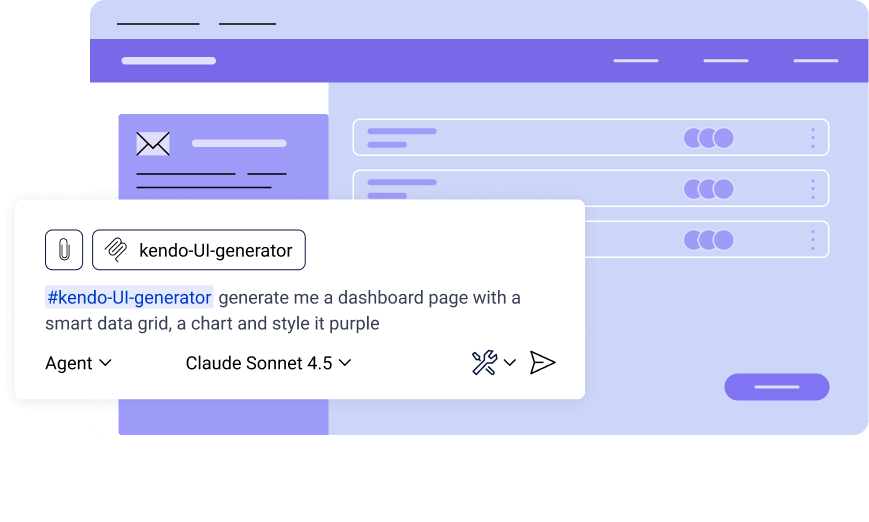
You already use an AI coding assistant, but it doesn't have deep Telerik or Kendo UI context. You spend more time correcting AI-generated code, choosing and configuring components, applying layout and styling and validating the results.
You describe the page. The Agentic UI Generator picks the right components, sets layout and theme, binds data and writes code in your project. You review the diff, tweak props and commit.
Remote MCP Server Prerequisite: To make use of the MCP servers you must have an already set up IDE and an active Telerik subscription or trial.
- Kendo UI subscription
- KendoReact subscription
- Telerik UI for Blazor subscription
- DevCraft UI subscription
- DevCraft Complete subscription
- DevCraft Ultimate subscription
Telerik and Kendo AI Coding Assistants
The Progress® Telerik® and Progress® Kendo UI® AI Coding Assistants are MCP servers that provide proprietary context to your AI-enabled IDE of choice.
- Gain up to 30% extra efficiency or more by generating specialized code, as reported by our existing customers
- Automate repetitive tasks such as generating code for adding new or configuring existing components
- Based on Telerik and Kendo UI API, Docs, source code, and examples
- Fetches info from documentation and helps troubleshoot any component problem
- Automatically convert standard WinForms controls, APIs, grids, and designer elements into Telerik UI equivalents using structured rules.
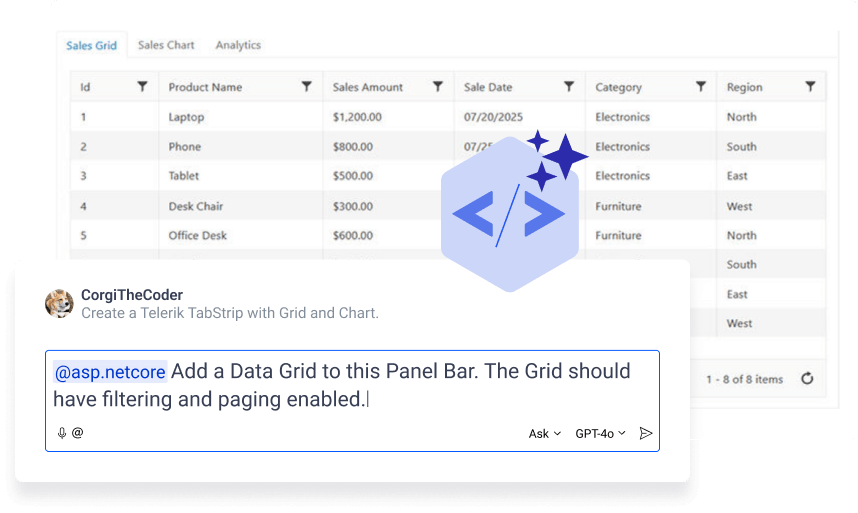
LLMs guess component names and props, give wrong imports and outdated patterns. You spend time fixing bindings and examples.
The Assistant understands Telerik and Kendo UI. It suggests the right APIs, adds the correct imports, configures bindings and explains why, so the code runs with less rework.
- MCP server via NPM and NuGet Prerequisite: To make use of the MCP servers you must have an already set up IDE and an active Telerik subscription or trial.
- Included in all active subscriptions
Build Real Pages with the Agentic UI Generator
Explore generated Blazor, Angular, and React pages built with Telerik and Kendo UI components. Review the output, inspect the prompt, and follow the video walkthrough to see how each project comes together.
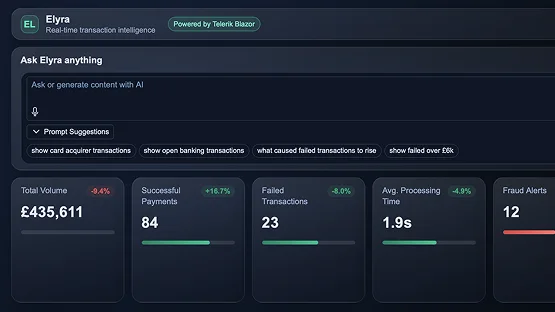
Fintech Operations Dashboard
Monitor payments, transactions, and key metrics in one responsive dashboard.
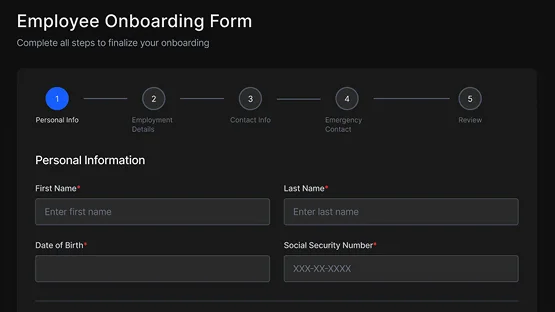
Employee Onboarding Flow
Guide new hires through a validated multi-step onboarding process.
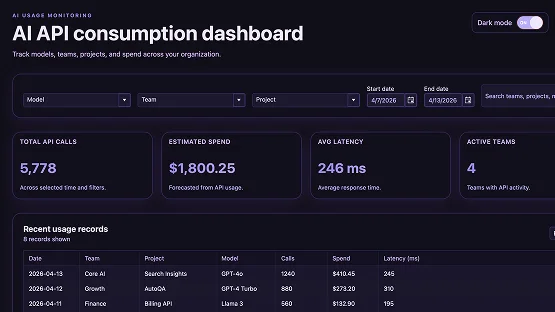
AI Usage Monitor
Track token usage, cost, latency, and model performance in one view.
See It In Action
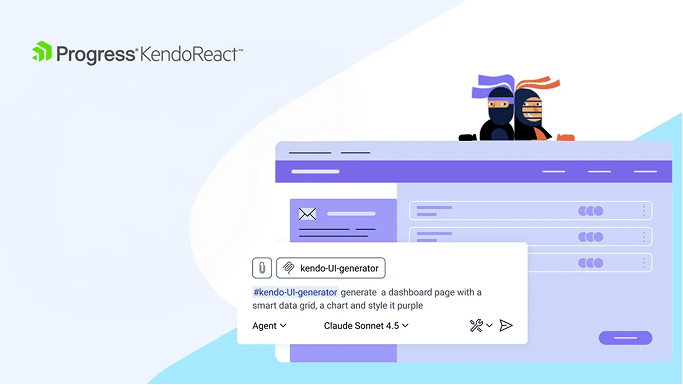
Follow these short walkthroughs showing the difference MCP servers make and generating your first AI UI.
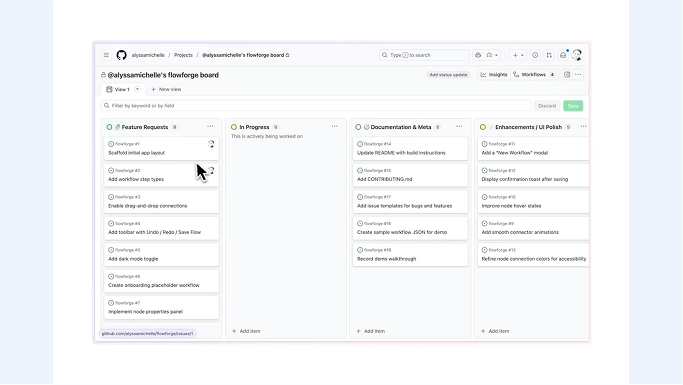
Everything a Developer Needs from AI
AI that works inside your IDE and knows Telerik & Kendo UI—so code compiles cleaner and pages come together faster.
Grounded in Telerik & Kendo UI
Give your AI coding assistant Telerik and Kendo UI-specific context so it generates more accurate UI, requires fewer prompt iterations, and produces production-ready code faster.
Use What You Need
Just need component help? Use the Coding Assistant. Want to set up, style and theme pages with a single prompt? Upgrade to the Agentic UI Generator.
Use Your AI Assistant of Choice
Keep using GitHub Copilot, Cursor, Claude Code, or another AI coding assistant together with the AI model already approved by your organization, whether cloud-hosted or locally deployed.
Work in Your Favorite IDE
Continue working in the IDE and AI coding assistant you already use. Telerik integrates into your existing workflow without changing it.
With Accessibility in Mind
Apply WCAG 2.2 Level AA guidance during implementation, not after it. Generate with ARIA usage, keyboard navigation and semantic markup.
Included with Your Subscription
Telerik MCP Servers are included with supported active subscriptions. You can also try them with a free trial.
Try Telerik and Kendo UI MCP Servers
Trying is free and easy. Select your framework, start a free trial, and follow the guided CLI setup to get started in your existing development environment.
The MCP servers are part of our product trial. Select a product below and start a trial.
Select your framework- Install the component library.
- Follow the instructions in the documentation to install the MCP server.
Choose Telerik or Kendo UI library and follow the installation instructions.
Select a component library to try- Install the Telerik or Kendo UI MCP Server. A link to the documentation can be found in your Getting Started material.
Kendo UI 2024 Q2 Release Webinar - Kendo UI for Angular, jQuery, Vue and KendoReact
MCP servers that add Telerik and Kendo context to your AI-enabled editor. Generate and configure components, scaffold and refactor code, get API-aware explanations, and pull in docs to troubleshoot.
Video Title
Video Title

Video Title 1
Video Title 2

Video Title 3
Video Title 4
Video Title 5
Build AI-Ready Experiences
with Telerik and Kendo UI
Add AI functionality to your apps without building UI from scratch. The Telerik and Kendo UI AI Components Hub brings together our ready-to-use AI focused components, as well as our updated Smart Grid features so you can quickly add AI driven experiences to new or existing projects.
- AI Chat Component
- Inline AI Prompt Component
- Smart Grid AI Data Highlight
- Smart Grid AI Column Assistant

What Our Customers Say
When trying out new components, the Telerik Coding Assistant for Blazor help us get going quickly. Instead of diving deep into the documentation, we simply ask it to use a component and use our code structure, and we're instantly 90% of the way there.

Progress Telerik isn’t just adding AI for hype—it’s thoughtfully embedding intelligent features into its platform to genuinely boost developer productivity. By focusing on practical integrations, Progress delivers AI solutions that make a real difference for software teams and their workflows.

Buy a Subscription for Full Access
These are our most popular packages.
Kendo UI
Subscription
per developer, per year
Unlimited number of support incidents
- JavaScript UI components for jQuery, Angular, React and Vue
- Telerik and Kendo UI Kits for Figma
- Page Templates, Buidling Blocks & ThemeBuilder Ultimate
- MCP Servers
DevCraft UI
Subscription
per developer, per year
Unlimited number of support incidents
- .NET and JavaScript UI components for web, desktop and mobile
- Document processing libraries
- Telerik and Kendo UI Kits for Figma
- Page Templates, Buidling Blocks & ThemeBuilder Ultimate
- MCP Servers
Most Popular DevCraft Complete
Subscription
per developer, per year
Unlimited number of support incidents
- .NET and JavaScript UI components for web, desktop and mobile
- Document processing libraries
- Embedded reporting for web and desktop
- Mocking solution for rapid unit testing
- Page Templates, Buidling Blocks & ThemeBuilder Ultimate
- AI Report Generator
- Single sign-on (SSO) with SCIM provisioning
- MCP Servers
DevCraft Ultimate
Subscription
per developer, per year
Phone support
Remote web assistance
Ticket pre-screening
Issue escalation
- .NET and JavaScript UI components for web, desktop and mobile
- Page Templates & Buidling Blocks
- Document processing libraries
- End-to-end report management solution
- ThemeBuilder Enterprise
Frequently Asked Questions
- Do I need another AI subscription or LLM to use Telerik MCP Servers?
- Can I keep using GitHub Copilot, Gemini, Claude or my organization's approved AI environment?
- How is this different from using GitHub Copilot, Gemini, Claude or ChatGPT on its own?
- Does the Telerik MCP Server have access to my source code?