Configure Columns
Updated on Aug 3, 2026
Rearrange Columns
-
To reorder the columns, drag a column header to the left or the right.
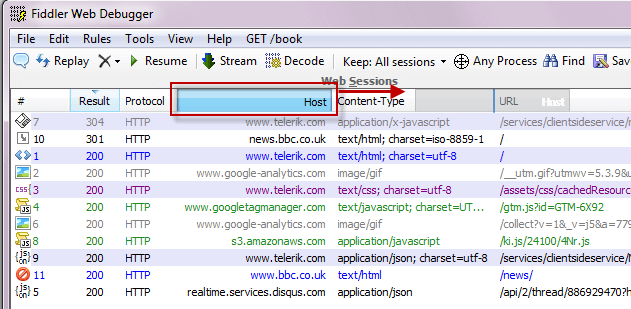
-
To resize a column, drag the edge of a column header.
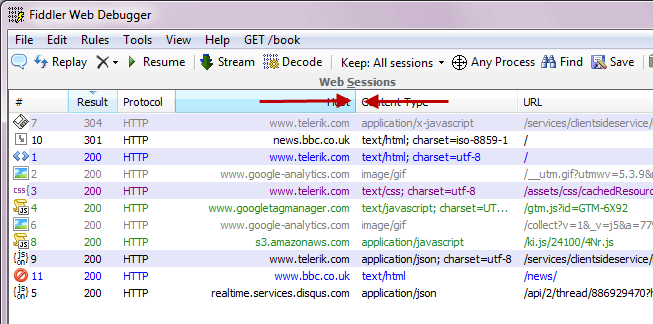
Add Custom Columns
Use on of these methods:
- Use the Customize Columns menu.
- Right-click the top of a column and select Customize Columns....
 2. Click the Collection drop-down menu and select the collection that will populate the column.
 3. Enter the name of the collection member that will populate the column and the title of the column.
 - Use QuickExec to add a temporary column
txt
cols add [Title] FlagName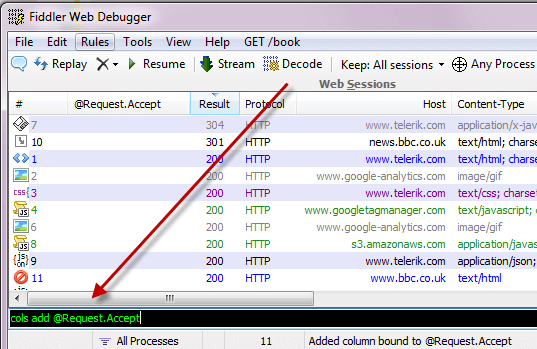
Columns added using QuickExec will be removed the next time Fiddler Classic starts. For more QuickExec column commands, see the QuickExec Reference.
- Customize rules with FiddlerScript
- Call the AddBoundColumn method from an IFiddlerExtension Call the AddBoundColumn method from an [IFiddlerExtension], passing a getColumnStringDelegate as the third parameter.