
Continuously
Growing ASP.NET AJAX UI Library
Accelerate web development with Telerik UI for ASP.NET AJAX – a proven, mature library that keeps evolving, featuring AI Coding Assistant, UI customization, and more.
30-day FREE trial. Free technical support during your trial. No credit card required.
ASP.NET AJAX UI Components are also included in Telerik DevCraft bundles.
Learn more.
120+ Comprehensive
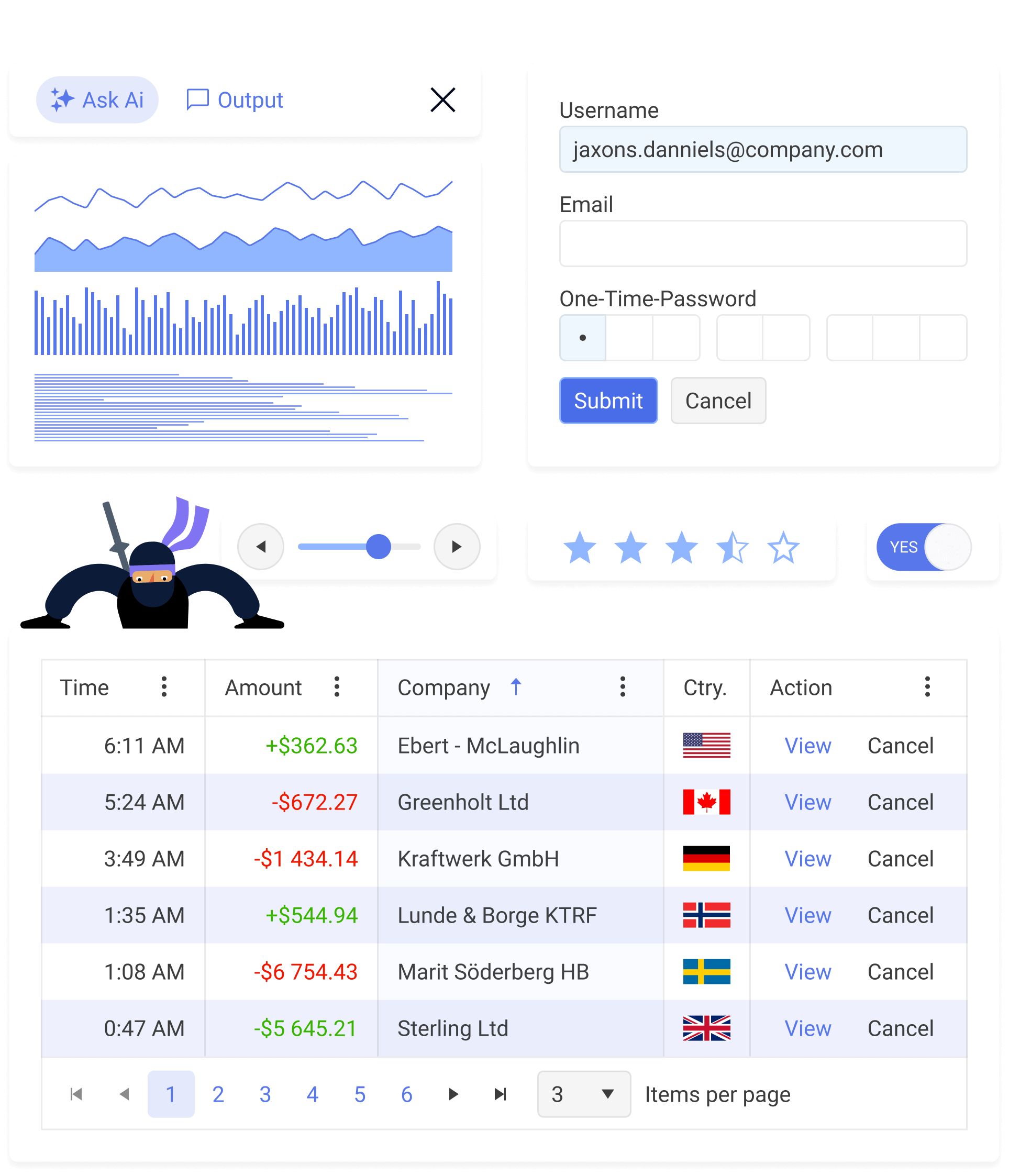
ASP.NET AJAX UI Components
Create data-rich, polished apps twice as fast with reliable, accessible, and consistent Telerik UI for ASP.NET AJAX UI components.
Featured Components

- Built-in paging, sorting, filtering and grouping
- Various export options
- Adaptive mobile rendering
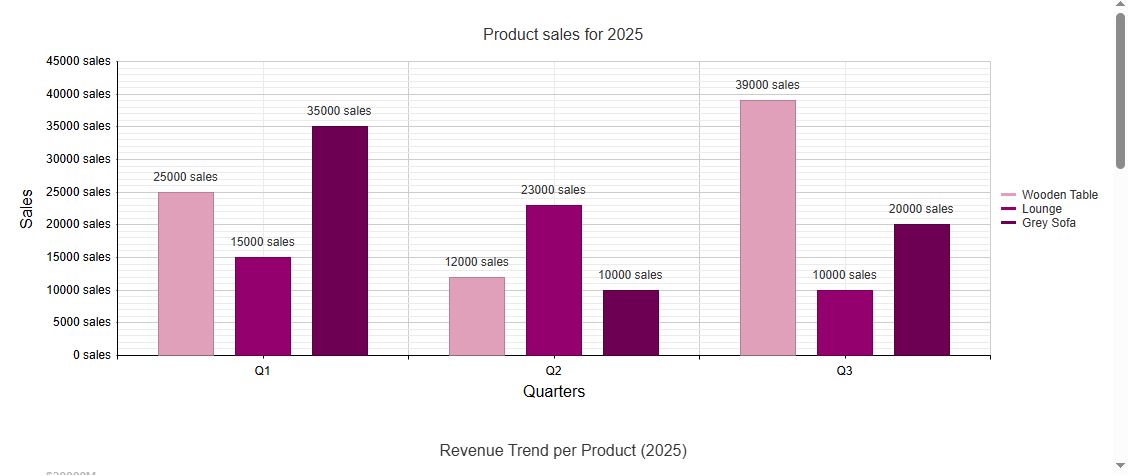
- Wide-ranging DataViz: from Bar Chart to Pyramid
- Customizable appearance
- Drilldown functionality
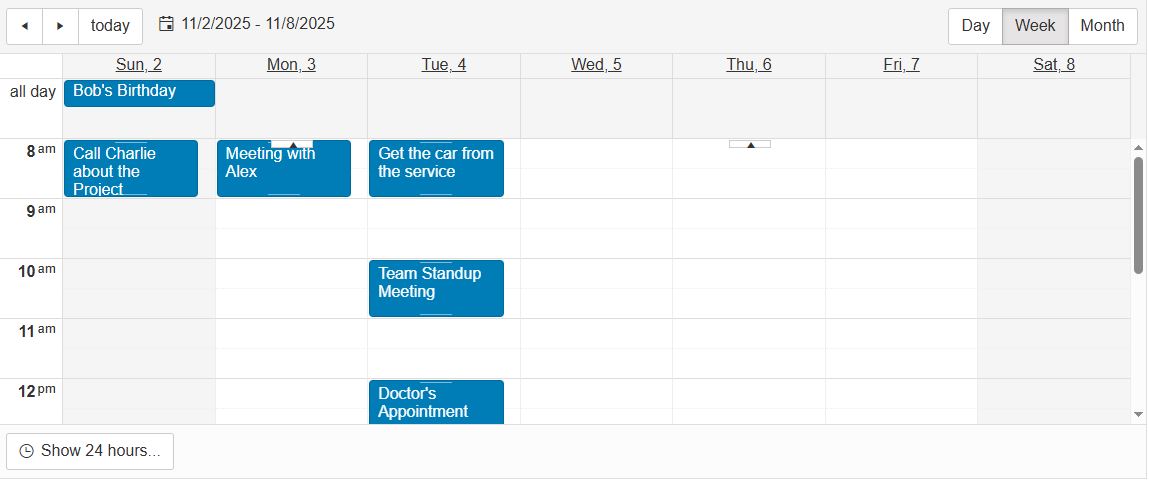
- Powerful and feature-rich
- Support for recurring appointments and resources
- Accessibility and internationalization

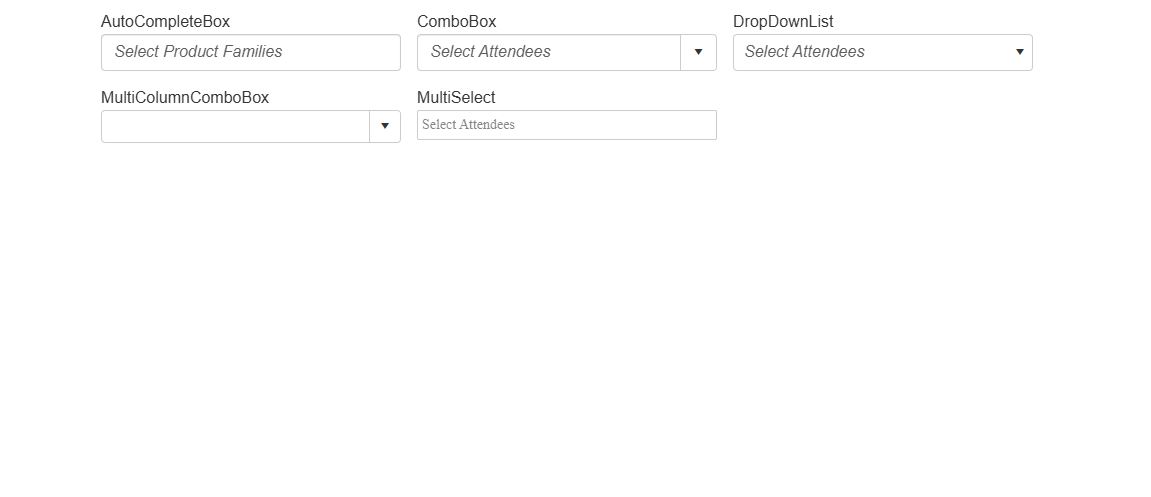
- Virtual scrolling improved performance
- Mobile support
- Accessibility and internationalization
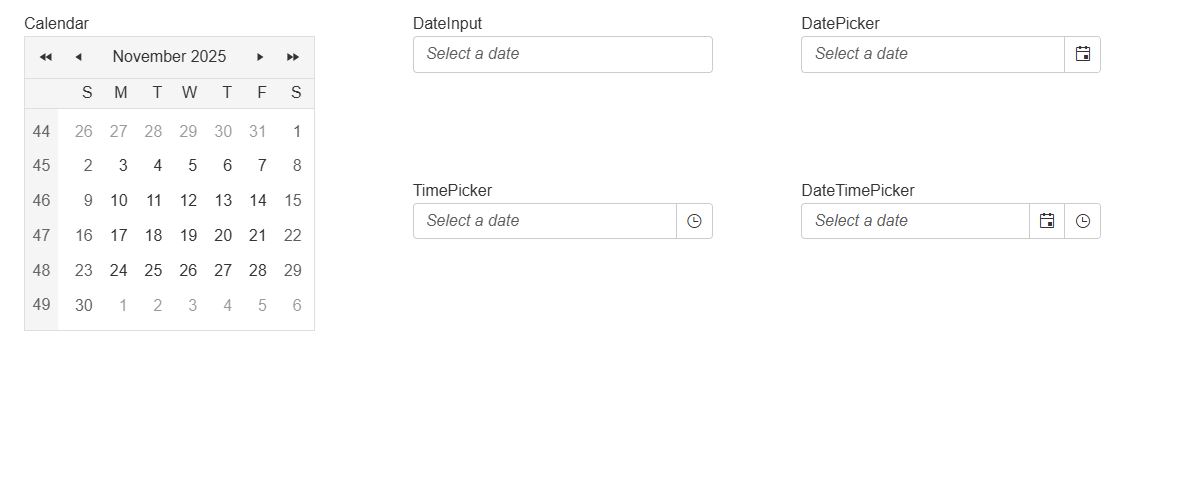
- Customizable for app consistency
- Static and dynamic shared calendar
- Built-in validation
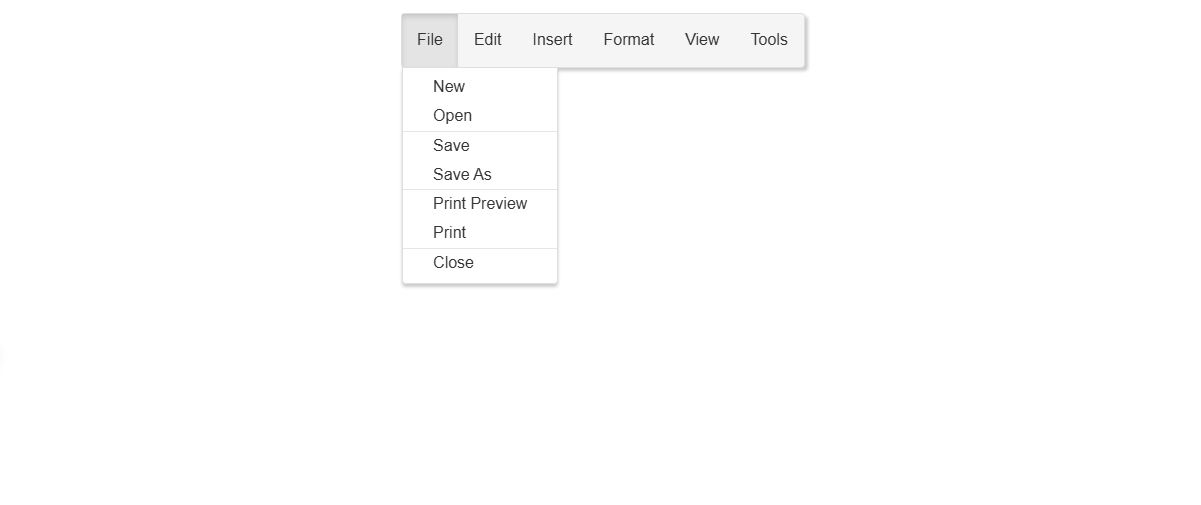
- Scrolling and multi-column menu
- Context menu
- Rich appearance and orientation configuration capabilities
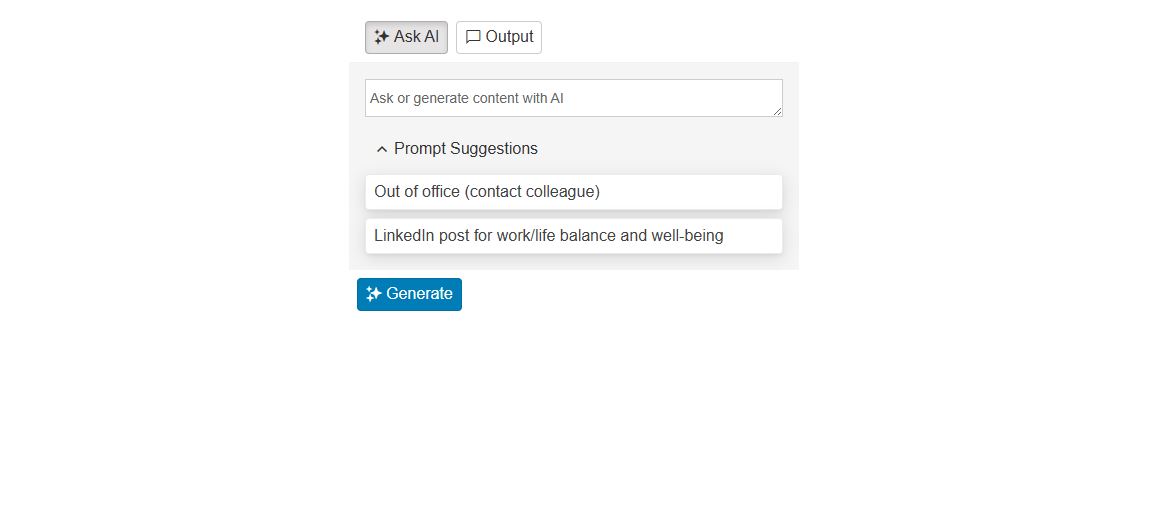
- Customizable appearance
- Custom view using templates
- Keyboard navigation and Right-to-left support
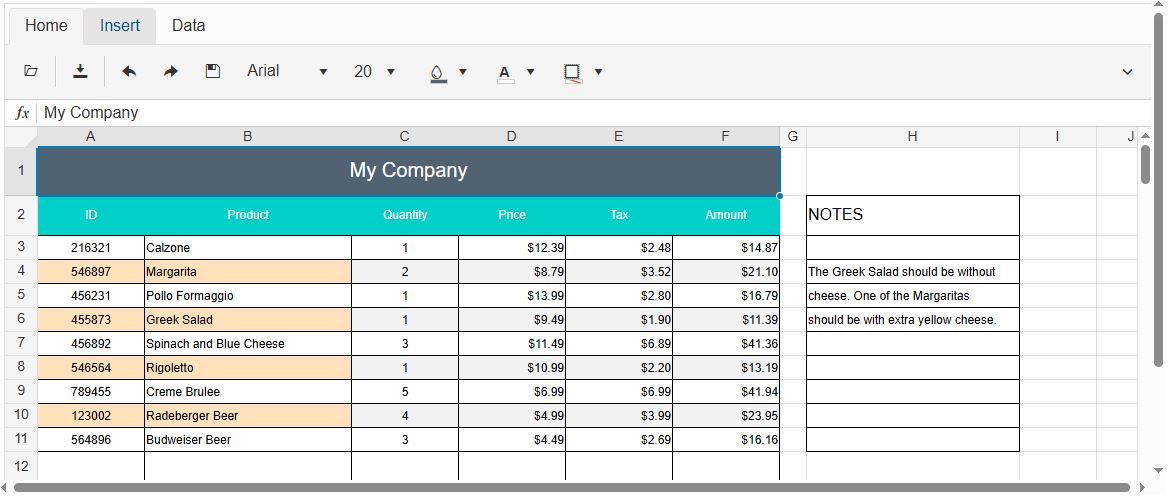
- Custom styles to cells, rows, columns or regions
- Full set of tools
- Quick and easy localization
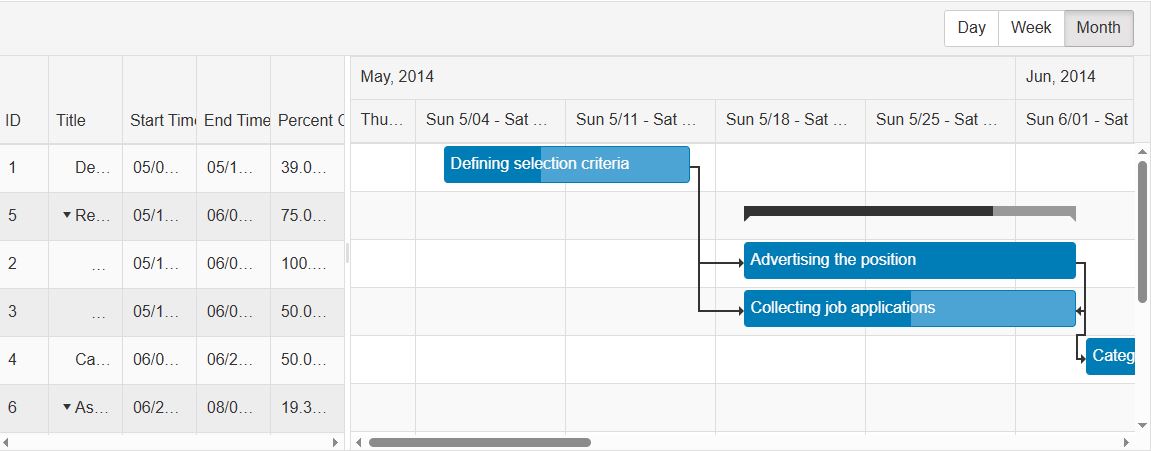
- Task summaries and percentage of completion
- Customizable task edit capabilities
- Integrated sorting, reordering and resizing
Unprecedented Productivity
with AI Coding
The Telerik AI Coding Assistant is specifically trained on the Telerik UI for ASP.NET AJAX component library to ensure developers get production-quality code when working in their favorite IDE. It’s like having an extra team member who:
- Automates repetitive tasks such as generating code for adding new and configuring existing components.
- Finds answers to questions from the API documentation and other knowledge repositories.
- Troubleshoots problems related to the component libraries.
Go straight to the AI Assistant Getting Started article if you are ready to try.

Telerik AI Component Assistant - Overview
Exceptional Developer Experience
Telerik UI for ASP.NET AJAX streamlines your workflow without slowing you down
- Legendary support from the engineers who build the library
- Detailed technical and design documentation
- IDE-integrated AI Coding Assistant
- Easy integration thanks to a consistent API
- Leading edge performance for data-heavy apps
- Responsive UI components
- Regular releases, new components, features and bug fixes
- Internationalization & localization
An ASP.NET AJAX Component Library
Built for Accessibility
Telerik UI for ASP.NET AJAX components offer unmatched built-in accessibility and comply with WCAG 2.1, WAI-ARIA and Section 508.

Explore All 120+
ASP.NET AJAX UI Components
120+ high-performant WebForms components, AI Coding Assistant, over 20 built-in skins, and ThemeBuilder.
Flexible Packaging Tailored to Your Needs
Save up to 25% upfront, get exclusive AI productivity tools and more and on yearly plan.
One-time purchase includes renewable one year support and maintenance
Subscription: Save up to 25% upfront, get exclusive AI productivity tools and more and on yearly plan.
Perpetual: One-time purchase includes renewable one year support and maintenance
Telerik UI for ASP.NET AJAX
per developer,
per year
- 120+ Web Forms UI components for any app scenario
- Document processing libraries
- MCP Servers
DevCraft UI
per developer,
per year
- Page Templates and Building Blocks are available for Kendo UI for Angular, KendoReact and Telerik UI for Blazor.
10 support incidents
- .NET and JavaScript UI components for web, desktop and mobile
- Document processing libraries
- Telerik and Kendo UI Kits for Figma
- Page Templates, Buidling Blocks & ThemeBuilder Ultimate
- MCP Servers
DevCraft Complete
per developer,
per year
- Page Templates and Building Blocks are available for Kendo UI for Angular, KendoReact and Telerik UI for Blazor.
Unlimited number of support incidents
- .NET and JavaScript UI components for web, desktop and mobile
- Document processing libraries
- Embedded reporting for web and desktop
- Mocking solution for rapid unit testing
- Page Templates, Buidling Blocks & ThemeBuilder Ultimate
- Single sign-on (SSO)
- MCP Servers
DevCraft Ultimate
per developer,
per year
- Page Templates and Building Blocks are available for Kendo UI for Angular, KendoReact and Telerik UI for Blazor.
Phone support
Remote web assistance
Ticket pre-screening
Issue escalation
- .NET and JavaScript UI components for web, desktop and mobile
- Document processing libraries
- End-to-end report management solution
- Embedded reporting for web and desktop
- Mocking solution for rapid unit testing
- ThemeBuilder Enterprise
- MCP Servers
Telerik UI for ASP.NET AJAX
per developer,
renewable at 50% of the list price
per developer
- Subscription Only:
- MCP ServersNew
- 120+ Web Forms UI components for any app scenario
- Document processing libraries
- MCP Servers
DevCraft UI
per developer,
renewable at 50% of the list price
- Subscription Only:
- Page Templates
- Building Blocks
- ThemeBuilder Tool
- MCP Servers New
10 support incidents
- .NET and JavaScript UI components for web, desktop and mobile
- Document processing libraries
- Telerik and Kendo UI Kits for Figma
- Page Templates, Buidling Blocks & ThemeBuilder Ultimate
- MCP Servers
DevCraft Complete
per developer,
renewable at 50% of the list price
- Subscription Only:
- Page Templates
- Building Blocks
- ThemeBuilder Tool
- MCP Servers New
Unlimited number of support incidents
- .NET and JavaScript UI components for web, desktop and mobile
- Embedded reporting for web and desktop
- Mocking solution for rapid unit testing
- Document processing libraries
- Page Templates, Buidling Blocks & ThemeBuilder Ultimate
- Single sign-on (SSO)
- MCP Servers
DevCraft Ultimate
per developer,
renewable at 50% of the list price
- Subscription Only:
- Page Templates
- Building Blocks
- ThemeBuilder Tool
- MCP Servers New
Phone support
Remote web assistance
Ticket pre-screening
Issue escalation
- .NET and JavaScript UI components for web, desktop and mobile
- End-to-end report management solution
- Embedded reporting for web and desktop
- Mocking solution for rapid unit testing
- ThemeBuilder Enterprise
- MCP Servers
The companies that trust Telerik and Kendo UI products include:


See Telerik UI for ASP.NET AJAX Demo Apps
Check out these runnable sample apps built with Telerik UI for ASP.NET AJAX and get the source code.
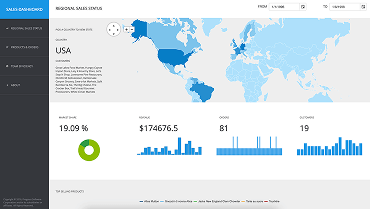
Sales Dashboard App
With the ASP.NET AJAX sales dashboard samples application you will learn how to use some of Telerik’s most powerful controls such as Grid, Chart, ListView, etc.

TripExpert App
TripExpert is a powerful travel planning app, allowing users to explore, filter, and book unique destinations, tours and attractions around the world.

Rent-a-Car App
Learn how to integrate and localize multiple WebForms components, and how to use the Telerik free object relational mapper to generate the data access layer of the application.
Awards
Telerik is proud to hold the following industry awards.



More Tools to Simplify Your
ASP.NET AJAX Development
Visual Studio Integration
Maximize your efficiency with the Telerik UI for ASP.NET AJAX extension for Visual Studio. The extensions handle major points in ASP.NET AJAX development, including project creation, conversion and configuration, project upgrade, common scenario page creation and toolbox configuration.
Learn more
Embedded Reporting
Transforming raw data into actionable insights is the core function of reporting. Simplify development workflow with intuitive embedded reporting tool that help developers to enable business users to easily create, edit and view reports on their own. Embed Reporting into Blazor, Angular, ASP.NET Core/MVC, ASP.NET AJAX and more apps.
Visit the following pages for more information:
Learn more Telerik Reporting Explore Embedded Reporting for Business Users Check out Report Designers Check out Report Viewers
Video Course
Telerik courses on YouTube provide step-by-step video tutorials for a variety of .NET and JavaScript products. It is the perfect place to get started with Telerik UI for ASP.NET AJAX and accelerate your onboarding process.
From installation to advanced features, this video course equips you with the essential skills and knowledge to kickstart your ASP.NET AJAX journey.
Learn More

Ready To Explore ASP.NET AJAX?
30-day FREE trial. Free technical support during your trial. No credit card required.
ASP.NET AJAX UI Components are also included in Telerik DevCraft bundles. Learn more.