
Telerik UI for Winforms
What's New
What's New HistoryTelerik UI for WinForms: Smart DataGrid Features
Sorting, and grouping RadGridView data today means navigating multiple menus and configuration dialogs, especially for compound operations. Telerik UI for WinForms now lets users control RadGridView through natural-language prompts — like "group orders by country and sort by revenue descending" — translated directly into native sorting, and grouping operations. The result — users reach the right view of their data faster, with every AI-applied change staying visible and reversible through the existing Grid UI.
See the Telerik UI for WinForms: Smart DataGrid Features Documentation
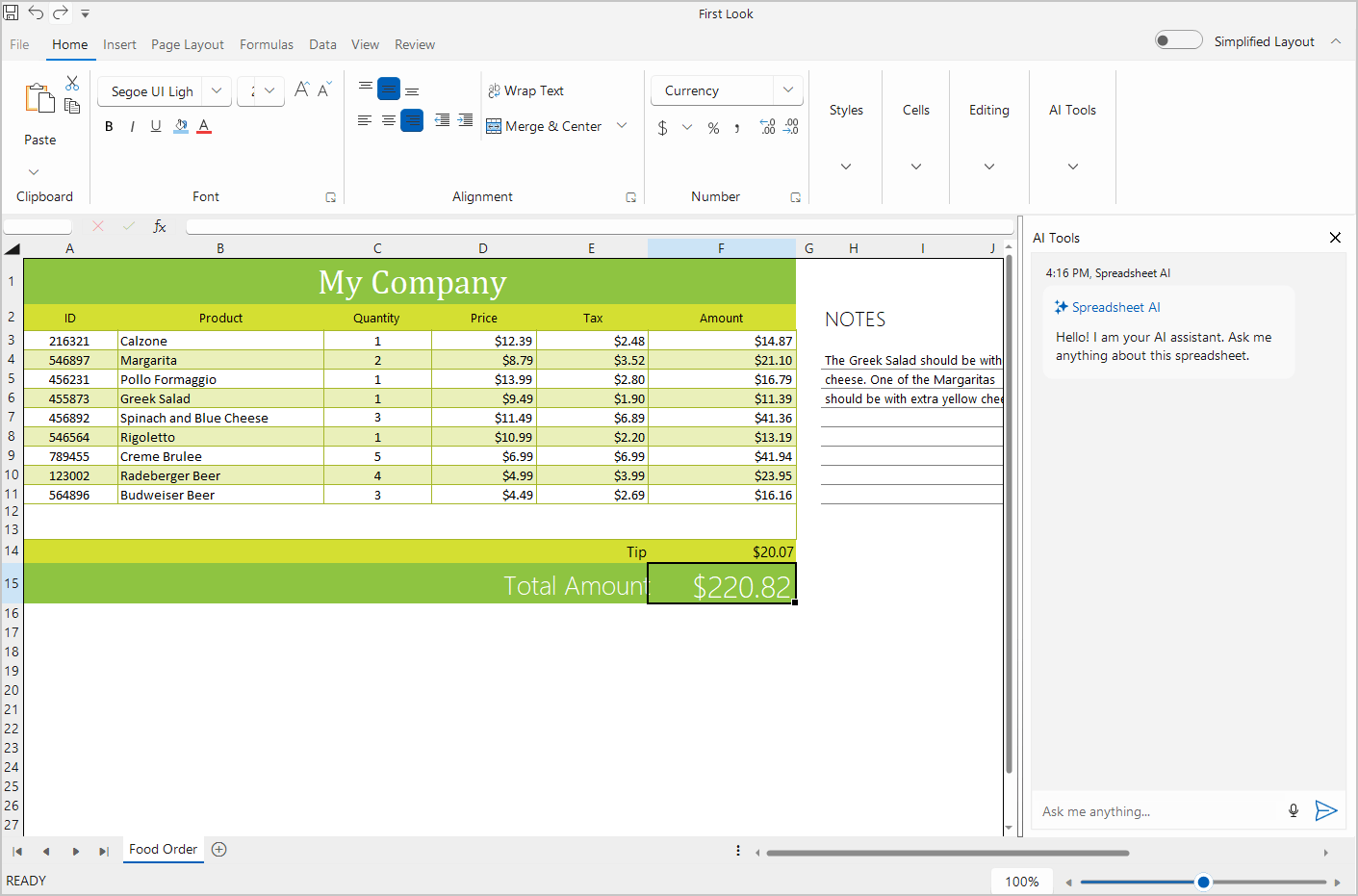
Telerik UI for WinForms: AI-Powered Querying and Summarization in Spreadsheet
Extracting insights from spreadsheet data today requires advanced formula knowledge or manual review of large ranges. Telerik Spreadsheet for WinForms now integrates an AI assistant that lets users ask natural-language questions about a selection, worksheet, or workbook, returning grounded summaries with references back to the exact cells behind each answer. The result — users uncover trends and outliers in plain language, no formulas required.
See the Telerik UI for WinForms: AI-Powered Querying and Summarization in Spreadsheet Documentation
Telerik UI for WinForms: Smart Paste
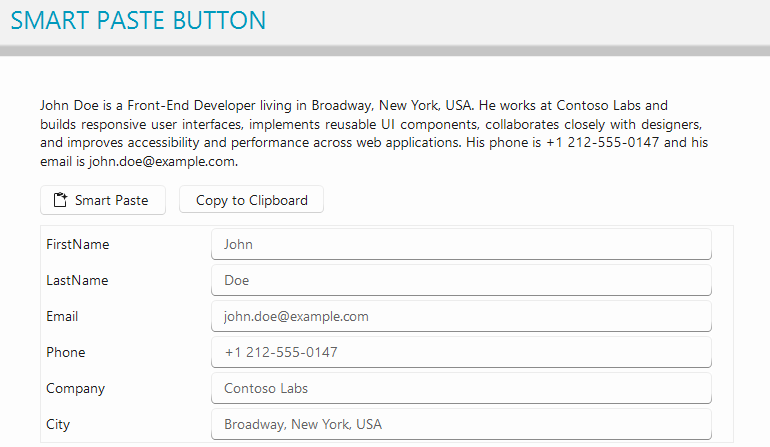
Populating data-heavy forms from emails, tickets, or documents today means manually reading unstructured content and retyping it field by field. Telerik UI for WinForms now introduces the SmartPasteButton, letting users copy unstructured text and populate an entire form in one action, with AI mapping values to the right fields while existing validation still applies. The result — minutes of data entry reduced to a single paste.



Next Steps
Access our online documentation.
Check out the offers. Purchase an individual suite or treat yourself to one of our bundles.
Try UI for WinForms with dedicated technical support.