WPF & Silverlight Controls
Step by Step

Tutorials, video, and code to make
your XAML development easier
and more productive!
Skip Navigation LinksProducts > XAML > XAMLflix > BulletGraph
Get started on the right foot Download Silverlight and / or Download WPF

Tutorials, videos, and code

What is XAMLflix?

XAMLflix is your step-by-step guide to getting started with RadControls for Silverlight & WPF. Make your XAML development easier and more productive with this library of video tutorials covering the controls in the suite.

Silverlight & WPF

Say Hello to RadBulletGraph

RadBulletGraph provides you with a quick overview of your data at a glance, offering a quick and easy way to see how a featured value looks versus a comparative value, combined with the ability to place a projection into the mix as well to get the full view of your data. Best of all, setting up a RadBulletGraph can be done in only minutes, bringing your data visualization to the next level with very little effort!

Rather than just direct you to the demos, while they are quite nice to look at, I wanted to give you a brief introduction to this new control with three videos meant to get you up and running:

Getting Started with RadBulletGraph

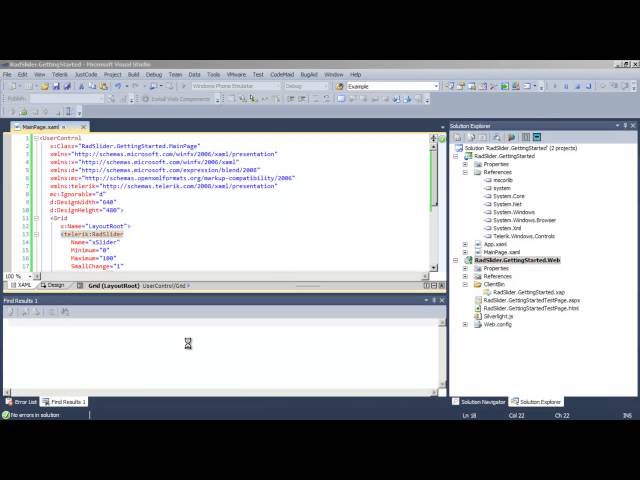
In this video we'll walk you through getting started with the RadBulletGraph control. This will include setting the initial control up, what properties you'll need to know in order to fully utilize the control, and finally how you can switch between orientations for this control to better fit the needs of your application.

Download the project

Customization Options with RadBulletGraph

Once you've started working with RadBulletGraph, one of the next things you will likely want to do is start customizing it to fit the look and feel of your application. In this video I will demonstrate how to modify the colors used within the RadBulletGraph as well as how to add additional comparative measures to fit different business scenarios.

Download the project

Integrating RadBulletGraph with RadGridView

While RadBulletGraph is a great control on its own, it really shines when used in different integration scenarios to provide a better look at your data than just raw numbers alone. In this video you will learn how you can quickly and easily template a RadBulletGraph instance into RadGridView to change the default display to something you can quickly understand and compare at a glance.

Download the project