# .NET MAUI PDF Viewer Search Programmatically
The .NET MAUI PDF Viewer allows you to programmatically search in the document.
## Manual Searching
You can use the `SearchAsync` method of the `SearchSettings` to manually initiate an async search operation with the provided text and search options.
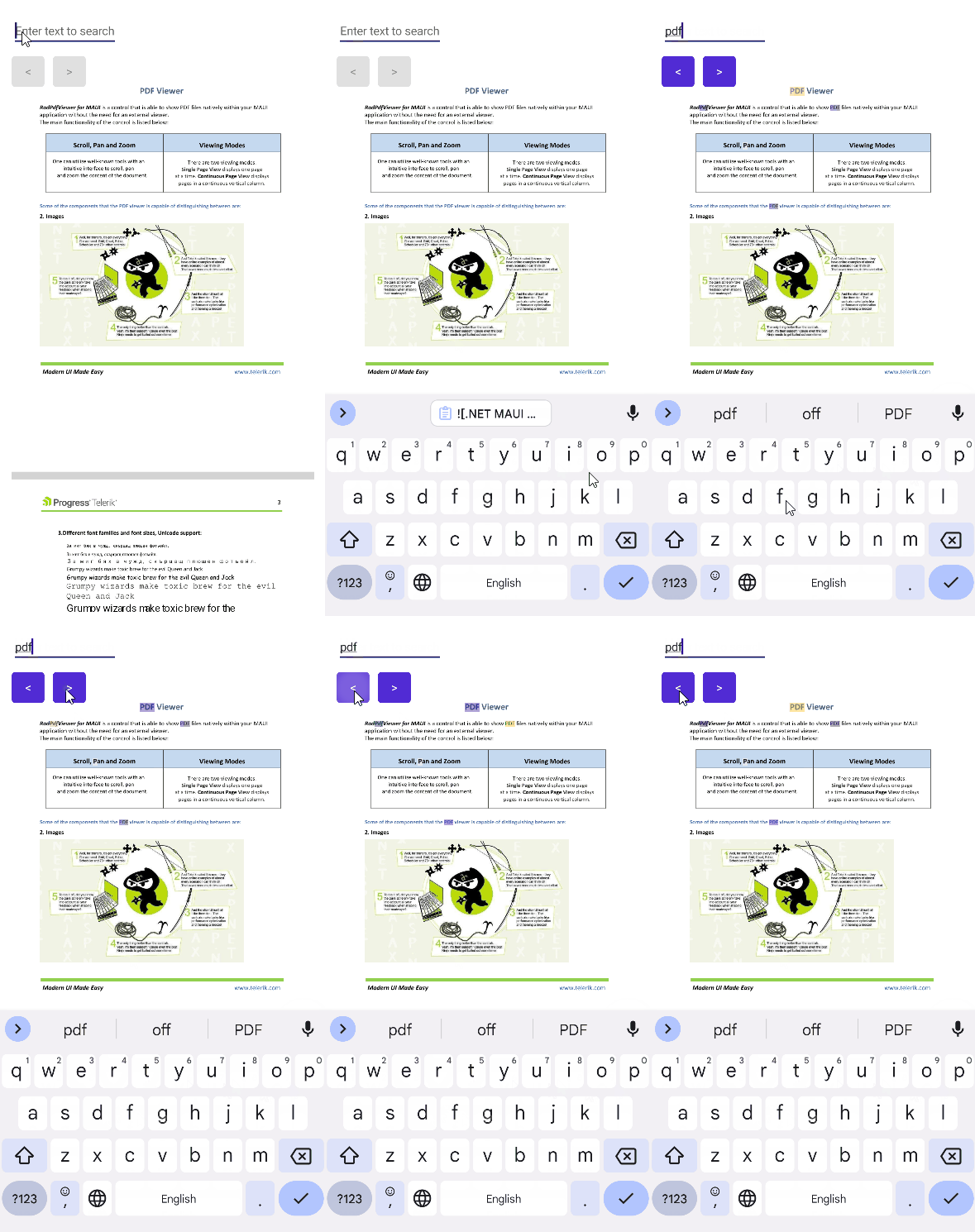
Here is an example with the `SearchAsync` method and custom buttons for programmatically navigating to the next and previous search results:
**1.** Define the PDF Viewer control in XAML:
```XAML
```
**2.** Add the following namespace:
```XAML
xmlns:telerik="http://schemas.telerik.com/2022/xaml/maui"
```
**3.** The `TextChanged` implementation where the `SearchAsync` method is used:
```C#
private void OnSearchEntryTextChanged(object sender, TextChangedEventArgs e)
{
this.pdfViewer.SearchSettings.SearchAsync(this.searchEntry.Text, this.pdfViewer.SearchSettings.SearchOptions);
}
```
The following video shows the results from the completed example on Android:
> For the runnable PDF Viewer Search Programmatic example, see the [SDKBrowser Demo Application](https://www.telerik.com/maui-ui/documentation/demos-and-sample-apps/sdkbrowser-app) and go to **PdfViewer > Search category**.
## See Also
* [.NET MAUI PDF Viewer Forum Page](https://www.telerik.com/forums/maui?tagId=2059)
* [Telerik .NET MAUI Blogs](https://www.telerik.com/blogs/mobile-net-maui)
* [Telerik .NET MAUI Roadmap](https://www.telerik.com/support/whats-new/maui-ui/roadmap)