# .NET MAUI Calendar Display Modes
The Telerik .NET MAUI Calendar is a control that allows the user to select a date from a standard view that can represent various time spans. The Calendar views define what is visible in the Calendar, for example, month, year, decade, or century.
## Setting the Display Mode Programmatically
The `DisplayMode` property (enum of type `Telerik.Maui.Controls.Calendar.CalendarDisplayMode`) defines the current view of the `RadCalendar` control. The available display modes are:
* `Month` (Default)
* `Year`
* `Decade`
* `Century`
## Changing the Display Mode through the UI
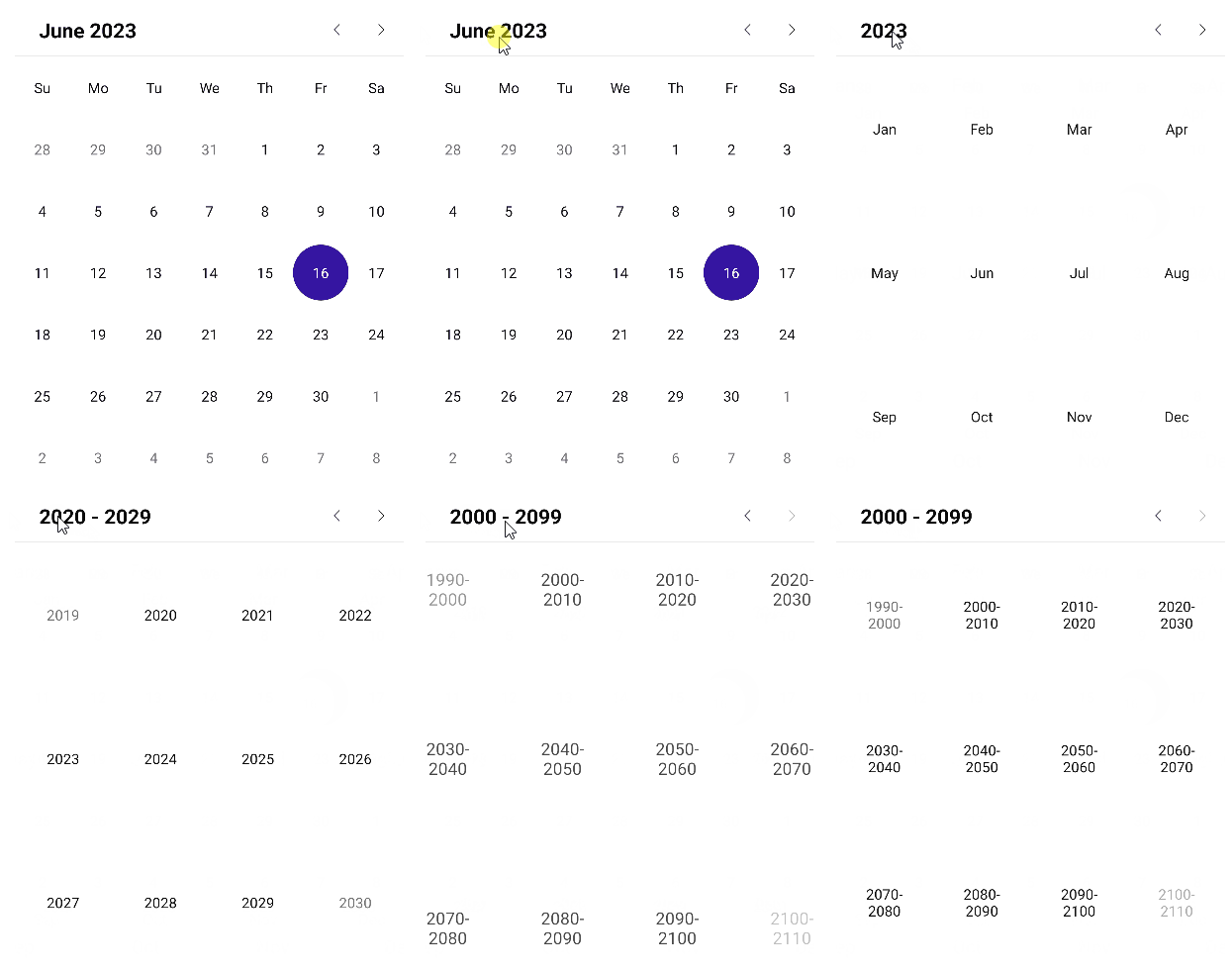
The user can effortlessly change the `DisplayMode` through the UI by tapping (for mobile) or clicking (for desktop) the header text.
## Setting Min and Max Display Mode
You can define a range of display modes that will be available to the user through the following properties:
* `MinDisplayMode` (enum of type `Telerik.Maui.Controls.Calendar.CalendarDisplayMode`)—Specifies the minimum display mode of the Calendar. The available options are `Month`, `Year`, `Decade`, and `Century`. When `MinDisplayMode` is `Year`, users can select months from this year.
* `MaxDisplayMode` (enum of type `Telerik.Maui.Controls.Calendar.CalendarDisplayMode`)—Specifies the maximum display mode of the Calendar. The available options are `Month`, `Year`, `Decade`, and `Century`.
```XAML
```
## Month View
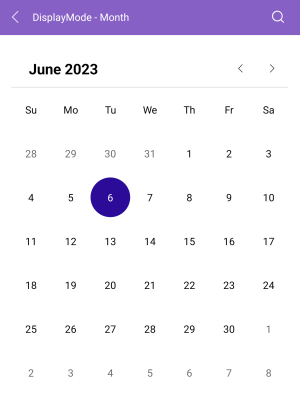
The month view represents all days in a single month.
```XAML
```
## Year View
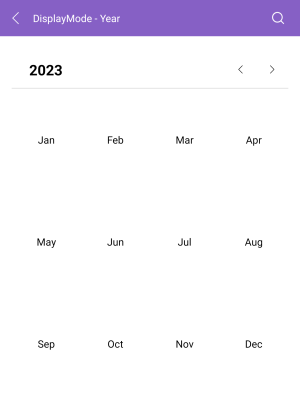
The year view represents all months in a year.
```XAML
```
## Decade View
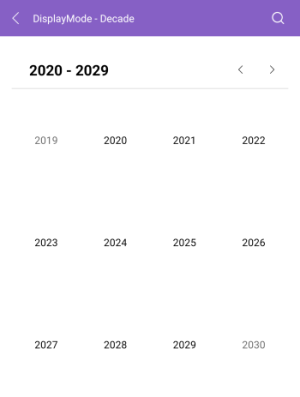
The decade view represents all years in a decade.
```XAML
```
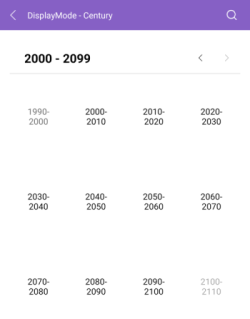
## Century View
The century view represents all decades in a century.
```XAML
```
> For all examples with the display modes of the Calendar, check the [SDKBrowser Demo Application](https://www.telerik.com/maui-ui/documentation/demos-and-sample-apps/sdkbrowser-app) and go to **Calendar > Display Modes** category.
## See Also
* [Navigation Between the Different Views](https://www.telerik.com/maui-ui/documentation/controls/calendar/navigation)
* [Specify the Formatting](https://www.telerik.com/maui-ui/documentation/controls/calendar/formatting)
* [Selection modes](https://www.telerik.com/maui-ui/documentation/controls/calendar/selection)
* [Use exposed Events](https://www.telerik.com/maui-ui/documentation/controls/calendar/events)
* [Use the exposed Commands](https://www.telerik.com/maui-ui/documentation/controls/calendar/commands)
* [Define Templates](https://www.telerik.com/maui-ui/documentation/controls/calendar/templates)
* [Calendar Header Styling](https://www.telerik.com/maui-ui/documentation/controls/calendar/styling/header-styling)