# Installing the ThemeBuilder Plugin for Figma
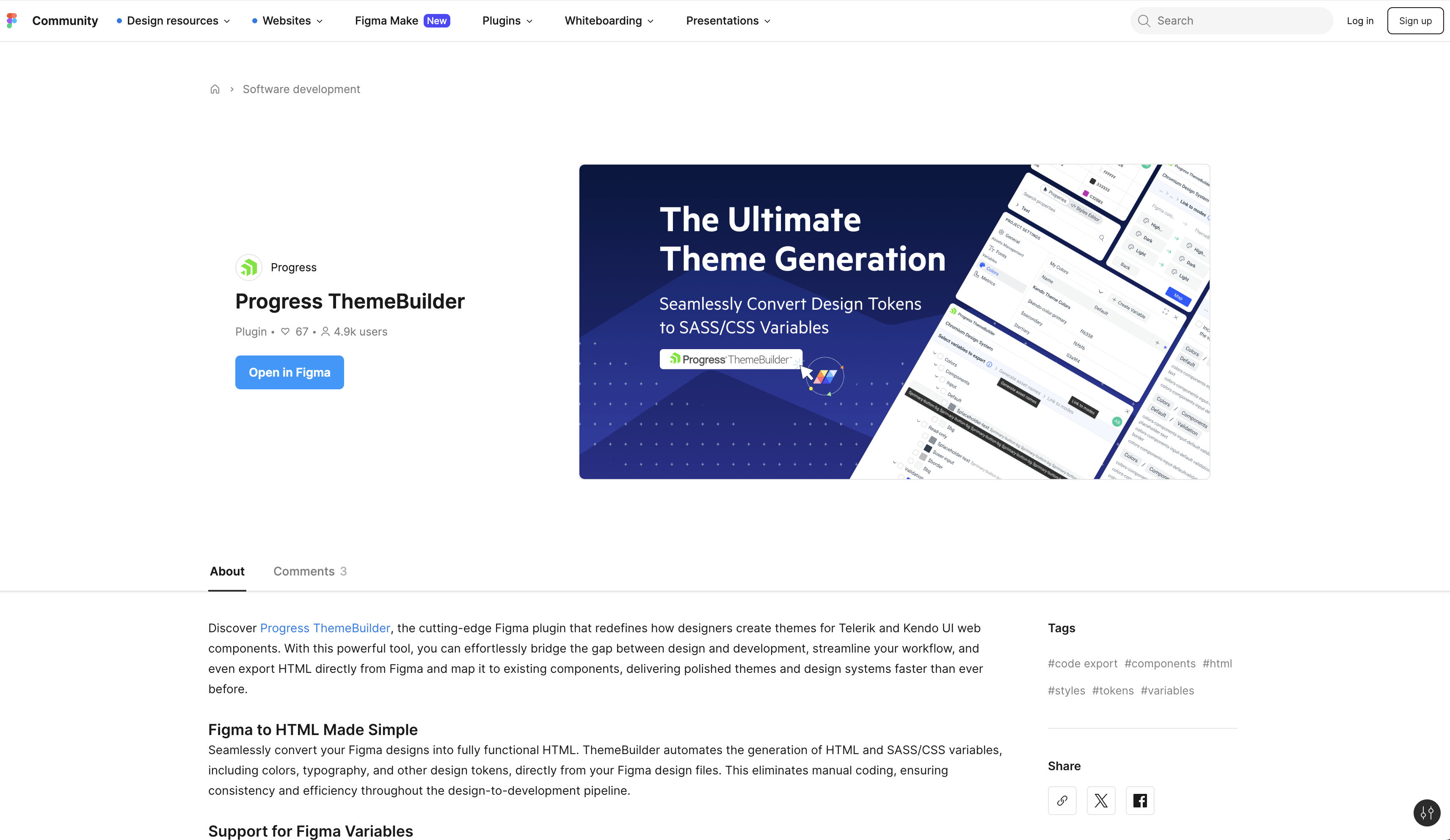
This article describes how to install the ThemeBuilder plugin for Figma.
## Prerequisites
To install the ThemeBuilder Plugin for Figma, you need a Figma account.
## Installation
1. Navigate to the Community page in Figma.
2. Enter **ThemeBuilder** in the search field at the top of the page.
3. Select **Plugins**, and then select **Install**.
For more details on how to install plugins in Figma, refer to the dedicated help article.
 ## Next Steps
* [Logging Into the ThemeBuilder Plugin for Figma](https://www.telerik.com/themebuilder/documentation/plugin/login)
* [Exporting Styles with the ThemeBuilder Plugin for Figma](https://www.telerik.com/themebuilder/documentation/plugin/exporting-styles)
* [Exporting Font Icons with the ThemeBuilder Plugin for Figma](https://www.telerik.com/themebuilder/documentation/plugin/exporting-font-icons)
* [Meet the ThemeBuilder Figma Import (Blog Post)](https://www.telerik.com/blogs/meet-themebuilder-figma-import)