# Tests In Development
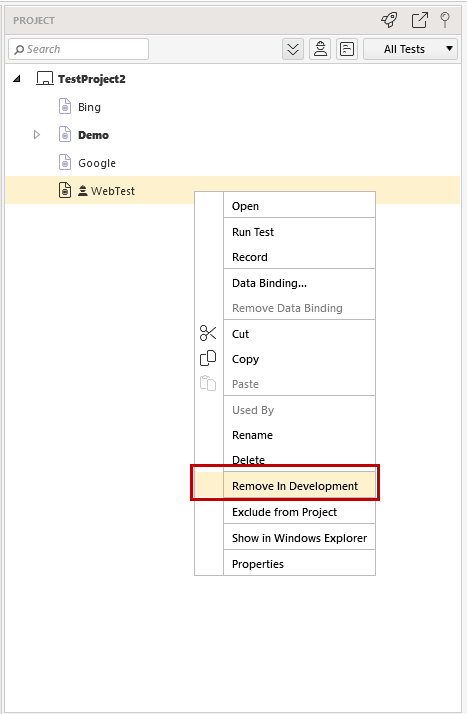
Test Studio allows setting each test or standalone code file into 'In Development' state. If the test includes a code file it will be automatically set to 'In Development' along with the test.
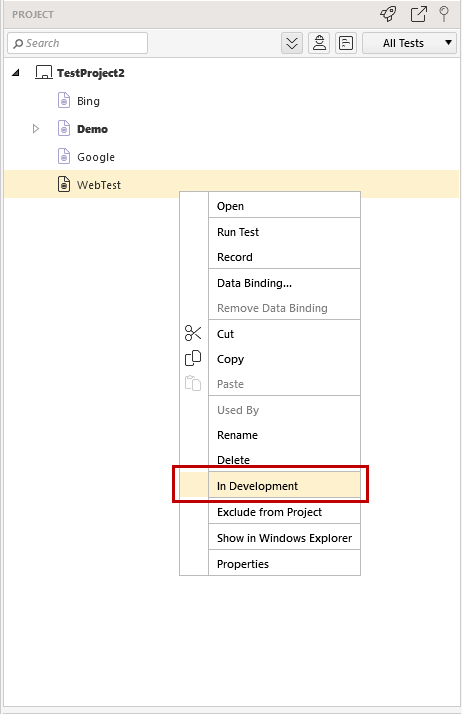
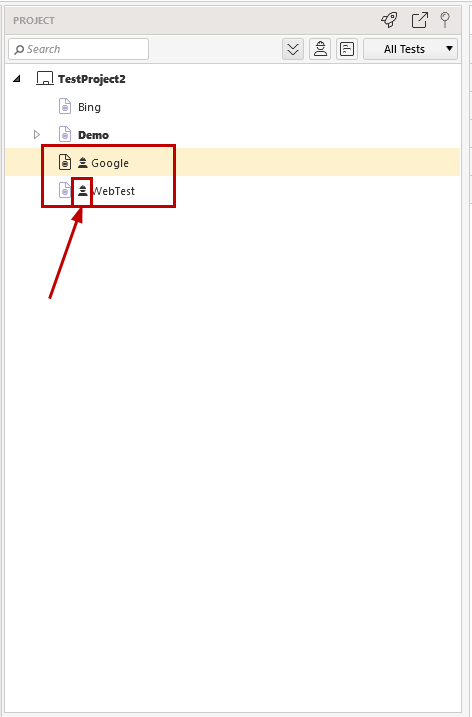
Each test marked as 'In Development' will be **displayed in red** in the Project Explorer. If the test includes a code file its name will be also coloured in red.
**Load and Manual** tests could not be set 'In Developement' as these do not require compilation.
## Tests In Development As Test As Step
If a test flagged as 'In Development' is included as a **test as step** in any other test it will be always attemped to be executed regardless of its current state.
## Tests In Development In Test Lists
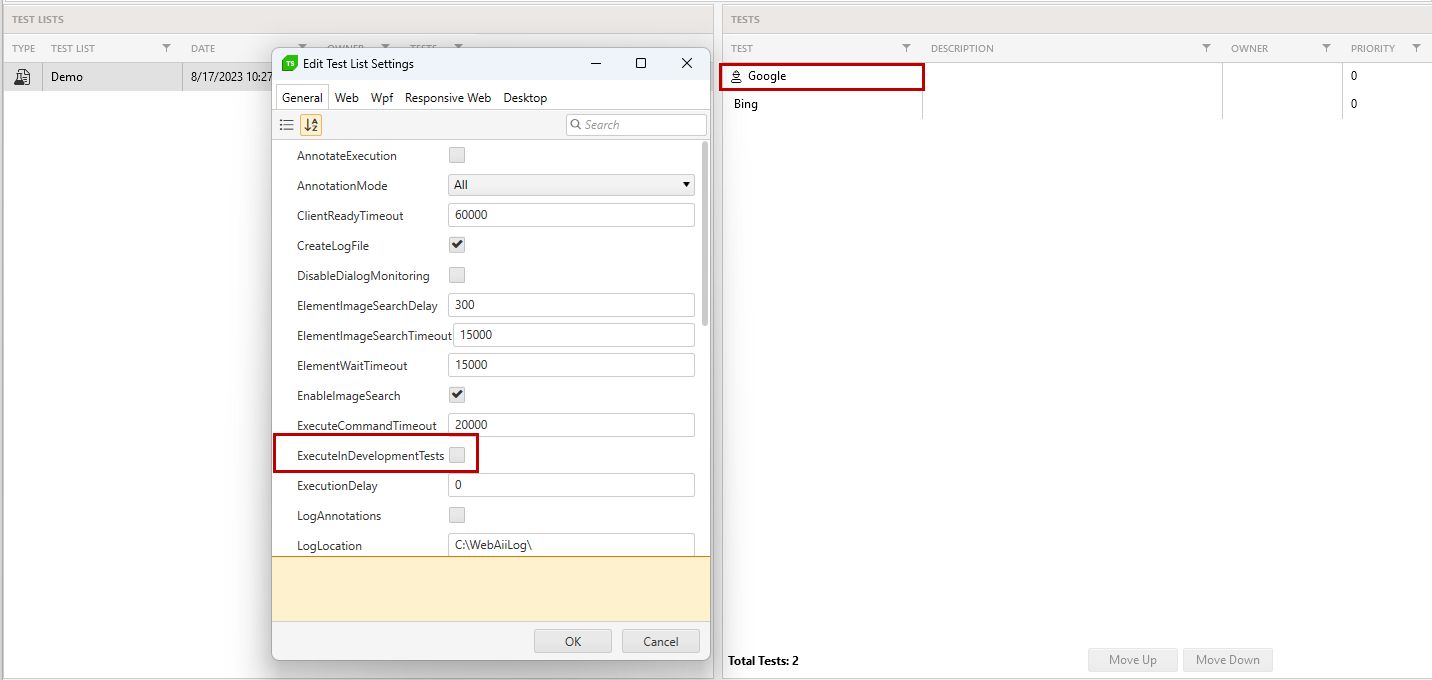
Any tests could be included in a test list. These marked as **'In Development'** will be coloured in red also in the 'Create New Test List' wizard.
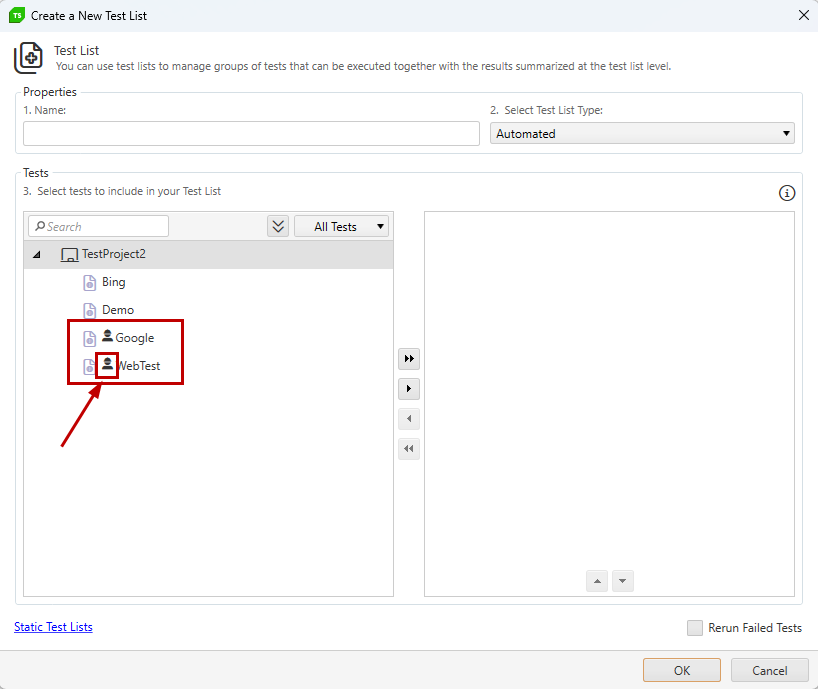
Depending on the test list setting **'ExecuteTestsInDevelopment'** the tests marked as 'In Development' will be either skipped or executed for both local and remote run. The default behavior is these to be skipped.
To remove the 'In Development' flag select the 'Remove' option from a test's context menu in the Project Explorer.