# Common Steps Tab
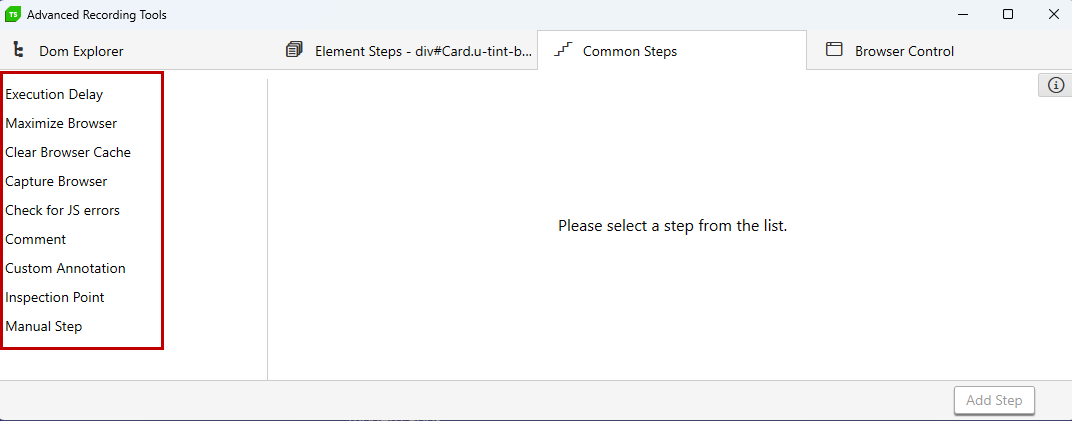
Test Studio tests are equipped with various useful actions, which are not directly related to the elements in the application under test - e.g. refresh the browser, maximize the browser/application window, insert an execution delay, add a comment between two steps, etc. The **Advanced Recording Tools** window allows you to easily access these common steps without the need to switch to Test Studio Step Builder.
At any point, during an active recording session, you can switch to the **Common Steps** tab and select the necessary step from the list. Use the **Add Step** button to add it into the sequence of steps in the test.
> **Tip**
>
> You can add these steps also without recording session through the Step Builder.