# Software Update
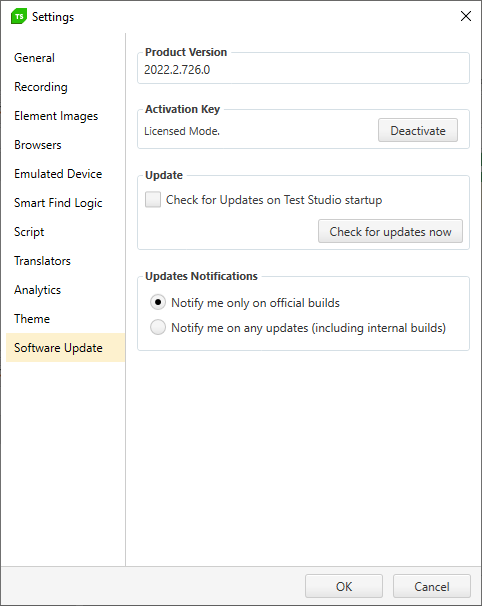
This section in Project Settings lists details for the product version and allows you to choose how to be notified on product updates.
> Check here how to open the **Project Settings** window.
## Product Version
This section displays your currently installed version number.
## Activation Key
This section displays the mode of your license key (Trial or Licensed) and the option to Deactivate an active license. This is used to run one license of Test Studio across multiple machines. Please see our KB article on Swapping a License for more information.
## Update And Updates Notifications
This section displays options to check for updates.