# Open PDF File Step
The **Open PDF File** step allows you to open an existing PDF file stored locally on your disk, load it in the browser and validate its content.
This article demonstrates how to add this type of step into the test.
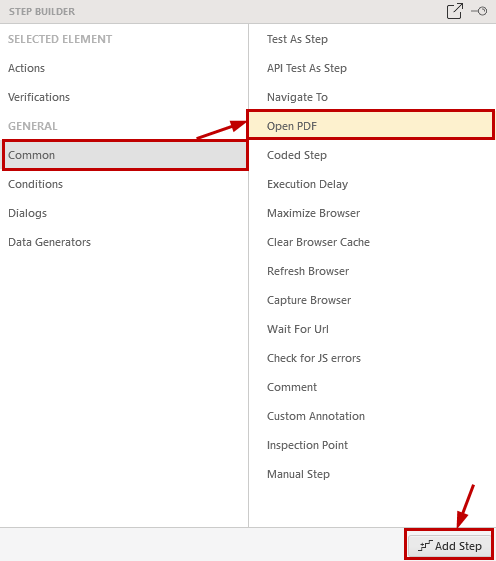
Choose the **Open PDF File** option from the **Step Builder** and click on the **Add Step** button in the lower right corner of the pane.
The **PdfFilePath** property of the step specifies the file to open and accepts full qualified file path.

> **Note**
>
> Open PDF step is **not supported** in Internet Explorer.