# Test Results from Tests Executed in Visual Studio
The Test Studio tests created in a Visual Studio project can be executed both from the Test Studio engine via the Quick run option, or from the Test Explorer of the Visual Studio. The generated results provide different set of benefits for maintaining the test.
In this article you can find more about the results from test runs in Visual Studio:
* [Test execution via the Test Studio engine](https://www.telerik.com/teststudio/documentation/automated-tests/vs-plugin/test-results-vs#quick-execution-of-test-studio-test)
* [Test execution via the Visual Studio Test Explorer](https://www.telerik.com/teststudio/documentation/automated-tests/vs-plugin/test-results-vs#executing-test-studio-test-via-test-explorer)
## Quick Execution of Test Studio Tests
All **Quick Execution** options from Test Studio project are also available in the context of the Visual Studio project. The **Execute** button is in the test toolbar when a test is opened in the project and is enabled when the test has at least one step to execute.
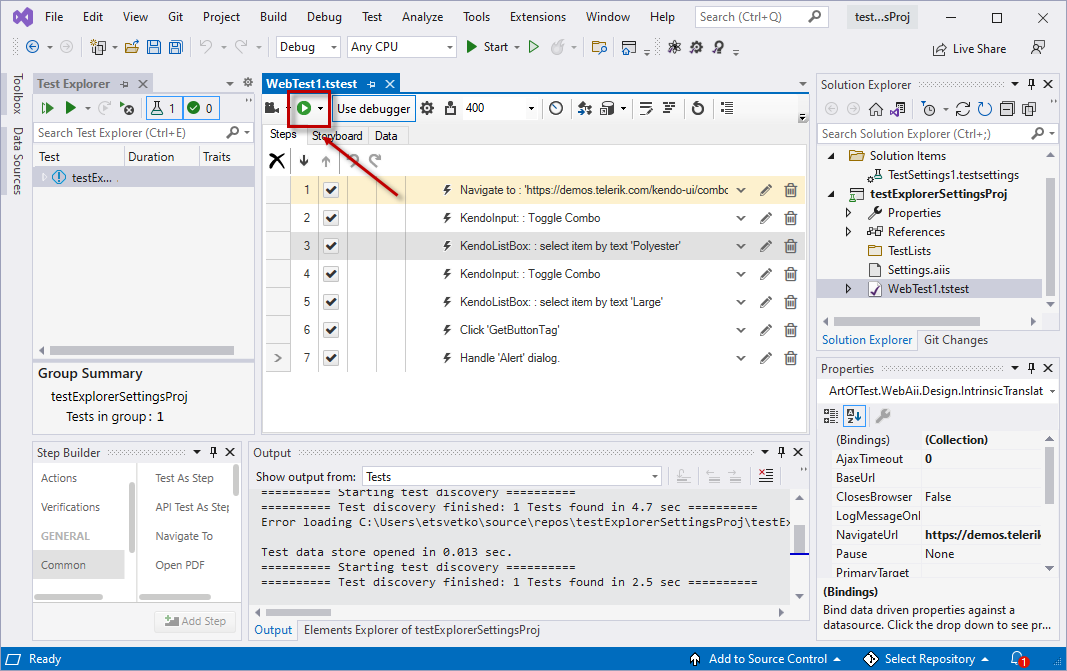
After the **Quick Execution** of a test, you can explore the generated quick execution log and, in case of failure - failure details, in the same fashion as the Test Studio IDE allows.
## Executing Test Studio Test via Test Explorer
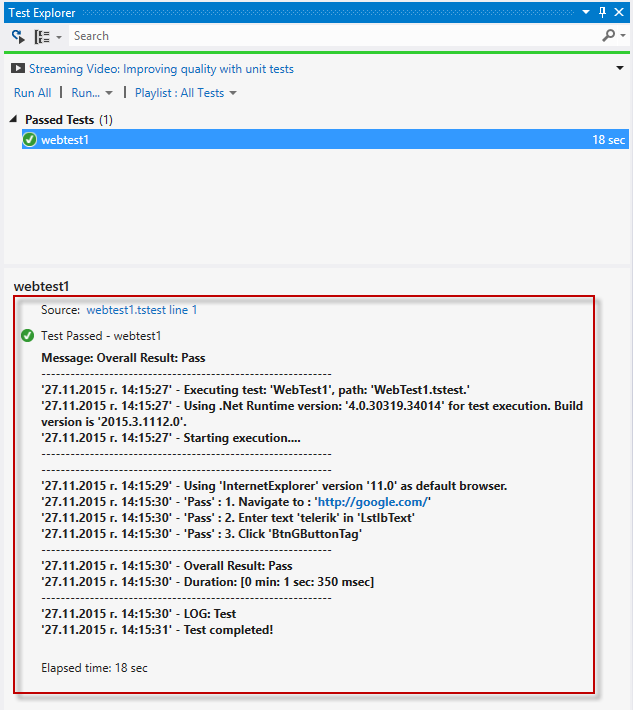
When executing the tests from the Visual Studio Test Explorer you can see the results in the pane of the Test Explorer - depending on the layout you are using this can be under or next to the list of tests.