# Test Lists in Test Studio
The test lists in Test Studio are a set of tests to be executed in a sequence. You can combine autonomous tests in dynamically generated list and each will be executed in a new browser instance. Or you can pack tests to run in predefined sequence - self-reliant or dependent on the previous tests in the list.
Test Studio provides two options for a test list - a static one, which contains a fixed, predetermined list of tests; and dynamic, which contains a list of tests that is dynamically generated upon execution, based on the properties set for the tests in project. This article describes in details the usage of the two kinds of test lists:
* Static Test List
- Dynamic Test List
## Static Test Lists
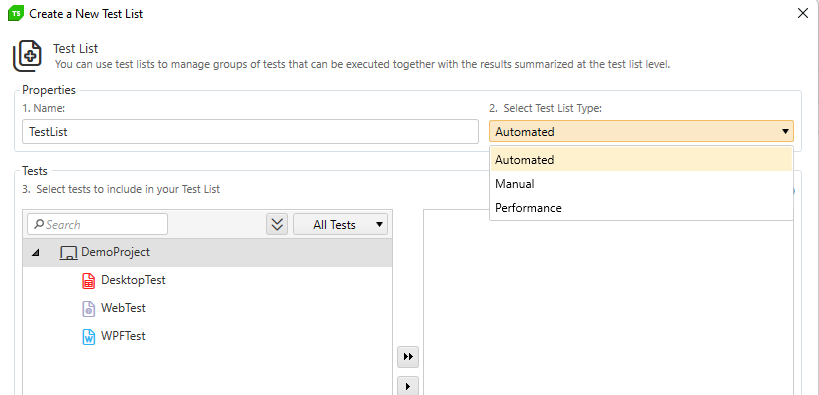
In a static test list you can add **web, responsive web, WPF, load tests or combination of these**, **manual** and **performance** tests. There are three types of test lists to cover the different types of tests - automated, manual and performance. The type of test list is defined when creating the test list.
> **Note**
>
>
> The tests in a static test list will be **executed in the order displayed, when adding them**. You can rearrange the order of the tests by editing the test list.
### Automated Type of Test List
The **Automated** test list type is the standard to execute one or more **web**, **responsive web**, **load** or **WPF** tests. When creating this type of list, you can only choose the listed kind of tests to include (the manual tests are greyed out).
### Performance Type of Test List
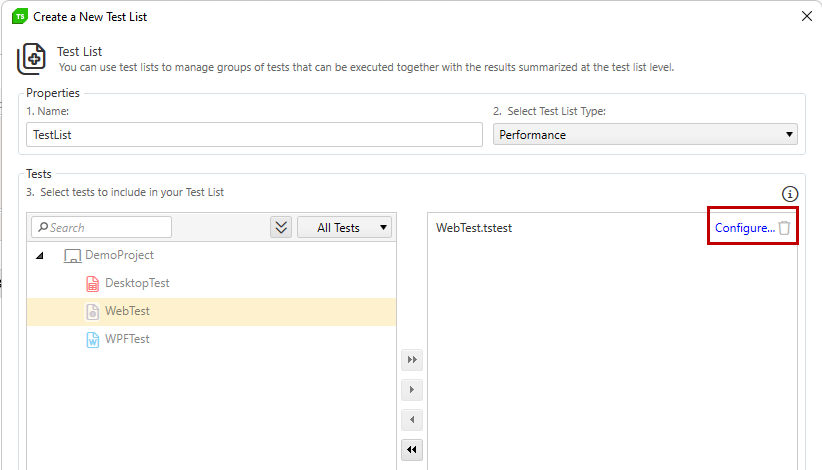
The **Performance** test list type allows you to execute **performance runs for one or more web tests**. This type of list can include only web tests (the rest of the tests are greyed out). Next to each test added in the list, you have a **Configure...** button to apply the settings for the performance run.
### Manual Type of Test List
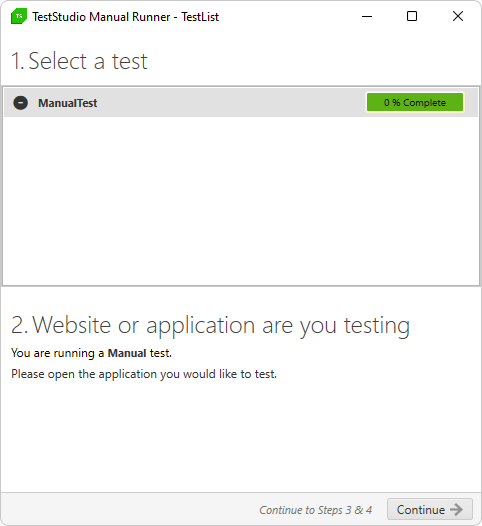
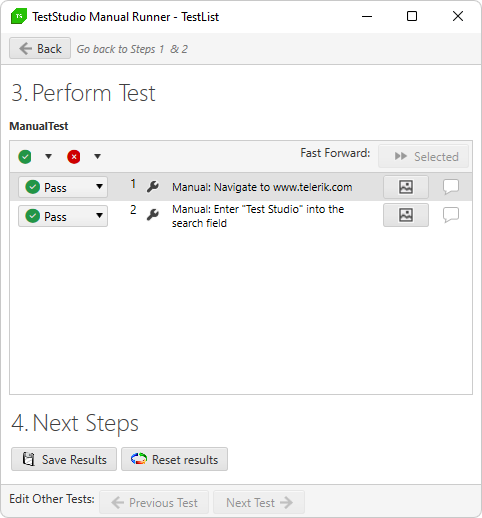
The **Manual** type of list allows you to add only **manual** tests and execute them together (the rest of the tests are greyed out). Run the manual tests sequentially or toggle back and forth between them using the **Previous** and **Next** buttons at the bottom.
## Dynamic Test Lists
> **Note**
>
>
> Check this blog on **Telerik Blogs** about Test Studio dynamic test lists.
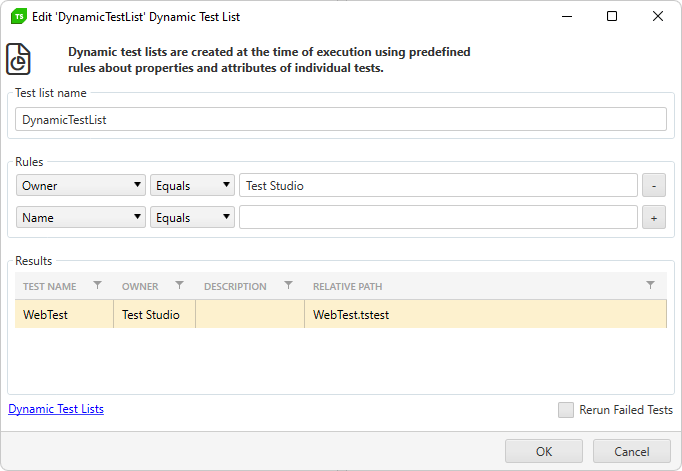
The dynamic test list can be only automated type and as such, it can execute one or more **web**, **responsive web**, **load** or **WPF** tests, or a combination of these. When creating the dynamic test list there are a bunch of **test properties**, which you can use as criteria for filtering the tests from project - **test name**, **test path** and the, so called, **user defined properties** - **Owner, Priority, Custom Property 1, 2, 3**.
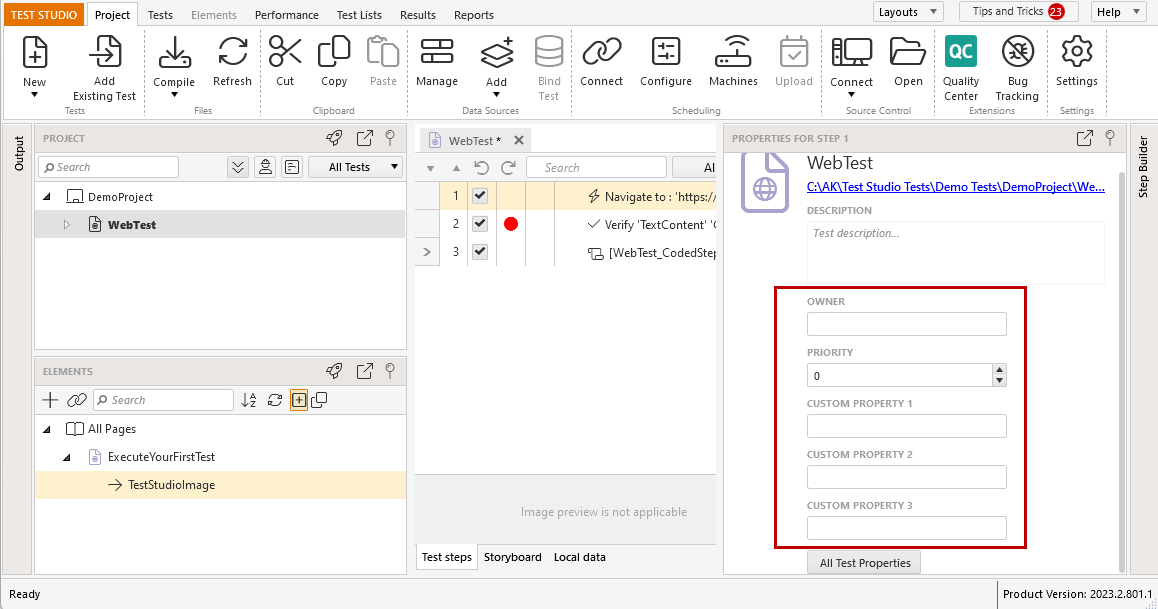
These criteria can be used when defining the **Rules**, which tests to be included in the dynamic test list.
> **Note**
>
>
> Each time you trigger a dynamic list execution, Test Studio queries the project and executes the tests, that **meet the criteria of the *Rules***. Thus, if there are new tests added after the test list creation, and these meet the criteria of the rules, they will be included in the test list upon execution.
## See also
* Power of Dynamic Test Lists