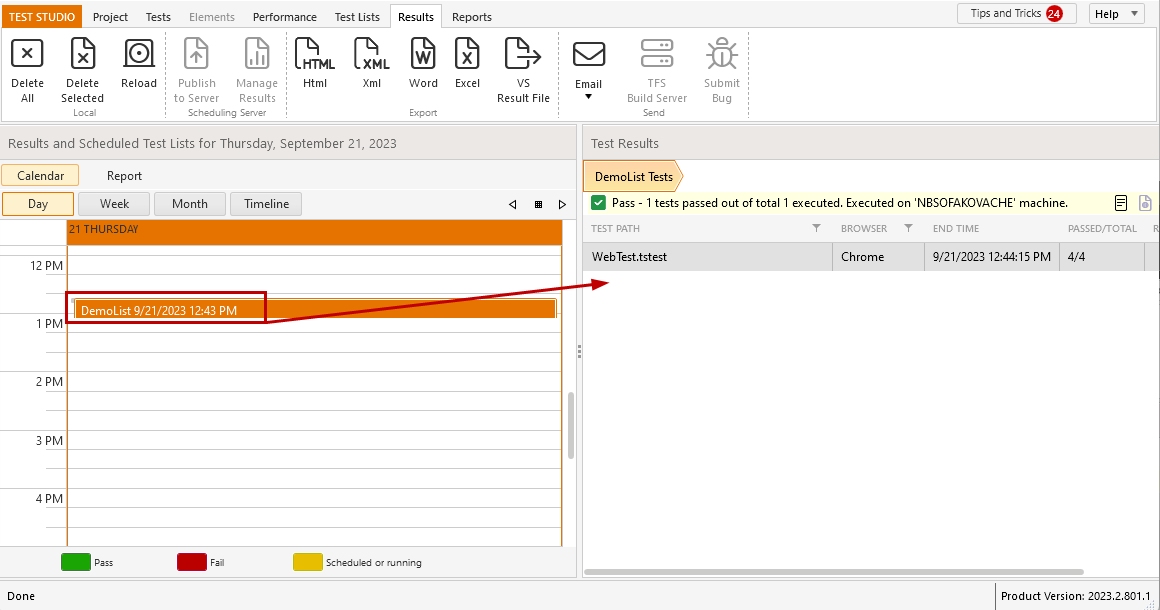
# Test List Results Calendar
The results generated from a test list execution are stored on project level and populated in the **Results** tab in the Test Studio project. All results are listed in a handy graphic calendar or timeline display and you can track the outcome of your test lists.
This article describes the Results calendar options and how these can help you.
## View Overall Results Status
In the **Results** tab you can view the test lists executions in a month, week, or day. Buttons along the top, let you jump between *Day*, *Week*, *Month*, and *Timeline* views.
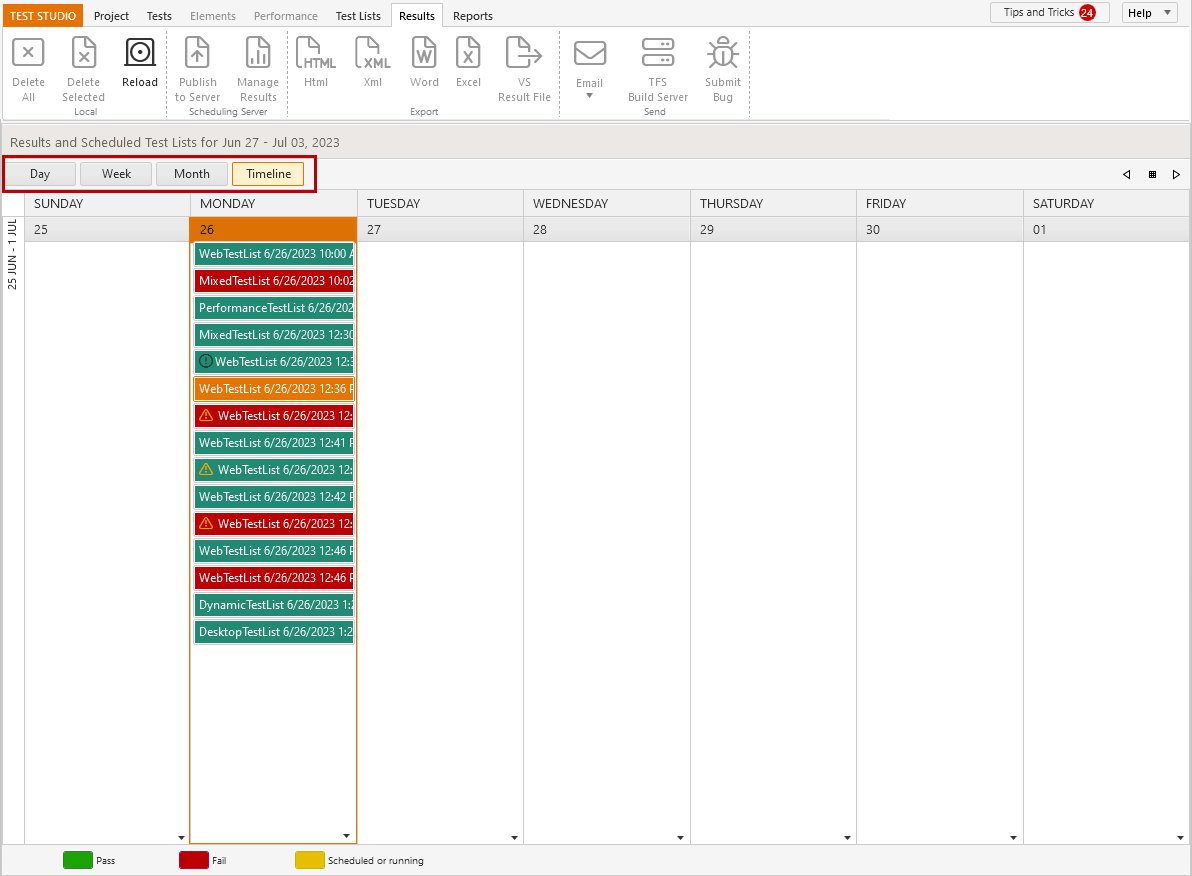
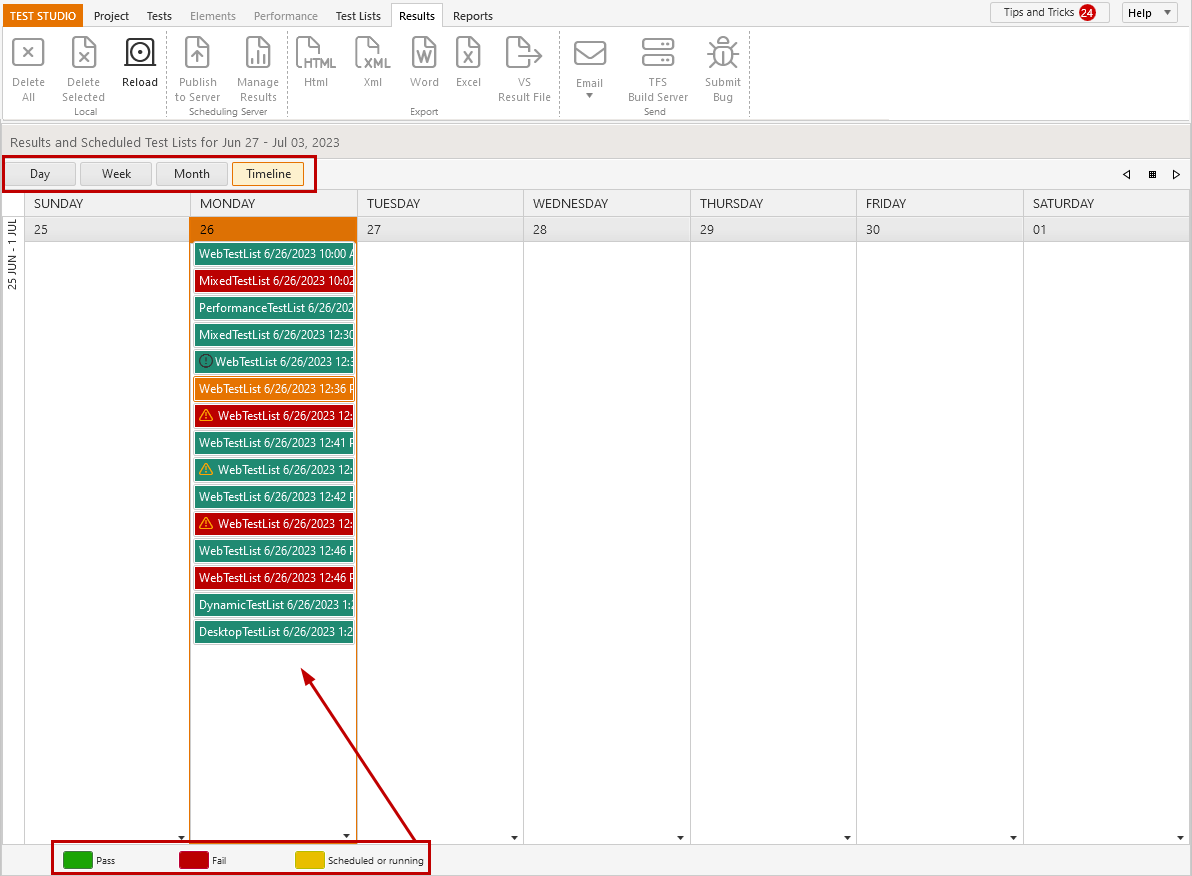
Each test list result is displayed as colored block - green for *Passed* run, red for *Failed* run, and yellow for an *upcoming scheduled test list execution*.
## Navigate through Calendar Dates
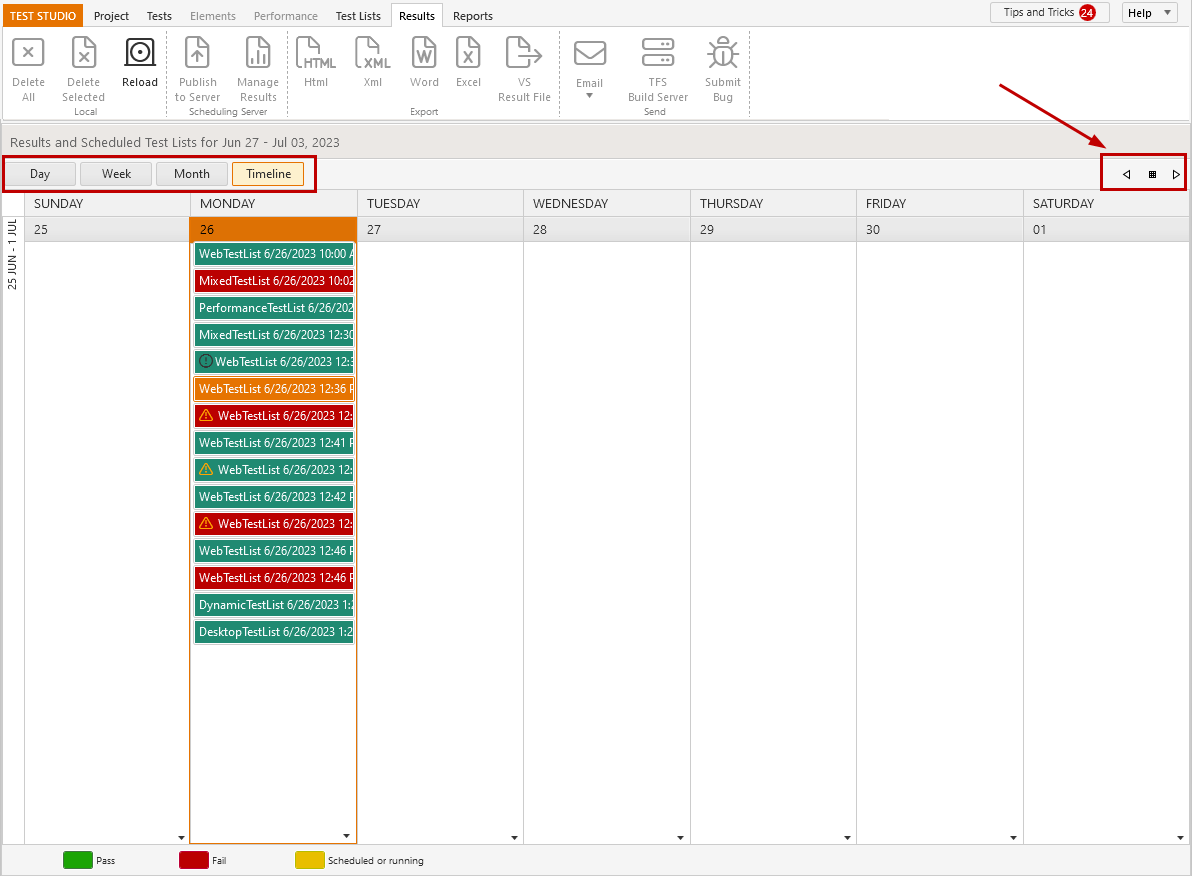
In the upper right corner you can find *navigation arrow buttons*, which allow you to move back and forward through a period of time (one week), based on the current view. Between these arrows, there is a *calendar button*, which can be used to jump to a specific date selected from the pop-up calendar.
> **Tip**
>
>
> Results are displayed in the order of their exact execution time. Thus these cannot be moved around in the calendar.
>
> **Test list results can be deleted** using the *X* button, which appears for each result entry when hovered with the mouse.
## Explore Results Details
Double click a test list result entry to view its details displayed on the right side of the Calendar view. Find out how to read the test list results.