# Integration with Source Control Systems
Test Studio seamlessly integrates with Microsoft Team Foundation Server to simplify the collaboration between QAs and Developers.
The TFS integration also facilitates the work of a QA team on the same test project, allowing them to check-in their results at the same time and independently. In addition to TFS support, Test Studio can also interact with any other file-based source control system.
* Connect a local project to TFS
* Open a TFS-controlled project
* Project Item Options
* Alternative, file-based source control systems
# Integration Methods
If you attempt to integrate with TFS in Test Studio Standalone version and do not have Visual Studio installed, you will receive the following error: *Unable to load source control plugin*.
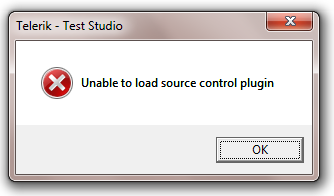
You will need to install Team Explorer. This is the client SKU that allows you to access the TFS functionality.
* Visual Studio Team System 2008 Team Explorer
* Microsoft Visual Studio Team Explorer 2010
If you are using the Test Studio VS plugin, be aware that Visual Studio has built-in TFS integration.
* Version Control - Visual Studio 2008
* Version Control - Visual Studio 2010