# Load Test Settings
Each load test in Test Studio can be configured to use different amount of virtual users and different time to run. Along with that you need to adjust the workload between the different profiles (if more than one in the test).
## Workload
In the Test Studio load test can be added multiple user profiles. That way you can simulate multiple users performing different scenarios against the application under test. To be even more precise, when testing the page, you can control the virtual user distribution between the different profiles - you may not want all the HTTP traffic hitting the page equally, so you may configure some of the user profiles to be much more frequent than other.
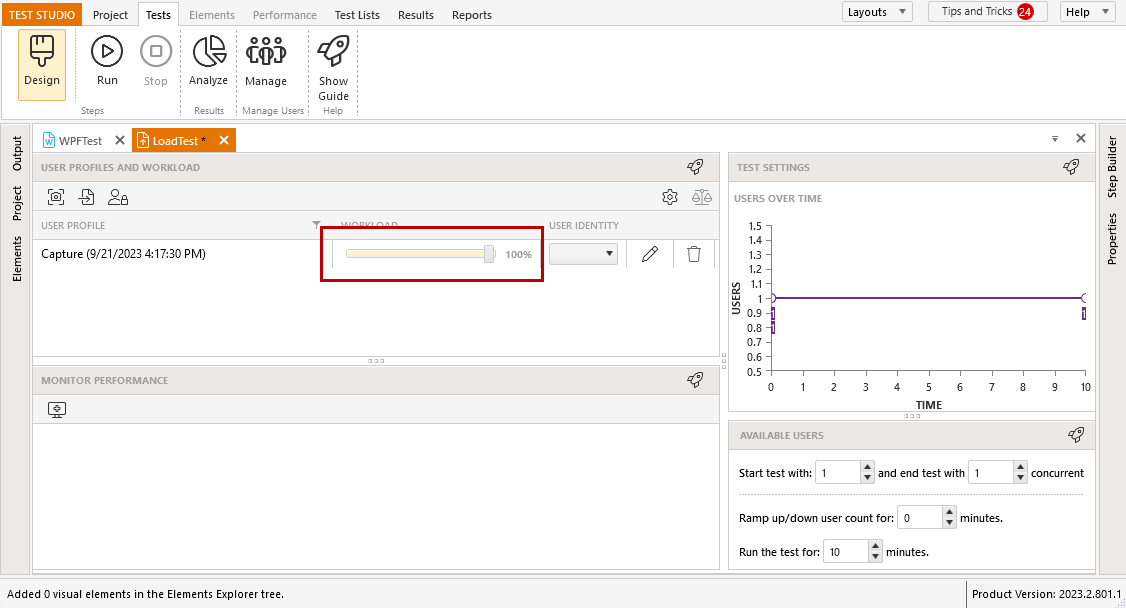
This setting is called **Workload** and this is the percentage of virtual users used for a User Profile compared to all the User Profiles included in the test. Set the percentage with the Workload slider in the *Design* section of a load test.
**See Also:** Workload and the concept of Virtual Users in Test Studio
## Available Users and Time Settings
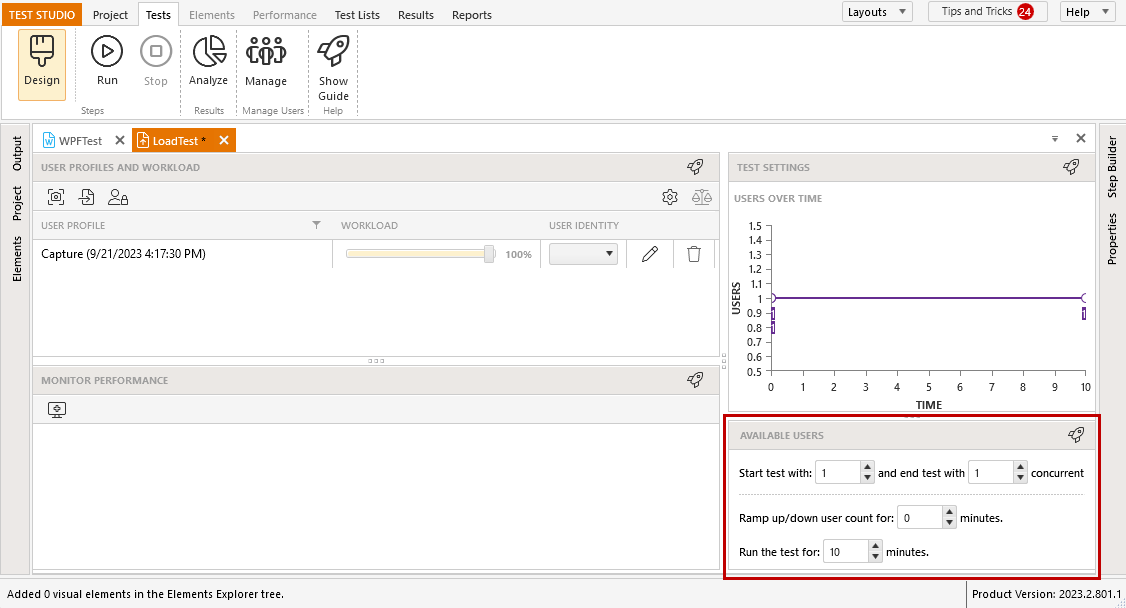
In the *Available Users* section, you can specify how many concurrent VUs to use during the load test. Depending on the type of testing you need to perform, you can use different amounts of users and times to ramp up these.
**See Also:** Load Strategies
### Users to Start and End with
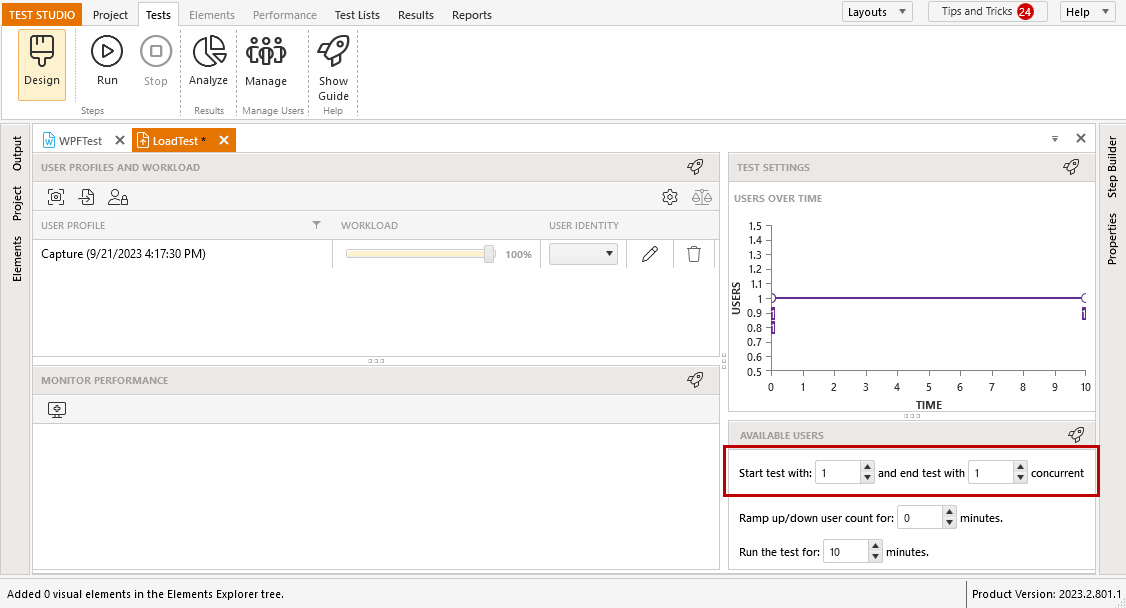
Specify the amount of users to start and end the load test run. Depending on the scenario, the amount can be increasing, decreasing or constant.
### Time
Specify the *Ramp Up/Down* time and the total load test duration. The *Ramp Up/Down* time is the amount of time to gradually increase or decrease the total concurrent VUs using the values set for *Start Users* and *End Users*.
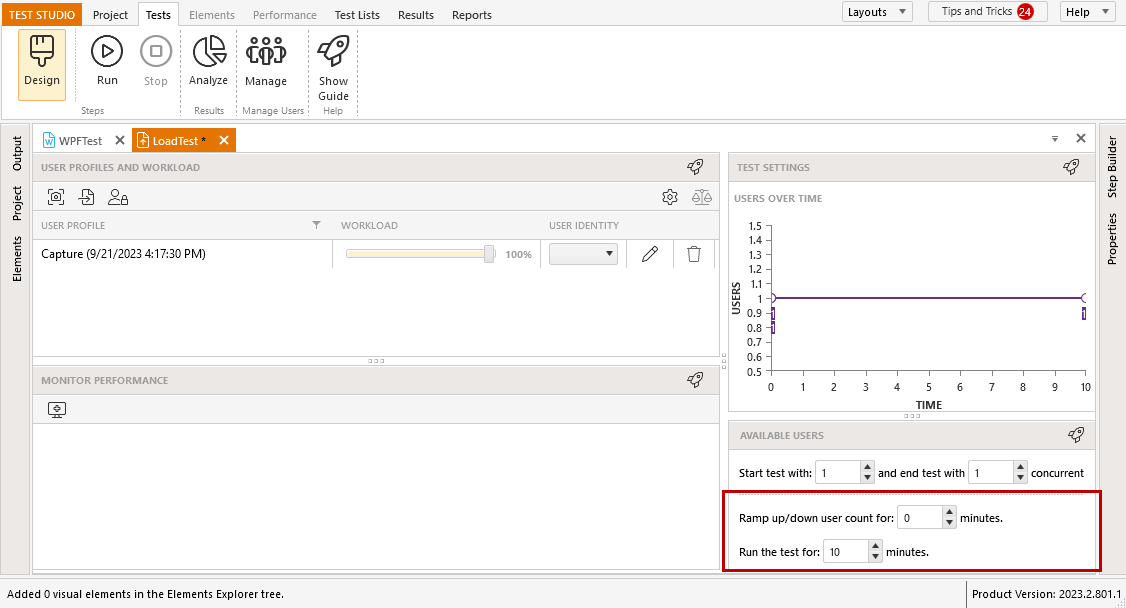
> The *Ramp Up/Down* time cannot exceed the total time to run the test and will not be applied for the test run, if the virtual users amount is constant.
### Users Over Time Graph
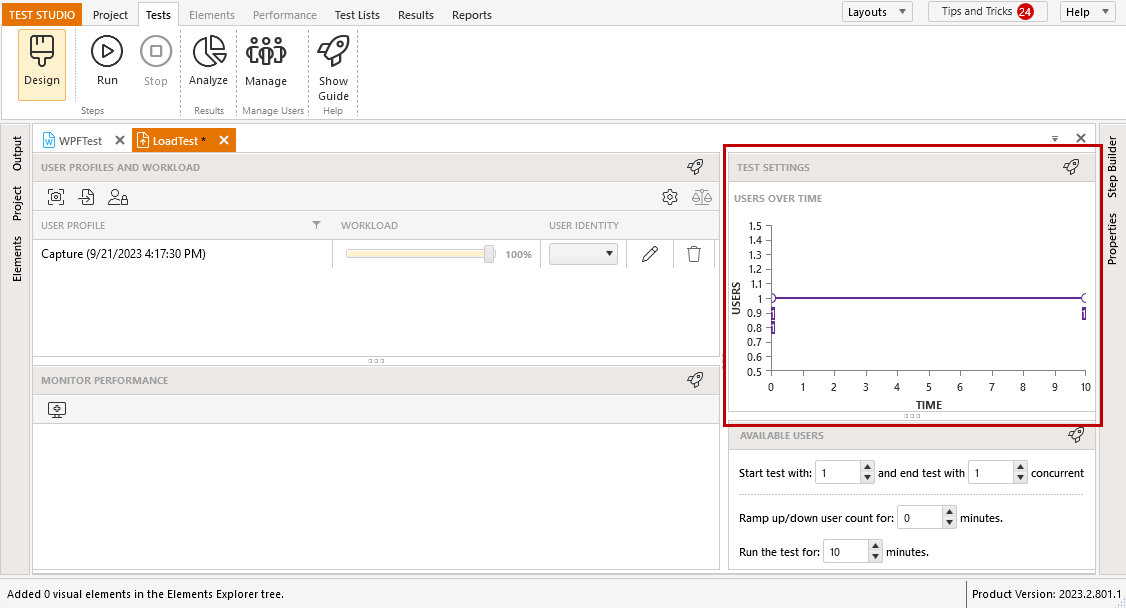
Any changes in the Test Settings will appear in the *Users Over Time* graph.