# Compile Project with Coded Files
Adding custom code into the test project requires its compilation before test execution. That way you can identify any compile-time errors such as incorrect syntax, misspelled keywords, type mismatches, and incorrect method binding. Test Studio allows you to compile the project while setting up the code functions.
The **Compile** button is listed under the *Project* ribbon, or in the *Project Explorer* context menu on project level.
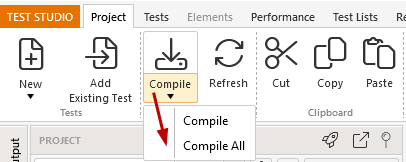
The options **Compile** and **Compile All** are related to the feature to mark a test or code file with *'In development'* flag. That way you can keep some *work in progress* coded files, which are not yet set up completely, and continue running tests from the project.
* **Compile** - exclude the 'InDevelopment' files from compilation.
* **Compile All** - compiles all files in the project.
## Compilation Output
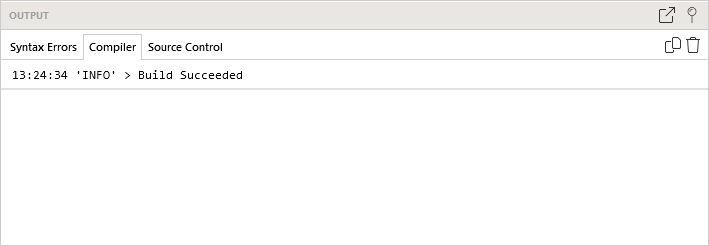
The output of the compilation process is displayed in the **Output Panel** under the Compiler tab. Any errors detected will be listed there.