# Executing Test Studio Tests with Bamboo
Test Studio test project can be integrated in continuous integration environment using Bamboo server.
**Using the ArtOfTest.Runner.exe**
In order to use ArtOfTestRunner.exe for executing your tests you will need to define new plan.
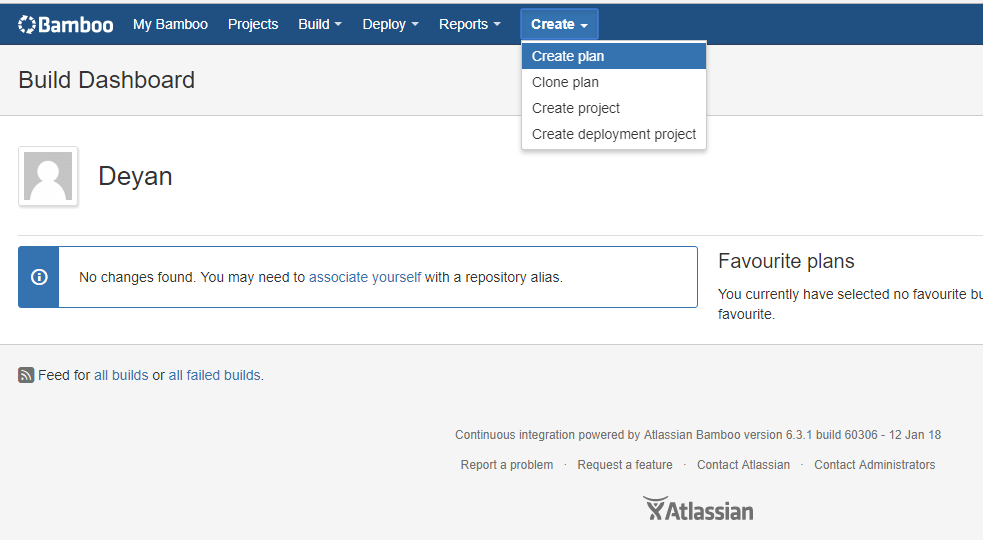
1. Create new plan
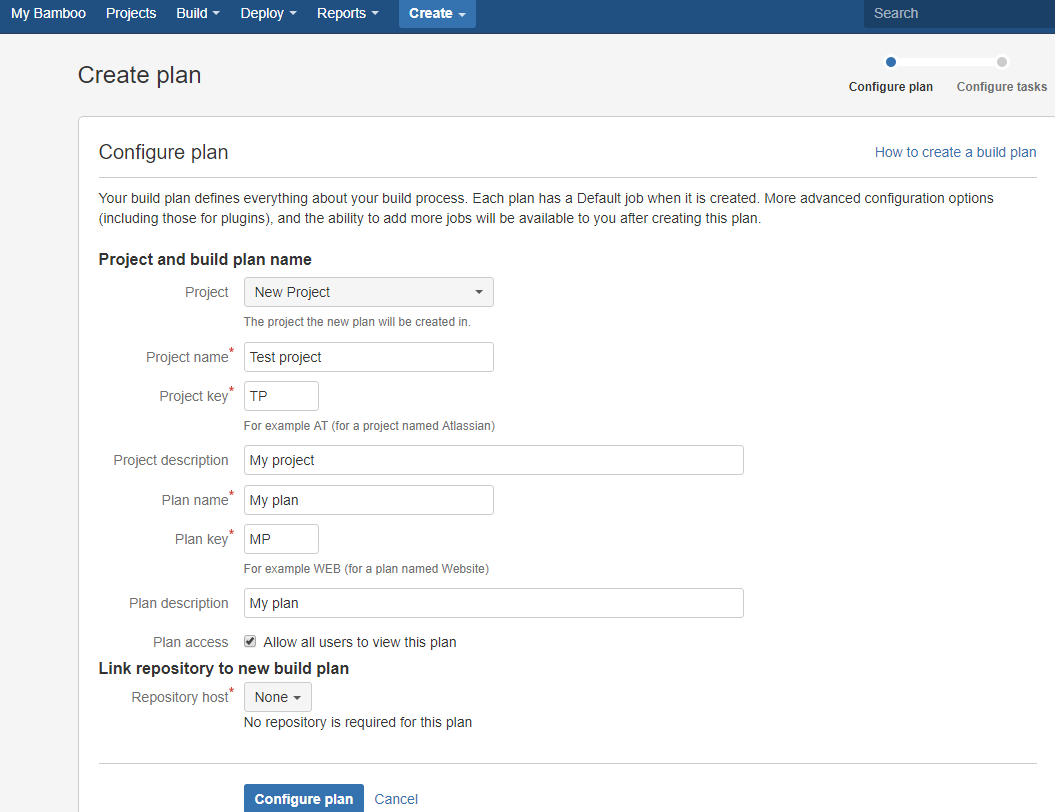
2. Configure the plan
3. Add tasks
* 3.1. Add new command task:
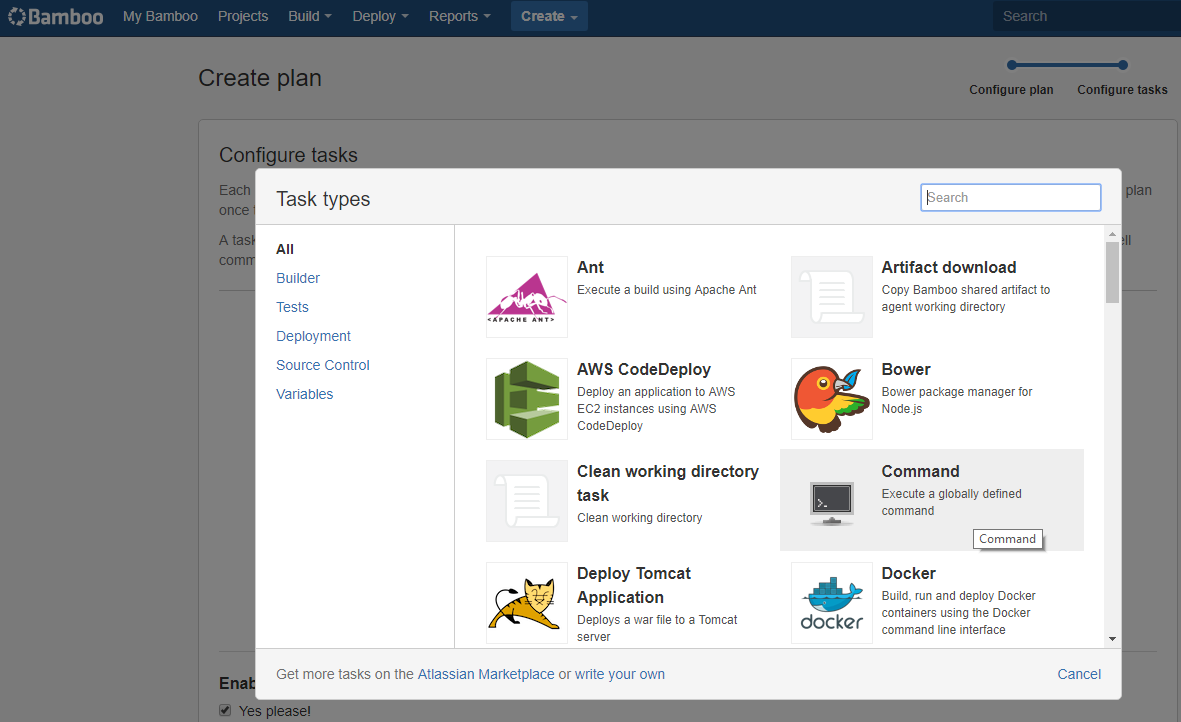
First step is to add new executable, it's path should be path to the Test Studio runner (ArtOfTest.Runner.exe). **Default location of ArtOfTest.Runner.exe is "C:\Program Files (x86)\Progress\Test Studio\Bin".**
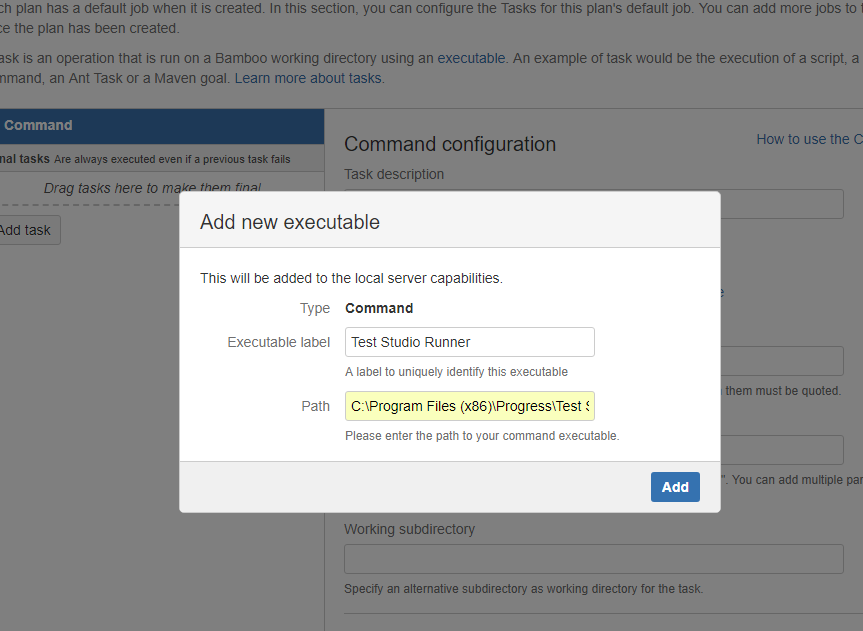
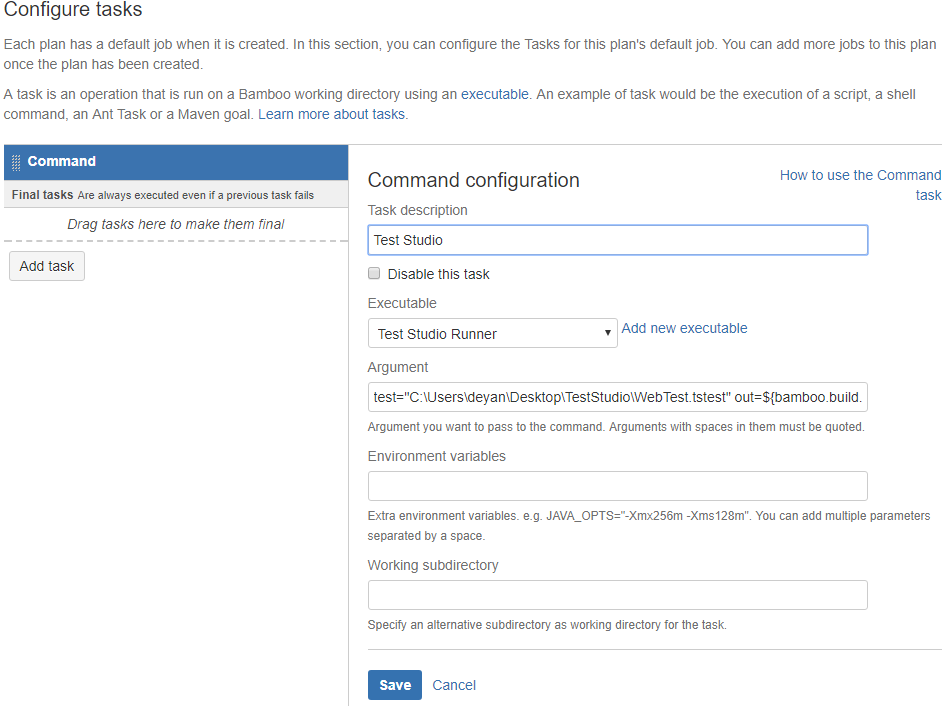
To configure the task add following arguments:
```
list="PATH_TO_PROJECT\TEST_LIST_NAME.aiilist" out=${bamboo.build.working.directory} junitstep
```
OR
```
test="PATH_TO_PROJECT\TEST_NAME.tstest" out=$bamboo.build.working.directory} junitstep
```
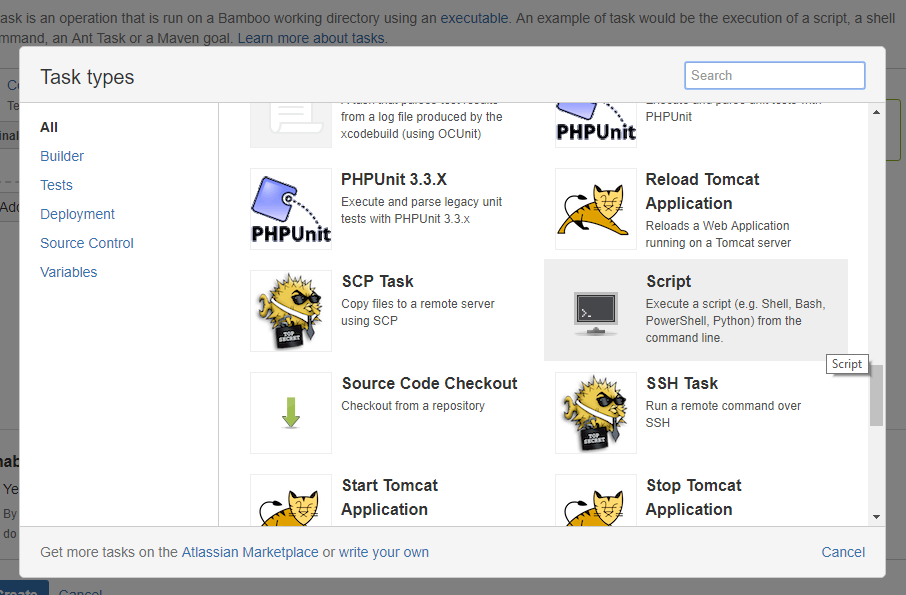
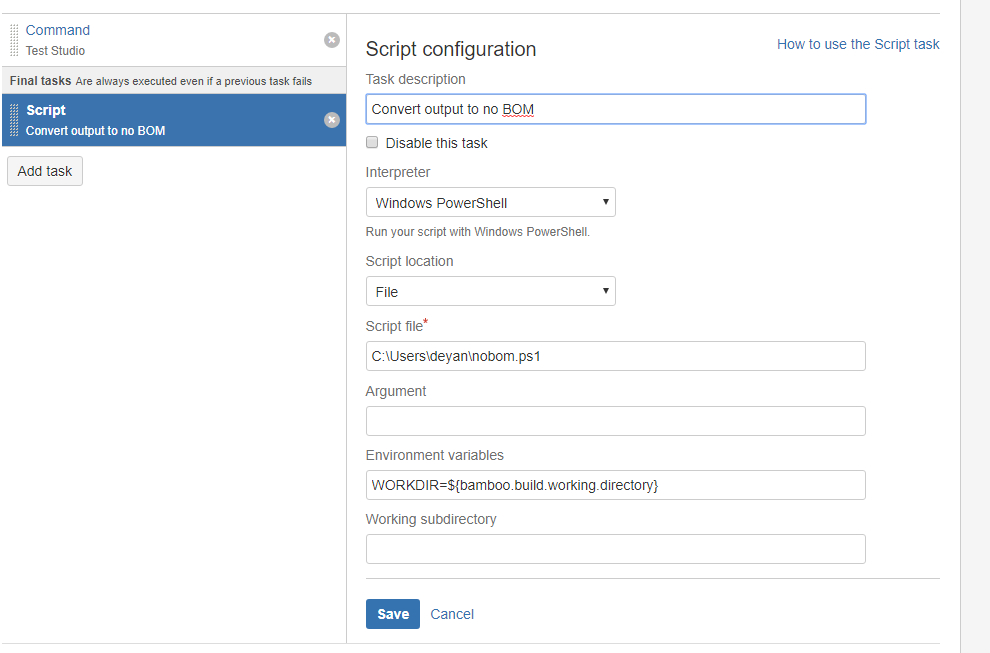
* 3.2 Add new script task - Convert to NO-BOM task
> Note: This task should be "Final task"
> This step is needed, because Bamboo JUnit parser can't parse files encoded in UTF-8-BOM.
>
> Reference on the topic can be found here.
Source of the script:
```
Write-Output $env:WORKDIR;
Get-ChildItem $env:WORKDIR -Filter *.xml |
Foreach-Object {
$MyFile = Get-Content $_.FullName
Write-Output $_.FullName;
$Utf8NoBomEncoding = New-Object System.Text.UTF8Encoding($False)
[System.IO.File]::WriteAllLines($_.FullName, $MyFile, $Utf8NoBomEncoding)
}
```
Save the script in desired location.
Add following Environment variable to the task:
```
WORKDIR=${bamboo.build.working.directory}
```
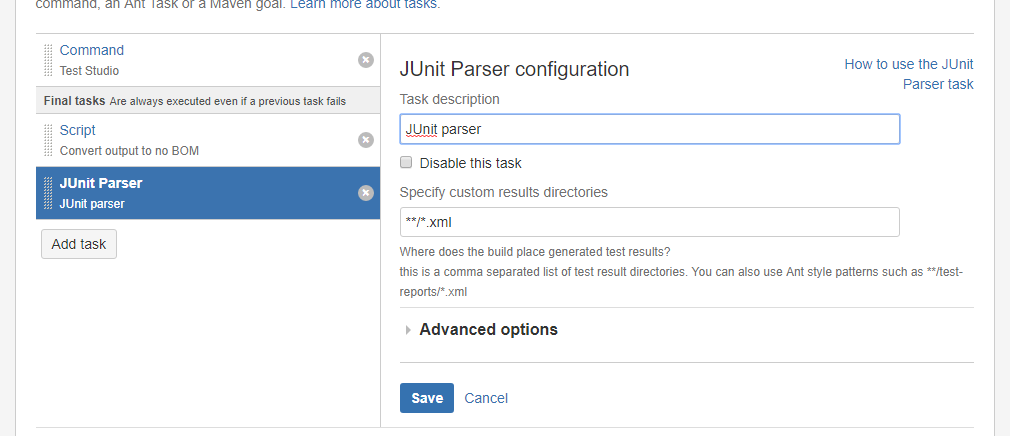
* 3.3 Add new JUnit parser task
> Note: "This task should be Final task"
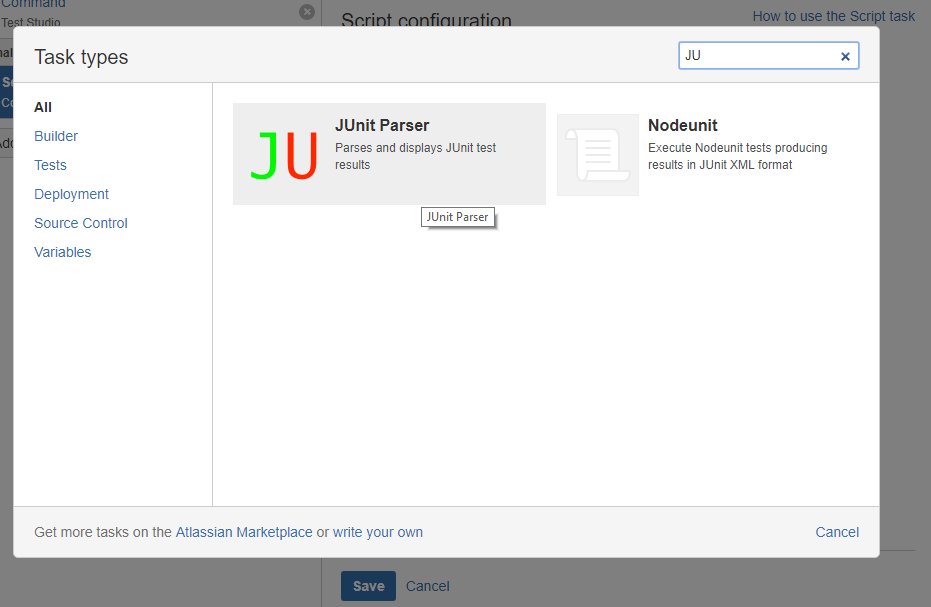
Specify custom results directories to be \*\*/\*.xml