# WPF Controls Demos Not Available in WPF Control Examples App
## Environment
| Product Version |
2023.2.718 |
| Product |
UI for WPF |
## Description
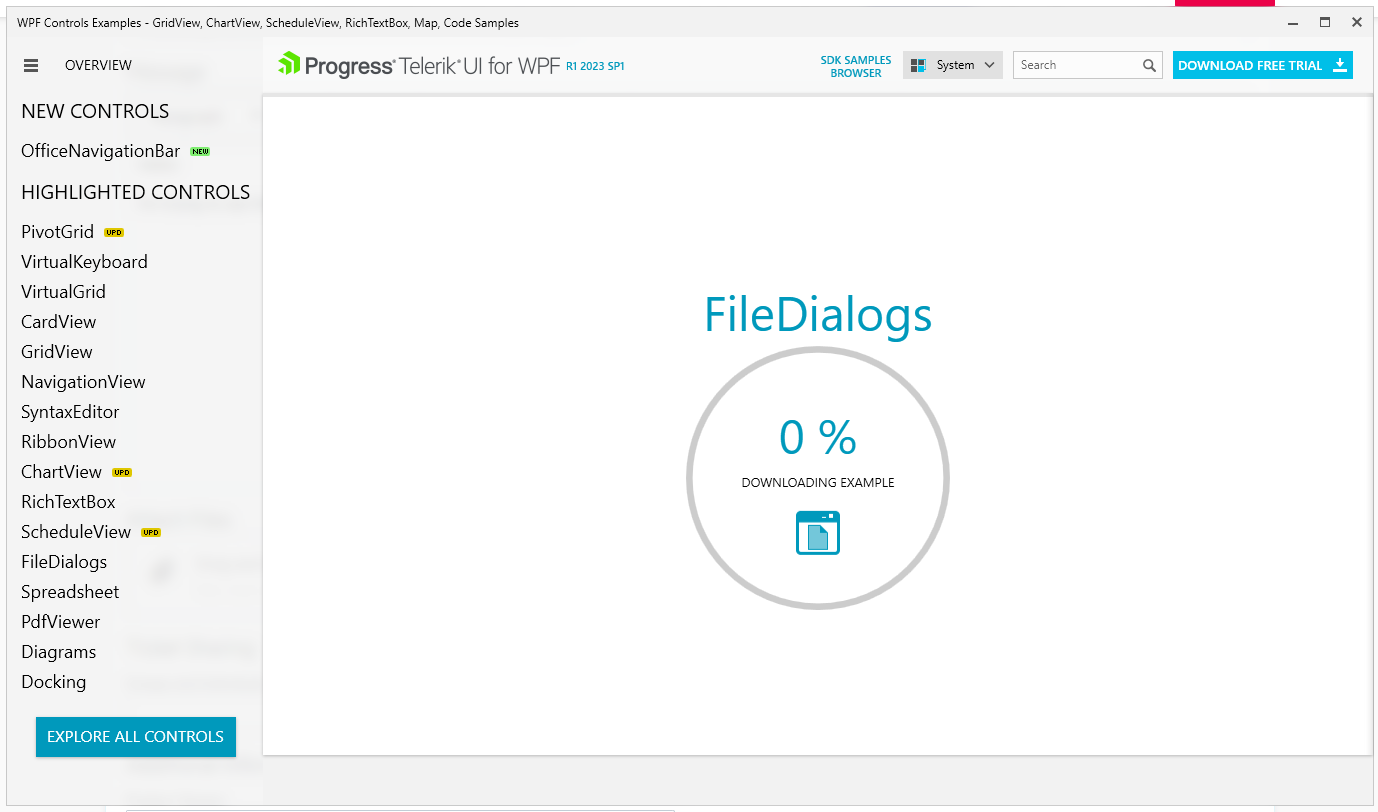
The control examples are not loading in the Telerik UI for WPF Controls Demo application. The busy indicator stays at 0.
This often happens when you have an older installation of the [Telerik UI for WPF Controls Demo](https://demos.telerik.com/wpf/) application and you install the latest one. It is related to cache in the [ClickOnce](https://www.telerik.com/products/wpf/documentation/knowledge-base/kb-sdk-samples-browser-cannot-be-installed-or-run) files of the application located in C:\Users\\\\AppData\Local\Apps\2.0.
## Solution
1. Close the **Telerik UI for WPF Controls Demo** application.
2. Delete the application manually from the [AppData folder](https://www.telerik.com/products/wpf/documentation/installation/manual-setup-guides/installing-demos) `located at C:\Users\\<your_user>\AppData\Local\Apps\2.0`.
3. [Download](https://demos.telerik.com/wpf/) and install it again.