# Animations
The `RadSlideView` control has a built-in support for animations. It has default animations, which are enabled out-of-the-box.
## Customizing the Default Animations
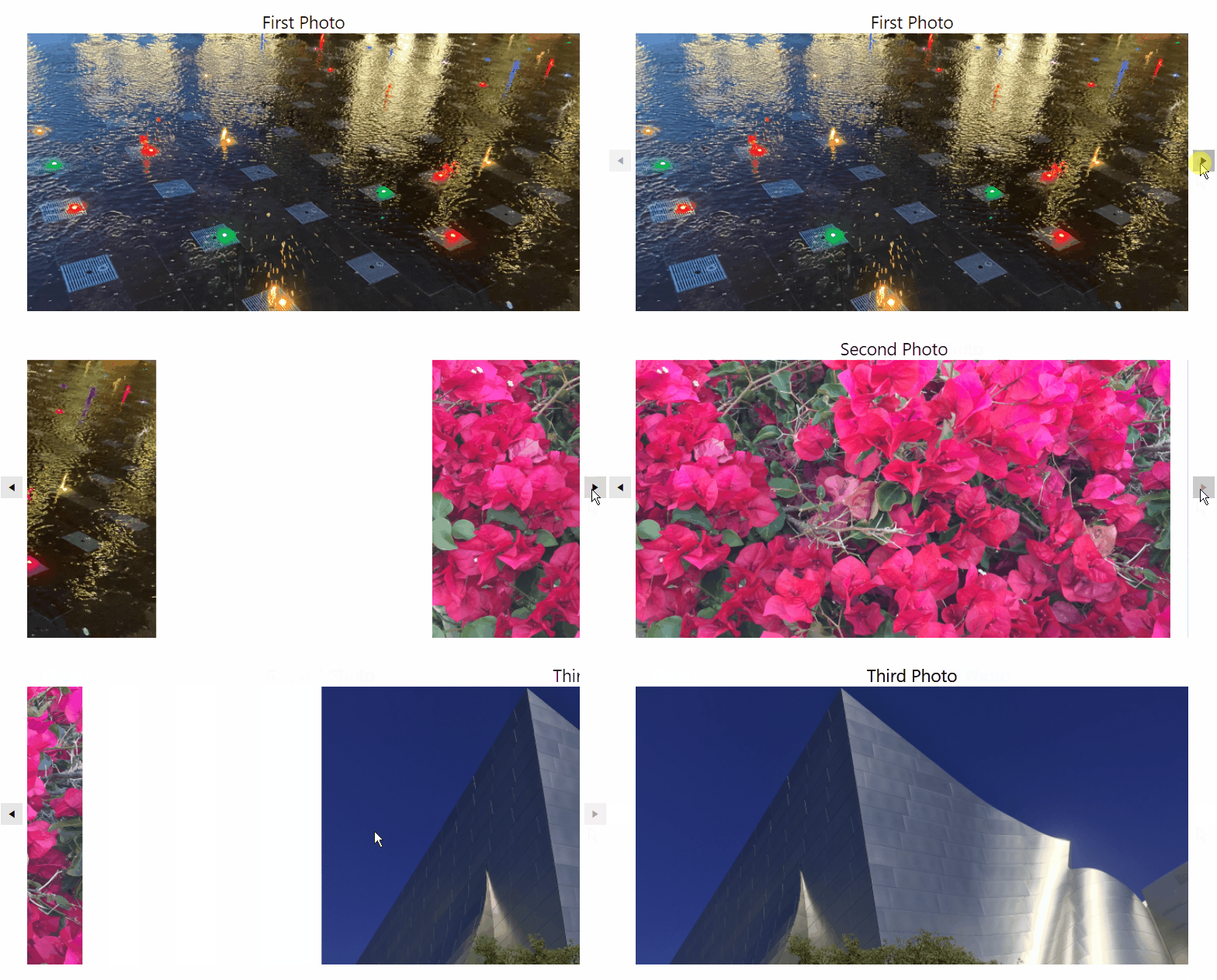
RadSlideView has two `MoveАnimation` instances defined in its default style. You can modify them by creating a new `AnimationSelector` instance for the `AnimationManager.AnimationSelector` attached property. Then, add a new `AnimationGroup` with two `MoveAnimation` instances for the newly created AnimationSelector. You can alter these animations by customizing their duration via the `Duration` property and setting a speed ratio using the `SpeedRatio` property. Also, you can apply an easing by setting the `Easing` property.
**Customizing the default animations for RadSlideView**
```XAML
```
> important For the animations to be applied correctly, do not remove the `AnimationName` and `TargetElementName` properties of the above elements.
> caption RadSlideView with modified animations
## Disabling the Default Animation
To disable the animations, set the `IsAnimationEnabled` attached property of the AnimationManager class to **False**.
**Disable RadSlideView element's animations**
```XAML
```
## See Also
* [Navigation Buttons](https://www.telerik.com/products/wpf/documentation/controls/radslideview/navigation-buttons)