# Resizing Items
By default, the **RadPanelBar** items cannot be resized through the UI. To enable the UI resizing on the items you can use the **IsResizingEnabled** property of the **RadPanelBar** control. It is enabled by setting the **IsResizingEnabled** property to **True**.
**Enabling Items Resizing**
```XAML
```
The **IsResizingEnabled** property can be set in code as well.
**Enabling Items Resizing in Code**
```C#
radPanelBar.IsResizingEnabled = true;
```
**Enabling Items Resizing in Code**
```VB.NET
radPanelBar.IsResizingEnabled = True
```
## Controling the Items Expanded Length
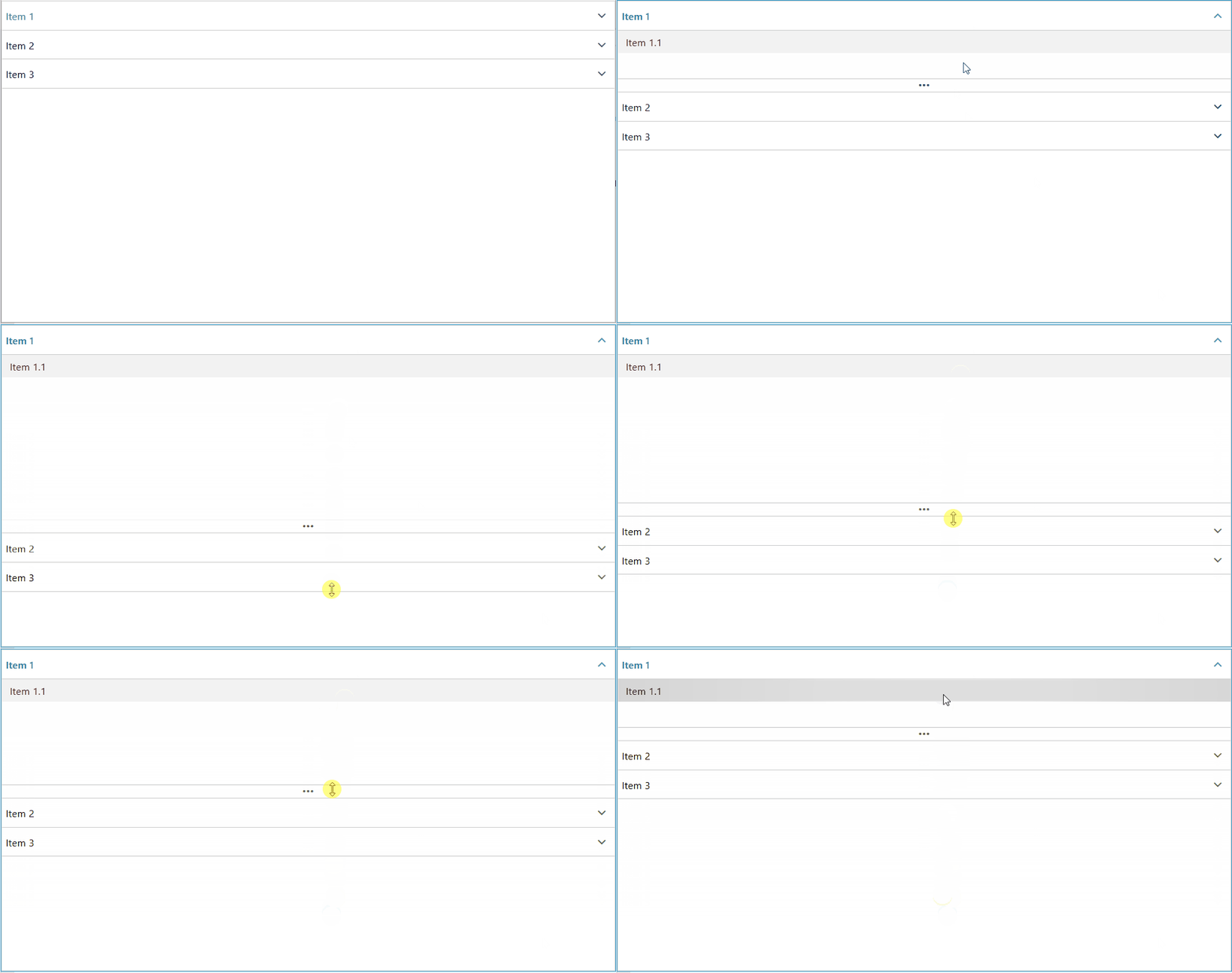
The expanded length of the **RadPanelBarItem** element can be controlled via its **ExpandedLength** property. To control the minimum and maximum expanded length, set the **ExpandedMinLength** and **ExpandedMaxLength** properties. The expanded length values will be applied only when the **IsResizingEnabled** property is set to **True**.
**Setting PanelBarItem Expanded Length Constraints**
```XAML
```
> caption RadPanelBarItem with expanded length constraints
## Enabling RadPanelBarItem Scrolling
The **RadPanelBar** control exposes an **IsScrollViewerInsideItemsEnabled** property that allows to scroll the content of each **RadPanelBarItem** element. The property controls the **ScrollBarVisibility** of the **ScrollViewer** control, which is present inside the **ControlTemplate** of the **RadPanelBarItem** control.
To allow the **RadPanelBarItem** control to scroll its content, set the **IsScrollViewerInsideItemsEnabled** property to **True**.
**Setting the IsScrollViewerInsideItemsEnabled Property**
```XAML
```
## See Also
* [Getting Started](https://www.telerik.com/products/wpf/documentation/controls/radpanelbar/populating)
* [Visual Structure](https://www.telerik.com/products/wpf/documentation/controls/radpanelbar/structure)
* [Data Binding](https://www.telerik.com/products/wpf/documentation/controls/radpanelbar/object-data)