# Getting Started with WPF Book
This article will walk you through defining and using a RadBook control.
## Adding Telerik Assemblies Using NuGet
To use **RadBook** when working with NuGet packages, install the `Telerik.Windows.Controls.Navigation.for.Wpf.Xaml` package. The [package name may vary](https://www.telerik.com/products/wpf/documentation/installation/manual-setup-guides/nuget/available-packages) slightly based on the Telerik dlls set - [Xaml or NoXaml](https://www.telerik.com/products/wpf/documentation/styling-and-appearance/xaml-vs-noxaml)
Read more about NuGet installation in the [Installing UI for WPF from NuGet Package](https://www.telerik.com/products/wpf/documentation/installation/manual-setup-guides/nuget/nuget-installation) article.
> tip With the 2025 Q1 release, the Telerik UI for WPF has a new licensing mechanism. You can learn more about it [here](https://www.telerik.com/products/wpf/documentation/installation/licensing/installing-license-key).
## Adding Assembly References Manually
If you are not using NuGet packages, you can add a reference to the following assemblies:
* **Telerik.Licensing.Runtime**
* **Telerik.Windows.Controls**
* **Telerik.Windows.Controls.Navigation**
* **Telerik.Windows.Data**
You can find the required assemblies for each control from the suite in the [Controls Dependencies](https://www.telerik.com/products/wpf/documentation/common-information/installation-installing-dependencies-wpf) help article.
## Define a RadBook control
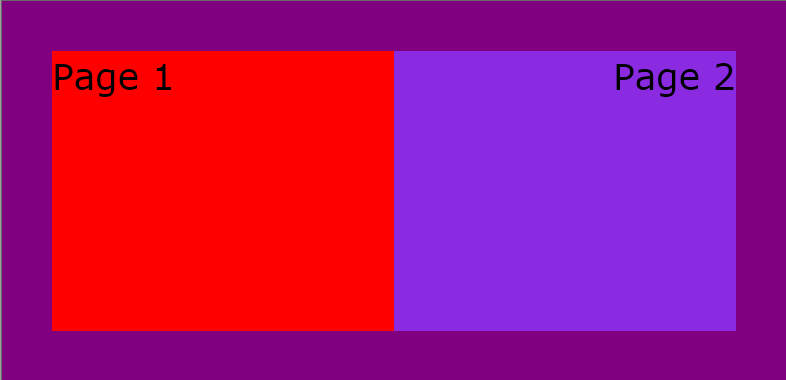
**RadBook** is an **ItemsControl**. The pages of the book are represented by the **RadBookItem** control. **RadBookItem** is a **ContentControl**. Below is a basic declaration of **RadBook** with several pages:
**Example 1: Defining a RadBook**
```XAML
```
This is the result of the above code:
## Adding content to the pages of the Book
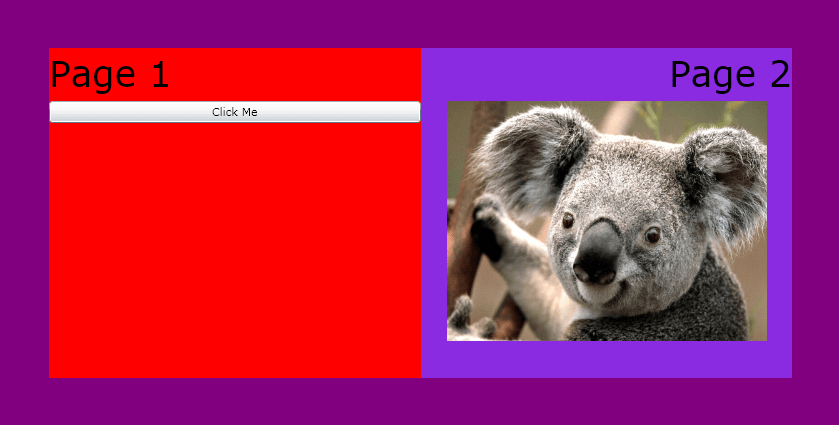
You can add any UIElement as a content of the pages. RadBookItem has a Content property which you can populate with a single root panel which contains the page content.
**Example 2: Adding RadBookItems**
```XAML
```
## Setting the initial page
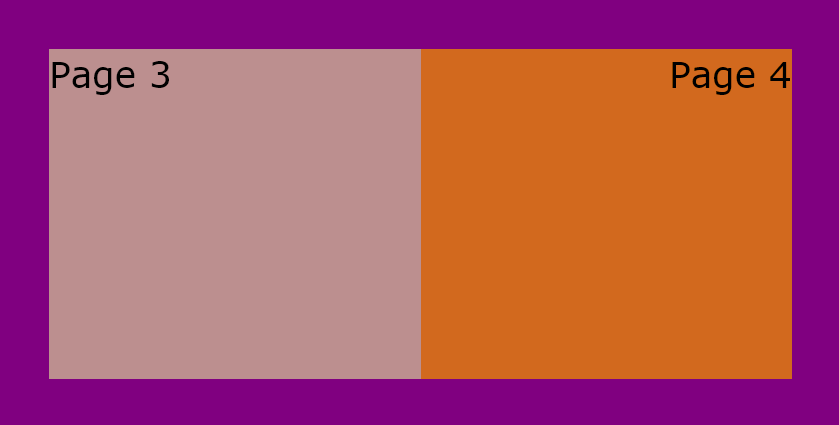
To set the initial page that will be displayed - set the **RightPageIndex** property:
**Example 3: Setting the initially displayed page**
```XAML
```
## Telerik UI for WPF Learning Resources
* [Telerik UI for WPF Book Component](https://www.telerik.com/products/wpf/book.aspx)
* [Getting Started with Telerik UI for WPF Components](https://www.telerik.com/products/wpf/documentation/getting-started/first-steps-nuget)
* [Telerik UI for WPF Installation](https://www.telerik.com/products/wpf/documentation/installation/manual-setup-guides/installation-guide)
* [Telerik UI for WPF and WinForms Integration](https://www.telerik.com/products/wpf/documentation/common-information/winforms-integration/overview)
* [Telerik UI for WPF Visual Studio Templates](https://www.telerik.com/products/wpf/documentation/installation/manual-setup-guides/visual-studio-templates)
* [Setting a Theme with Telerik UI for WPF](https://www.telerik.com/products/wpf/documentation/styling-and-appearance/styling-apperance-setting-a-theme-overview)
* [Telerik UI for WPF Virtual Classroom (Training Courses for Registered Users)](https://learn.telerik.com/learn/course/external/view/elearning/16/telerik-ui-for-wpf)
* [Telerik UI for WPF License Agreement](https://www.telerik.com/purchase/license-agreement/wpf-dlw-s)
## See Also
* [Data Binding and Data Templates](https://www.telerik.com/products/wpf/documentation/controls/radbook/features/data-templates)
* [Events](https://www.telerik.com/products/wpf/documentation/controls/radbook/features/events)
* [Page Flip Mode](https://www.telerik.com/products/wpf/documentation/controls/radbook/features/page-flip-mode)