# Hard Pages

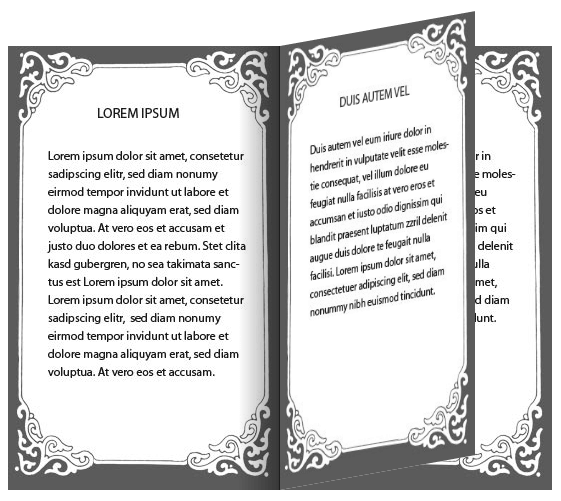
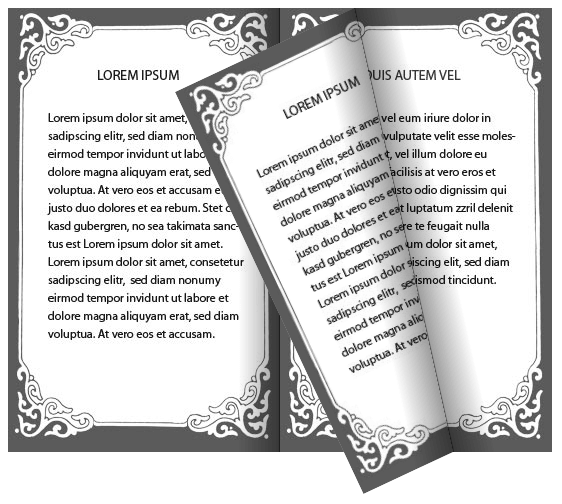
To enable hard paper functionality, you have to set the **HardPages** property. The **HardPages** property is an enum with the following values:

* **None**: None of the pages has the hard paper feature turned on

* **First**: Only the first page has the hard paper feature turned on

* **Last**: Only the last page has the hard paper feature turned on

* **FirstAndLast**: The first and last pages have the hard paper feature turned on

* **All**: All the pages have the hard paper feature turned on

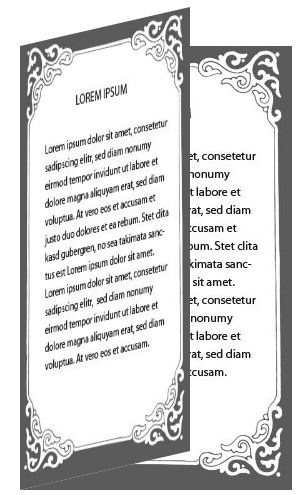
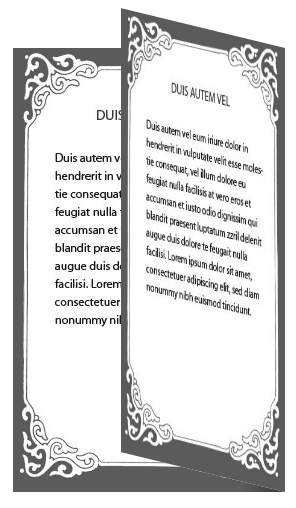
* **Custom**: Only certain pages have the hard paper feature turned on. It is up to the user to define which pages by setting the **IsHardPaper** property of the **RadBookItem**.

**Example 1: Setting the hard pages mode to All**

```XAML
<FrameworkElement.Resources>
    <DataTemplate x:Key="LeftPageTemplate">
        <Grid>
            <Image Source="page1.jpg" Stretch="None" />
        </Grid>
    </DataTemplate>
    <DataTemplate x:Key="RightPageTemplate">
        <Grid>
            <Image Source="page2.jpg" Stretch="None" />
        </Grid>
    </DataTemplate>
</FrameworkElement.Resources>

<Grid x:Name="LayoutRoot" Background="White">
    <telerik:RadBook x:Name="book1" Width="544" Height="444"
	    LeftPageTemplate="{StaticResource LeftPageTemplate}"
	    RightPageTemplate="{StaticResource RightPageTemplate}" FirstPagePosition="Right"
	    HardPages="All" />
</Grid>
```

![WPF RadBook Hard Paper](https://www.telerik.com/products/wpf/documentation/assets/7a00afd937c5eb4e89006b6071d4a43b/book_hardpaper.png)

![WPF RadBook Soft Paper](https://www.telerik.com/products/wpf/documentation/assets/0a5ce86d39d96567cfb60f39721b75d1/book_softpaper.png)

**Example 2: Setting the hard pages mode to Custom**

```XAML
<telerik:RadBook x:Name="book2" Width="544" Height="444" FirstPagePosition="Right"
	    RightPageIndex="0" HardPages="Custom">
    <telerik:RadBookItem IsHardPaper="True">
        <Grid>
            <Image Source="page1.jpg" Stretch="None" />
        </Grid>
    </telerik:RadBookItem>
    <telerik:RadBookItem IsHardPaper="True">
        <Grid>
            <Image Source="page2.jpg" Stretch="None" />
        </Grid>
    </telerik:RadBookItem>
    <telerik:RadBookItem>
        <Grid>
            <Image Source="page1.jpg" Stretch="None" />
        </Grid>
    </telerik:RadBookItem>
    <telerik:RadBookItem>
        <Grid>
            <Image Source="page2.jpg" Stretch="None" />
        </Grid>
    </telerik:RadBookItem>
    <telerik:RadBookItem IsHardPaper="True">
        <Grid>
            <Image Source="page1.jpg" Stretch="None" />
        </Grid>
    </telerik:RadBookItem>
    <telerik:RadBookItem IsHardPaper="True">
        <Grid>
            <Image Source="page2.jpg" Stretch="None" />
        </Grid>
    </telerik:RadBookItem>
</telerik:RadBook>
```

![WPF RadBook Hard Pages Custom 1](https://www.telerik.com/products/wpf/documentation/assets/0c6eaa9087ed633b15e954ccf233a1cf/book_hardpapercustom1.png)

![WPF RadBook Hard Pages Custom 1](https://www.telerik.com/products/wpf/documentation/assets/3652e79fc407c671953d7d4eae77b49b/book_hardpapercustom2.png)

![WPF RadBook Hard Pages Custom 1](https://www.telerik.com/products/wpf/documentation/assets/0693f12fefe34f4a92d8b45b08432278/book_hardpapercustom3.png)