# Available NuGet Packages
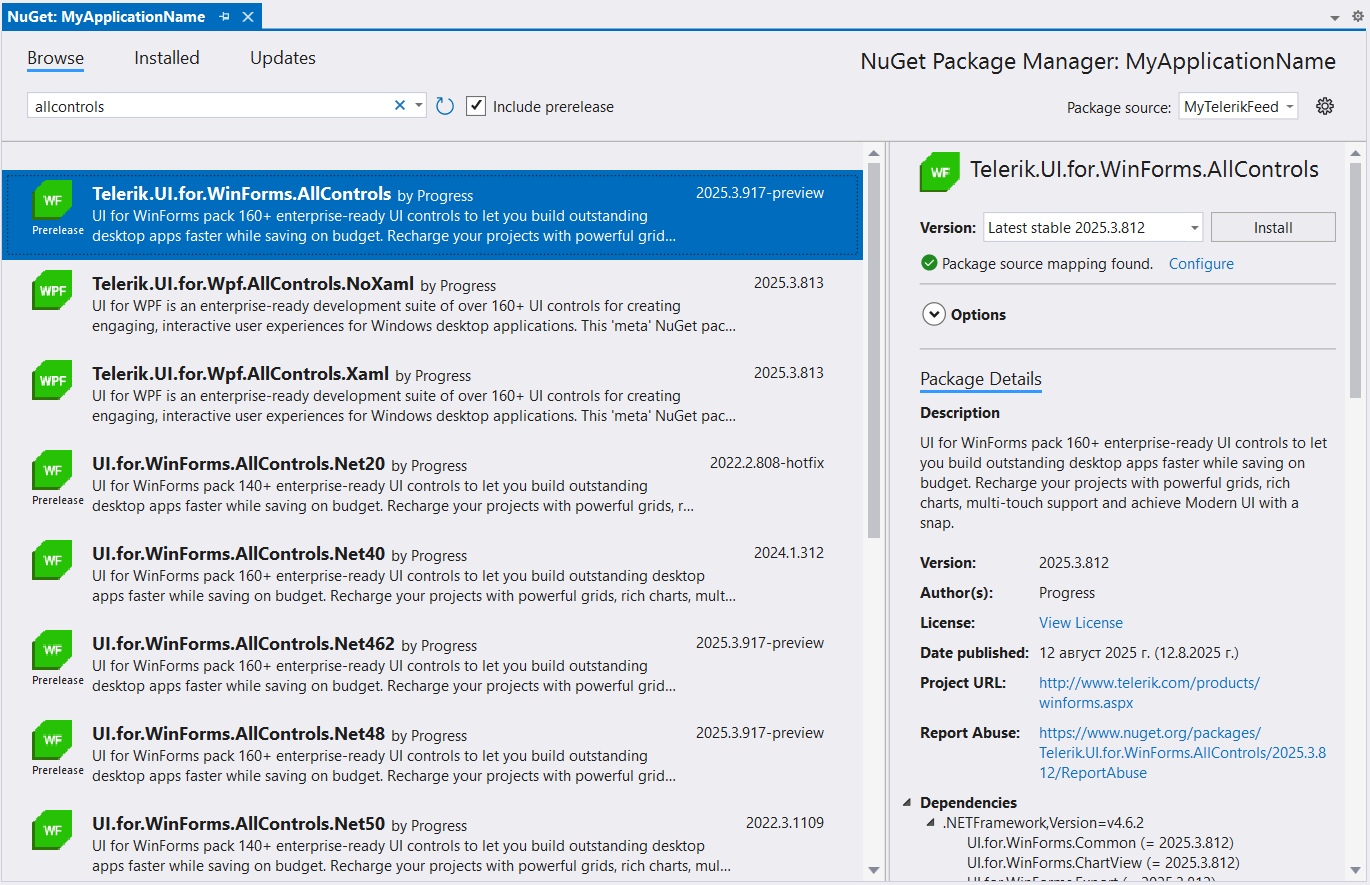
Telerik UI for WinForms comes with several different packages that can be [installed in your project as NuGet packages](https://www.telerik.com/products/winforms/documentation/installation-and-upgrades/install-using-nuget):
* [`Telerik.UI.for.WinForms.AllControls`](https://www.telerik.com/products/winforms/documentation/visual-studio-integration/available-nugets#full-package-telerikuiforwinformsallcontrols-recommended): one full distribution package
* [Separate packages per control or assembly](https://www.telerik.com/products/winforms/documentation/visual-studio-integration/available-nugets#separate-packages).
> important Starting with **Q3 2026**, all Telerik UI for WinForms NuGet packages are also available on NuGet.org. If you use NuGet.org, you do not need to configure the Telerik NuGet server.
## Full Package: Telerik.UI.for.WinForms.AllControls (recommended)
The `Telerik.UI.for.WinForms.AllControls` package contains all Telerik UI for WinForms assemblies and supports all available [Telerik .NET Distributions](https://www.telerik.com/products/winforms/documentation/installation-and-upgrades/distributions). Once installed, the `Telerik.UI.for.WinForms.AllControls` package automatically detects the project's target framework and uses the corresponding Telerik assemblies.
> important The `Telerik.UI.for.WinForms.AllControls` package replaces the framework-specific packages which are already retired:
>
> * `UI.for.WinForms.AllControls.Net462`
> * `UI.for.WinForms.AllControls.Net48`
> * `UI.for.WinForms.AllControls.Net80`
> * `UI.for.WinForms.AllControls.Net90`
## Separate Packages
`Telerik_UI_for_WinForms__NuGet_Dev.zip` contains `.nupkg` files for the separate packages for each Telerik assembly:
* `Telerik.for.WinForms.Common`
* `Telerik.for.WinForms.GridView`
* `Telerik.for.WinForms.PdfViewer`
* `Telerik.for.WinForms.Scheduler`
* `Telerik.for.WinForms.Theme`
* `Telerik.for.WinForms.SyntaxEditor`
* .etc
## See Also
* [Installing On Your Computer](https://www.telerik.com/products/winforms/documentation/installation-and-upgrades/installing-on-your-computer)
* [How to Upgrade a Telerik UI for WinForms Project](https://www.telerik.com/products/winforms/documentation/knowledge-base/how-to-upgrade-a-project)
* [Restore Telerik NuGet packages in CI with API keys](https://www.telerik.com/products/winforms/documentation/visual-studio-integration/install-nuget-keys)