# Ability to preview PDF documents from the Document Manager
## Environment
Product
RadEditor for ASP.NET AJAX
## Description
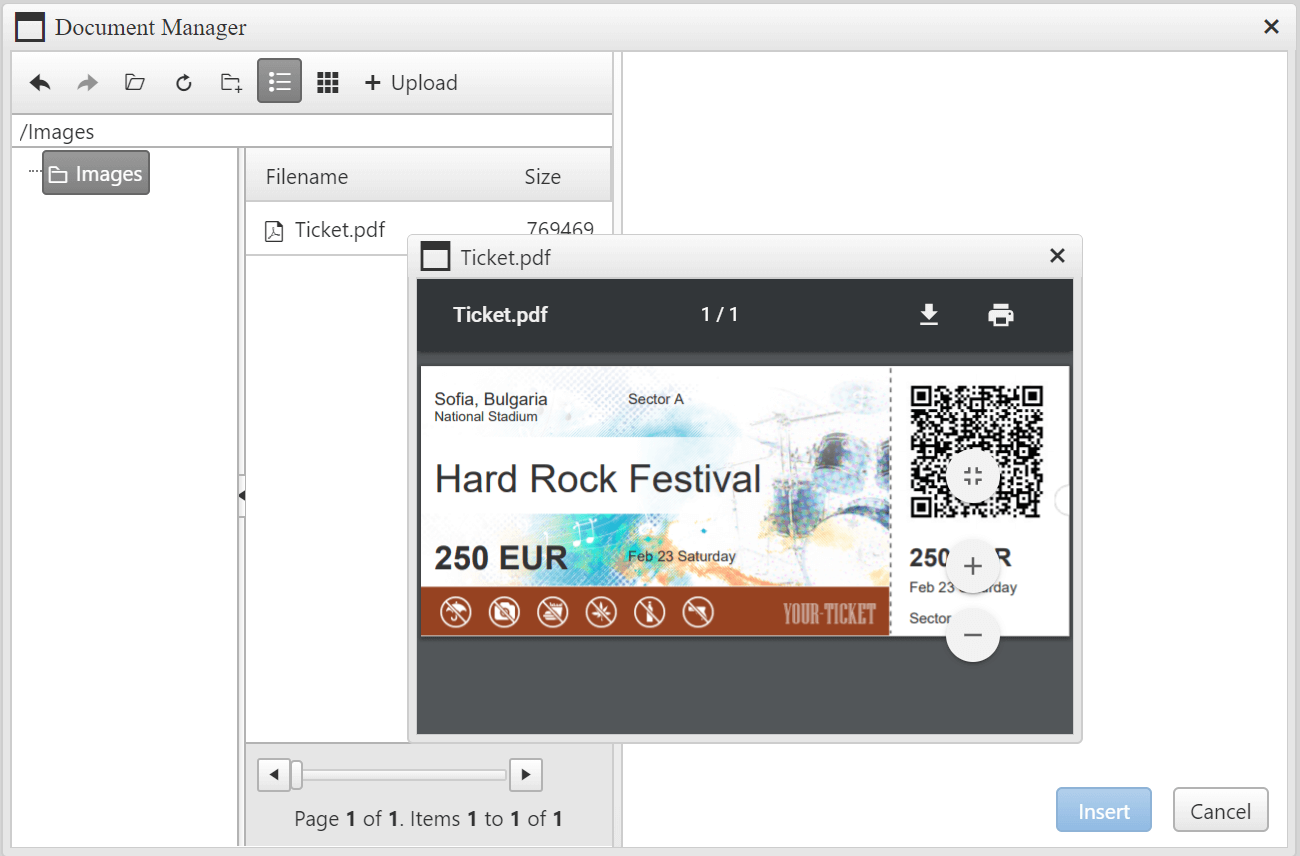
You can see below how to configure RadEditor's Document manager to enable the PDF File Preview on double click.
## Solution
To achieve the double click preview feature, do the following:
* Register the external dialogs of RadEditor:
```ASP.NET
```
* Copy the EditorDialogs folder from the installation and put it in the root of the application. See this demo for more information about registering the external dialogs: [Customize Built-in Dialogs](https://demos.telerik.com/aspnet-ajax/editor/examples/externaldialogspath/defaultcs.aspx).
2. Open the FileBrowser.ascx file, locate the RadFileExplorer declaration and set the EnableOpenFile property to true.
```ASP.NET
```
3. To disable the file insertion on double click put this JS code under the RadFileExplorer declaration:
```JavaScript
```