# Appearance of Undesired White Spaces in IE9
## Undesired white spaces added when pasting or deleting content into table cells
**PROBLEM**
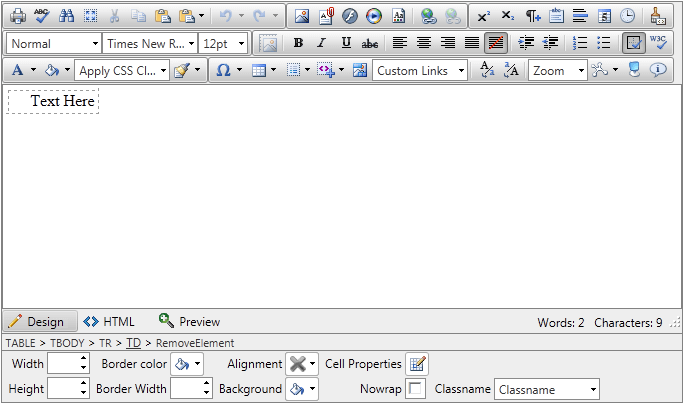
When there is a table, placed within the HTML mode of the Editor, after switching between HTML and Design view in IE9, occasionally the content is broken down to a separate line:
```HTML
```
That leads up to undesired empty space added by the browser in the begining of the cell, caused by the white spaces between the opening `| ` tag and the text inside the cell. The issue could be experienced in one of the following scenarios:
* Copy and paste the text inside the cell.
* Place the mouse cursor at the beginning of the cell and press Backspace.
Note, that this behavior is not connected with the RadEditor's implementation, but is a general editable iFrame issue.
**SOLUTION**
A possible solution is to render the page in IE8 mode which could be obtained by placing the following meta tag in your markup:
```HTML
```
|