# .NET MAUI NumericInput Customization Options
This article will guide you through all customizations options that NumericInput control provides.
## Set Numeric Buttons Text
The NumericInput provides the following properties for customizing the text in its text input buttons.
* `IncreaseButtonText`(of type `string`)—Defines the text displayed inside the **Increase** button. The default string value is `"+"`.
* `DecreaseButtonText`(of type `string`)—Defines the text displayed inside the **Decrease** button. The default string value is `"-"`.
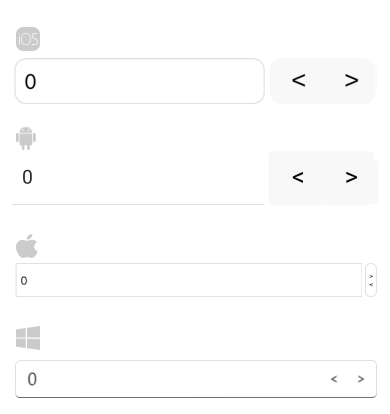
The following example demonstrates how to customize the NumericInput buttons text.
```XAML
```
Check the result of the NumericInput with custom button text below:
## Change Background
The `BackgroundColor` property allows you to modify the background color of the input area of the NumericInput:
```XAML
```
## See Also
* [Numeric String Format](https://www.telerik.com/maui-ui/documentation/controls/numericinput/numeric-string-format)