# .NET MAUI DataGrid Column Resizing
Columns inside the [Telerik UI for .NET MAUI DataGrid](https://www.telerik.com/maui-ui/documentation/controls/datagrid/overview) are resizable by default. The feature is available only on Desktop - `WinUI` and `MacCatalyst`.
On `WinUI` and `MacCatalyst`, you can change the column width by positioning the mouse over the column's vertical grid line (in the column header) and dragging it until the desired size is achieved.
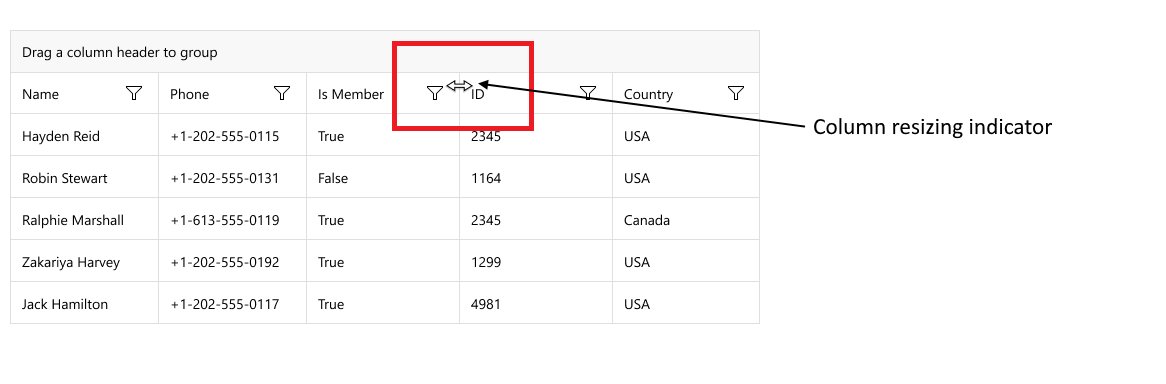
> caption Column Resizing on `MacCatalyst`
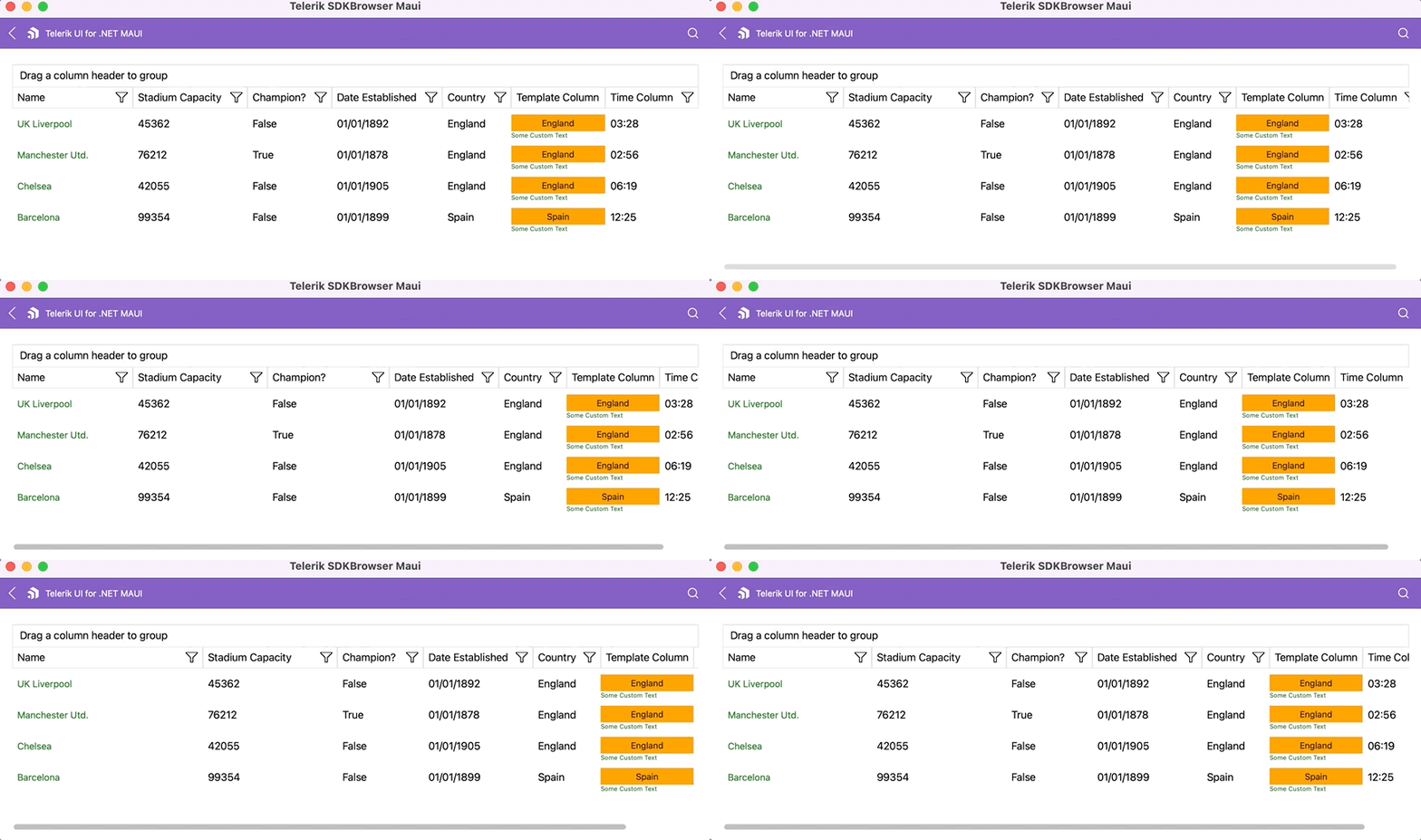
To resize a column programmatically, you can use the columns `Width` property. For more details review the [Columns Width](https://www.telerik.com/maui-ui/documentation/controls/datagrid/columns/width) article.
In addition, you can set a `MinimumWidth`(`double`) to the column. This property is applicable when setting `SizeMode` column property to `Fixed`. When `MinimumWidth` is set, you can not reduce the width of the column to a value lower than the `MinimumWidth`.
## Disabling Resizing
Two ways to disable the resizing.
**1.** Disable the resizing on a DataGrid level
You can disable the resizing by setting the `CanUserResizeColumns` property to `False`. The default value is `True`.
```XAML
```
> note When disabling the resizing on a DataGrid level, all the columns won't be resizable.
**2.** Disable the resizing on a column level
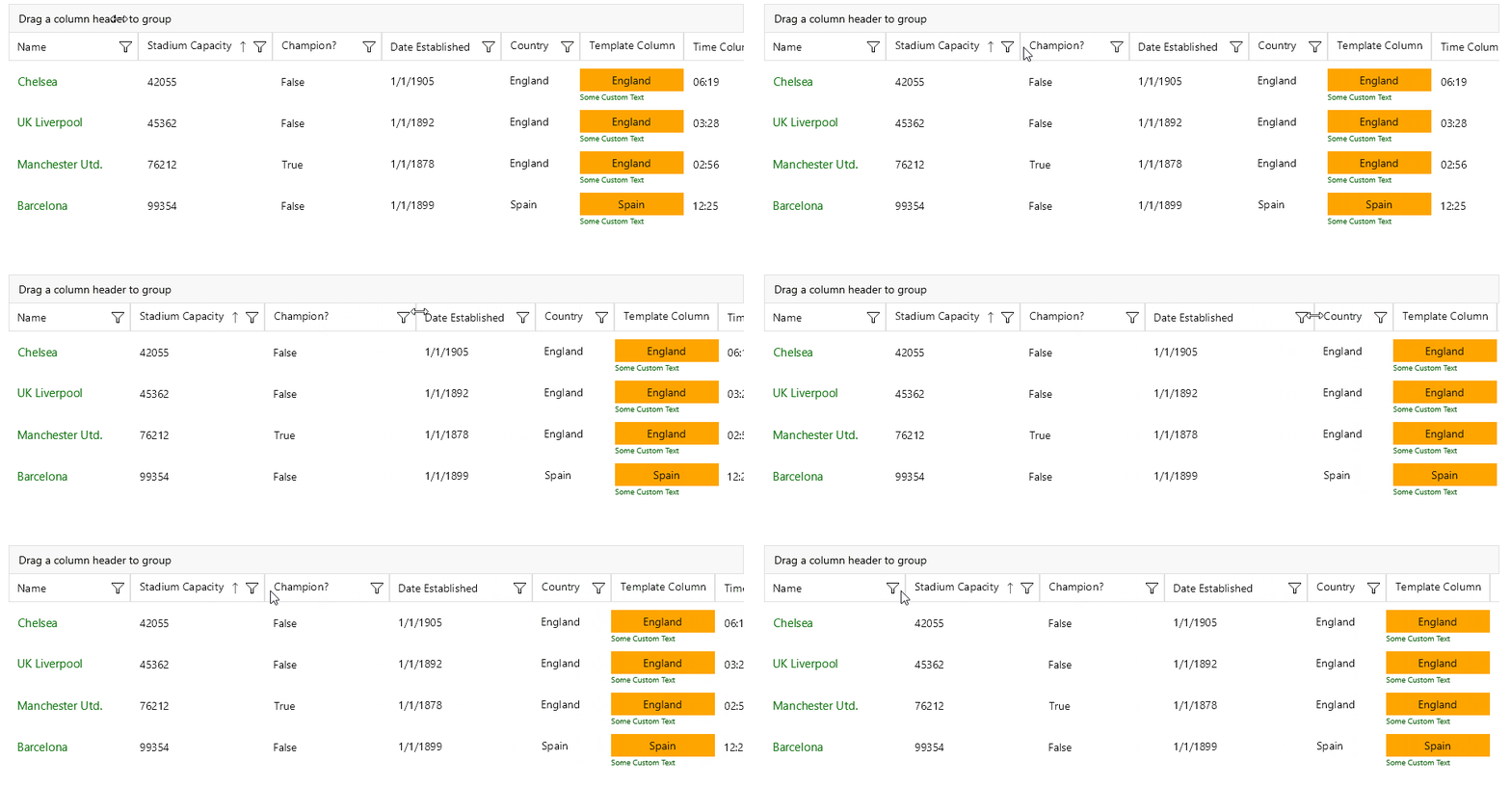
To disable the resizing on a specific column, set the `IsResizable` property. The default value is `True`.
```XAML
```
This is the result:
## Events
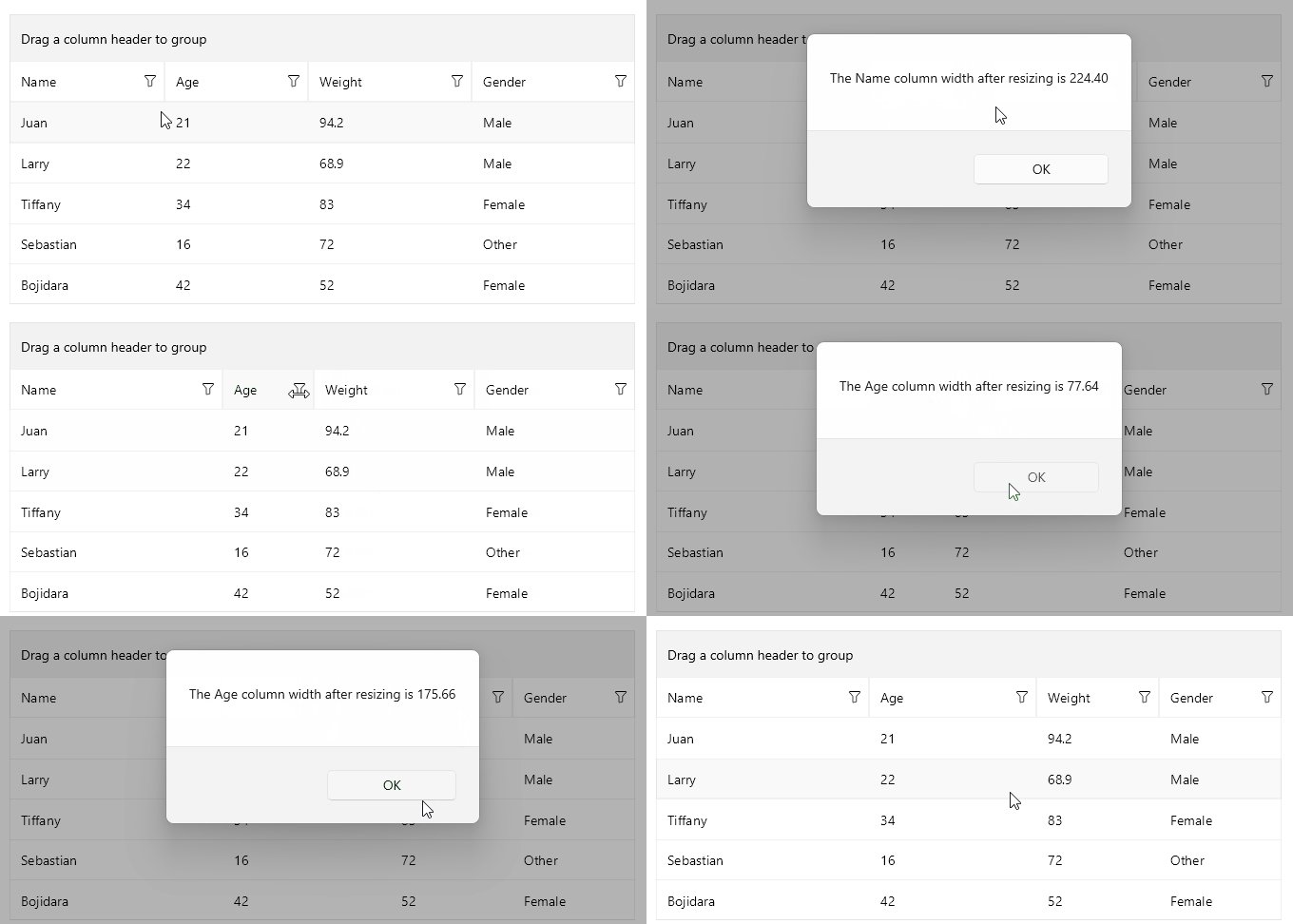
The DataGrid control exposes a `ColumnUserResizeCompleted` event that is invoked when the user resizes a column. The `ColumnUserResizeCompleted` event handler receives the following parameters:
* The `sender` argument, which is of type `object`, but can be cast to the `RadDataGrid` type.
* A `ColumnUserResizeCompletedEventArgs` object, which provides the following properties:
* `Column` (`DataGridColumn`)—Gets the resized column.
* `Width` (`double`)—Gets the width the Column was resized to.
Here is an example with the `ColumnUserResizeCompleted` event:
**1.** Create a sample model:
```C#
public class PersonDetails
{
public string Name { get; set; }
public int Age { get; set; }
public double Weight { get; set; }
public Gender Gender { get; set; }
}
```
**2.** Create a `ViewModel`:
```C#
public class ViewModel : NotifyPropertyChangedBase
{
private bool isReorderingEnabled = true;
public ViewModel()
{
this.Data = new ObservableCollection
{
new PersonDetails { Name = "Juan", Age = 21, Gender = Gender.Male, Weight = 94.2 },
new PersonDetails { Name = "Larry", Age = 22, Gender = Gender.Male, Weight = 68.9 },
new PersonDetails { Name = "Tiffany", Age = 34, Gender = Gender.Female, Weight = 83 },
new PersonDetails { Name = "Sebastian", Age = 16, Gender = Gender.Other, Weight = 72 },
new PersonDetails { Name = "Bojidara", Age = 42, Gender = Gender.Female, Weight = 52 },
};
}
public ObservableCollection Data { get; set; }
public bool IsReorderingEnabled
{
get => this.isReorderingEnabled;
set => this.UpdateValue(ref this.isReorderingEnabled, value);
}
}
```
**3.** Define the DataGrid in XAML:
```XAML
```
**4.** Add the `telerik` namespace:
```XAML
xmlns:telerik="http://schemas.telerik.com/2022/xaml/maui"
```
**5.** The `OnDataGridColumnUserResizeCompleted` implementation:
```C#
private void OnDataGridColumnUserResizeCompleted(object sender, Telerik.Maui.Controls.DataGrid.ColumnUserResizeCompletedEventArgs e)
{
var formattedWidth = String.Format("{0:N2}", e.Width);
Application.Current.Windows[0].Page.DisplayAlert("", $"The {(e.Column as DataGridTypedColumn).HeaderText} column width after resizing is {formattedWidth}", "OK");
}
```
This is the result:
## See Also
* [Column Reordering](https://www.telerik.com/maui-ui/documentation/controls/datagrid/columns/reordering)
* [Column Header](https://www.telerik.com/maui-ui/documentation/controls/datagrid/columns/header)
* [Column Footer](https://www.telerik.com/maui-ui/documentation/controls/datagrid/columns/footer)