# .NET MAUI CircularSlider Value Thumb

The CircularSlider's value thumb is drawn based on its `Value` property. End users can modify the `Value` by dragging the thumb along the backtrack or touching anywhere on the slider (the thumb, the range track, or the backtrack) depending on the drag mode (configured with the `DragMode` property).

* `Value` (`double`)—Specifies the value of the slider, corresponds to the thumb position across the backtrack.

Here is a quick example on how to define the `Value` property:

```XAML
<telerik:RadCircularSlider Grid.Row="0"
                           Minimum="0"
                           Maximum="100"
                           Value="{Binding MyValue, Mode=TwoWay}"
                           HorizontalOptions="Fill"
                           VerticalOptions="Start"
                           MinimumHeightRequest="300" />
```

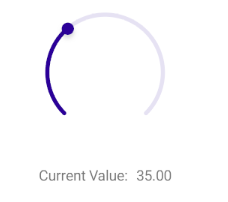
This is the result:

![Telerik UI for .NET MAUI CircularSlider showing Current Value 35.00 with the value thumb on a partial arc](https://www.telerik.com/maui-ui/documentation/assets/cd59f6a5bd60677c8aa624a642db6c0c/circularslider-value-thumb.png)

## Drag Mode

The CircularSlider's `DragMode` (`Telerik.Maui.Controls.Sliders.SliderDragMode`) property lets you configure one of three dragging options (only the thumb, free, or disabled) to interact with the CircularSlider and change its `Value`. You can choose from:
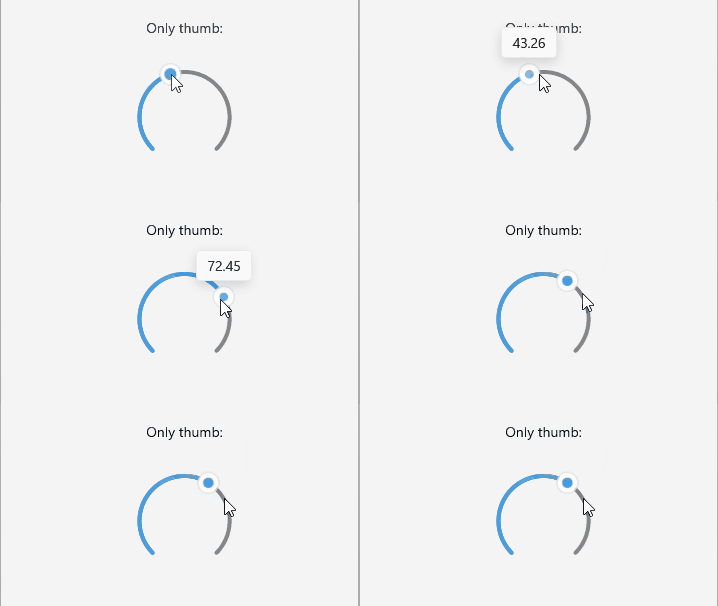
\* `Thumb`—The thumb moves along the backtrack only by dragging.
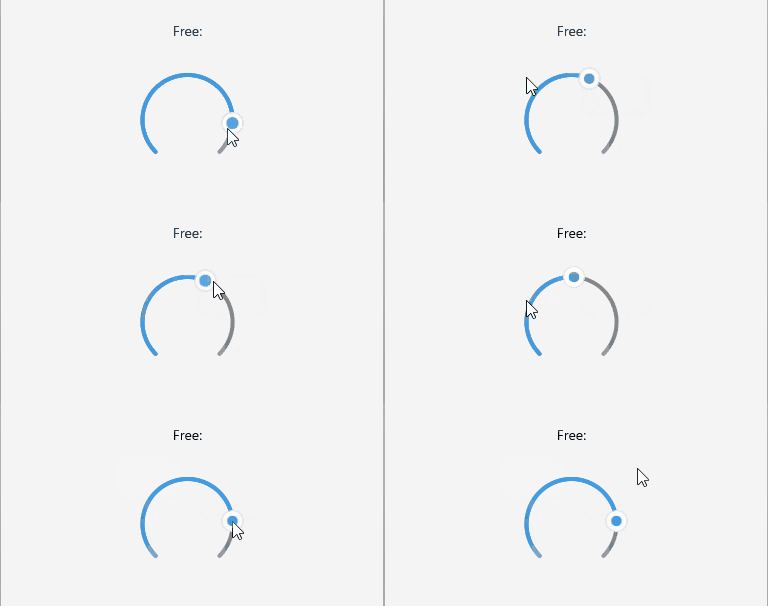
\* `Free`—The thumb's position (and the `Value` property) changes via dragging or touching anywhere on the range track or backtrack.
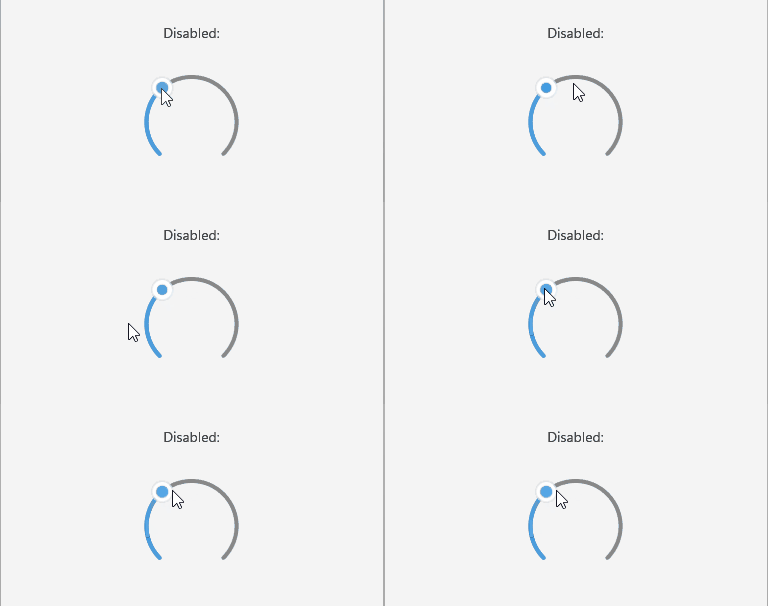
\* `Disabled`—The thumb's position is fixed on the backtrack and dragging is disabled.

Check below some quick examples:

> caption Example with DragMode set to Only Thumb

```XAML
<telerik:RadCircularSlider Grid.Row="1"
                           DragMode="Thumb"
                           HorizontalOptions="Fill"
                           VerticalOptions="Start"
                           MinimumHeightRequest="{OnPlatform iOS=230}" />
```

This is the result:

![Telerik UI for .NET MAUI CircularSlider DragMode Thumb showing only the thumb can be dragged](https://www.telerik.com/maui-ui/documentation/assets/a74db504585303f36d700c7488ab20b4/circularslider-drag-thumb.gif)

> caption Example with DragMode set to Free

```XAML
<telerik:RadCircularSlider Grid.Row="1"
                           DragMode="Free"
                           HorizontalOptions="Fill"
                           VerticalOptions="Start"
                           MinimumHeightRequest="{OnPlatform iOS=230}" />
```

This is the result:

![Telerik UI for .NET MAUI CircularSlider DragMode Free showing the thumb positioned by touching the track](https://www.telerik.com/maui-ui/documentation/assets/3299db2c42e561e40f5ce48b480182a6/circularslider-drag-free.gif)

> caption Example with DragMode set to Disabled

```XAML
<telerik:RadCircularSlider Grid.Row="1"
                           DragMode="Disabled"
                           HorizontalOptions="Fill"
                           VerticalOptions="Start"
                           MinimumHeightRequest="{OnPlatform iOS=230}" />
```

This is the result:

![Telerik UI for .NET MAUI CircularSlider DragMode Disabled with a fixed value thumb](https://www.telerik.com/maui-ui/documentation/assets/f4c61bca4526ac8903403a486222aab8/circularslider-drag-disabled.gif)

## See Also

* [Visual Structure](https://www.telerik.com/maui-ui/documentation/controls/circularslider/visual-structure)
* [Backtrack](https://www.telerik.com/maui-ui/documentation/controls/circularslider/backtrack)
* [Thumb Styling](https://www.telerik.com/maui-ui/documentation/controls/circularslider/styling/thumb-styling)