
UI for WPF
WPF RichTextBox
- The Telerik UI for WPF RichTextBox provides MS Word-like authoring and editing in your applications.
- Part of the Telerik UI for WPF library along with 160+ professionally-designed UI controls.
- Includes support, documentation, demos, virtual classrooms, Visual Studio Extensions and more!
-
MS Word-Like Authoring
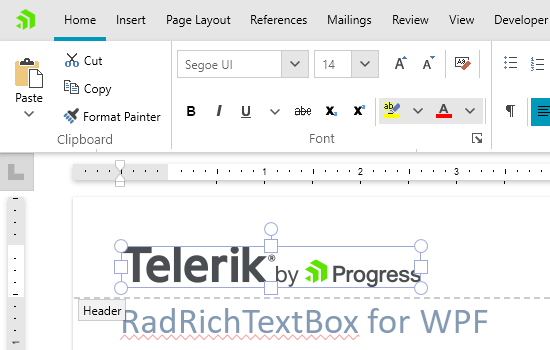
Provide Microsoft Word-like authoring and editing in your applications using a familiar interface for your end users.
-
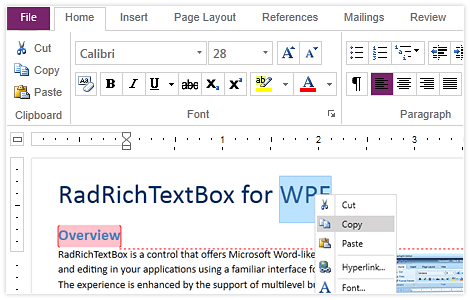
MS Word Like Selection
This new RichTextBox feature allows your users to select bigger chunks of text with less effort. The selection works similarly to MS Word and the SelectionChanged event will be fired less frequently.

-
Feature-rich Content controls
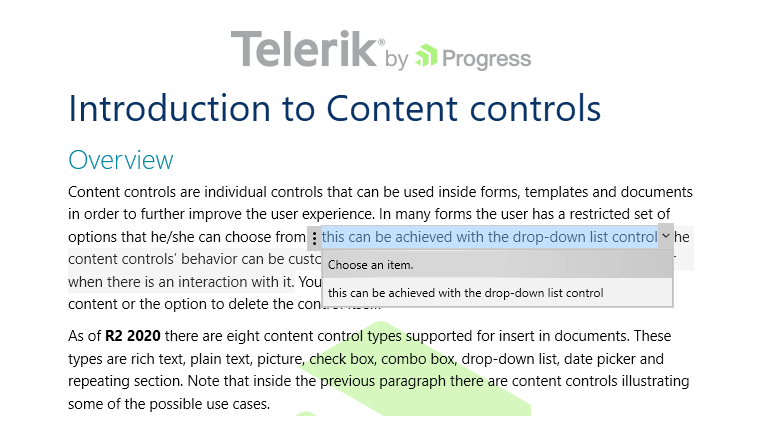
The Content Controls for the RichTextBox for WPF enable users to add specific semantics, like restricting input, modifying editing behavior, etc., to parts of a given document. The content controls can be defined on Block, Inline, Row or Cell level and can be nested inside one another.
-
Support for @mentions
The RichTextBox supports another MS Word-inspired functionality: @mentions. Users can leverage this feature to tag key stakeholders in comments and in messages so no new information slips through the cracks and workflows are more streamlined. Once the “@” character is typed, a drop-down list of username suggestions appears. By continuing to type, the control will filter out the available username options.
To see the control in action check out the Telerik UI for WPF demo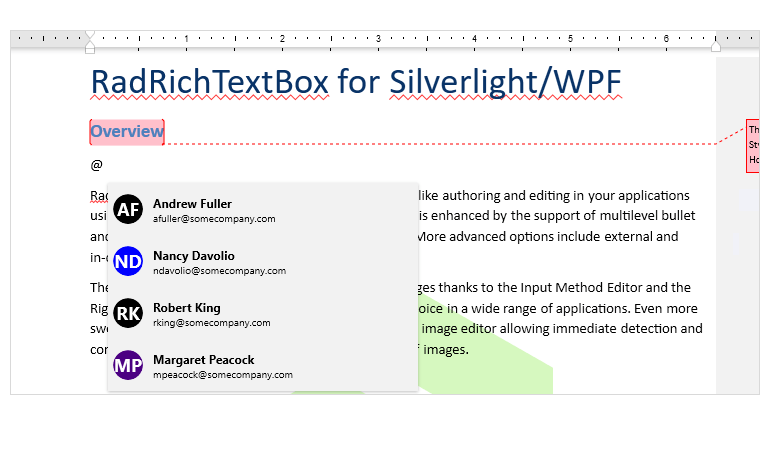
-
Support for Non-Breaking Spaces
The Telerik UI for WPF RichTextBox now supports non-breaking spaces, making more MS Word-like functionality accessible to your users. This handy feature improves readability by allowing specific adjacent words to appear on the same line.
Non-breaking spaces is a standard Word feature that doesn’t allow the UI to break the line at a hyphen or space. In this way, spans separated with non-breaking spaces are always kept on the same line and transferred together on the next line if needed. It’s useful for content like numbers with signs so they can stick together, enhancing the reading experience.
This feature is also used in HTML to define more consecutive spaces. If regular spaces are used, then they are collapsed and only one space is shown in the UI. With non-breaking spaces, each space is rendered.
For more information check out the Telerik UI for WPF RichTextBox documentation -
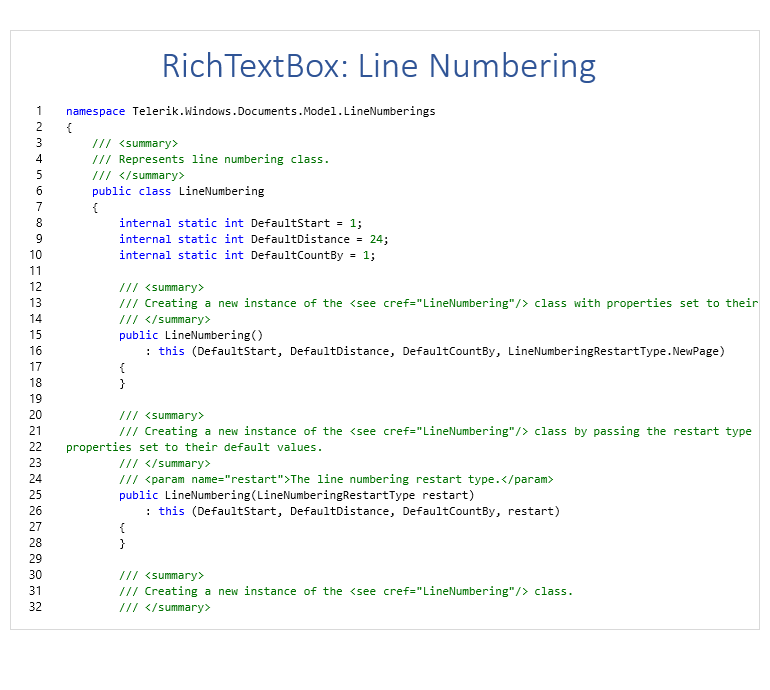
Line Numbering
Located in the Page Layout tab, the line numbering options allow users to play with a list of line numbering options such as margins, paper, layout and more!
-
Intuitive Editing Experience
Provide an intuitive editing experience, thanks to the integrated RibbonView, context menus, mini toolbars and dozens of dialogs designed to gear the functionality of the control. -
Rich Document Model Support
Get a more complete rich text editing experience with support for Lists, Tables, Inline and Floating Images, Hyperlinks, Bookmarks and Comments.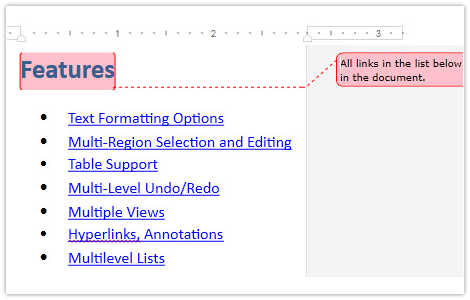
-
Markup and Navigation
Markup your documents with Word-like comments and enable document navigation with a built-in Bookmark system.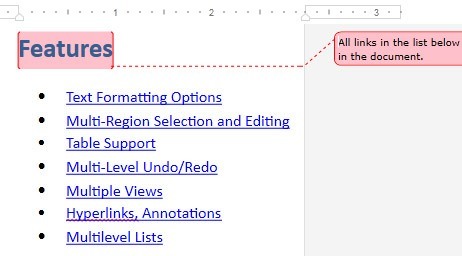
-
SpellChecker and Image Editor
The integrated Spell Checker and Image Editor provides on-the-fly proofing and tweaking of images, all without leaving the document UI.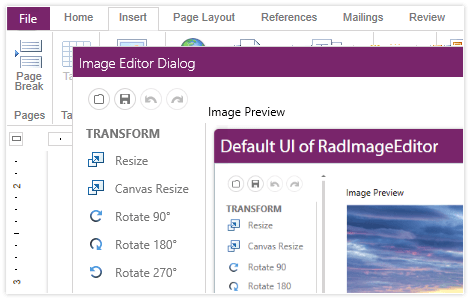
-
Format Painter Support
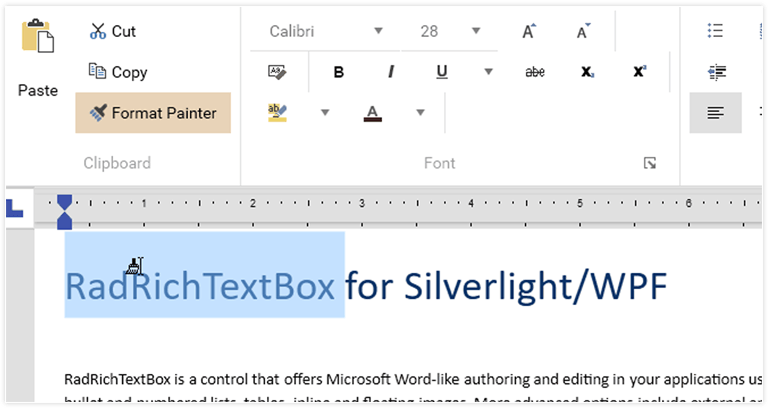
The Format Painter is a great tool to adjust and specify the formatting of a pasted piece of text or data to match the styling of the rest of the document. With the Format Painter in Telerik UI for WPF RichTextBox you and the end users of your application will be able to have more control over the styling of their documents and perform formatting actions faster
-
Styles
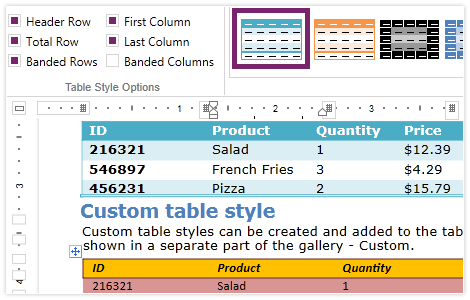
Take advantage of a rich pallet of predefined styles, or create your own custom styles and apply them to text and tables from the Styles and Table styles galleries.
-
Merging Documents
RadRichTextBox features API which enables users to append one RadDocument instance to another or to insert one RadDocument instance at specified position of another RadDocument. Utility class settings aids the handling of merging conflicts if such arise.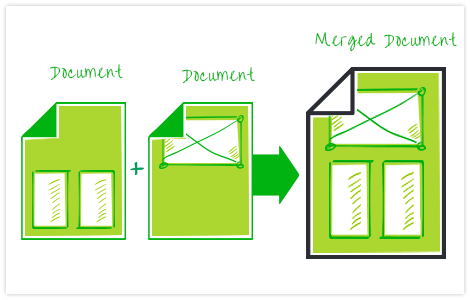
-
Section Columns
RadRichTextBox supports continuous section breaks, which allow entering a section break and starting a new section on the same page. This is very useful for creating a formatting change, such as displaying different number of columns on a page.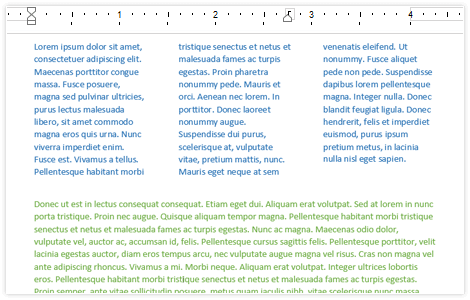
-
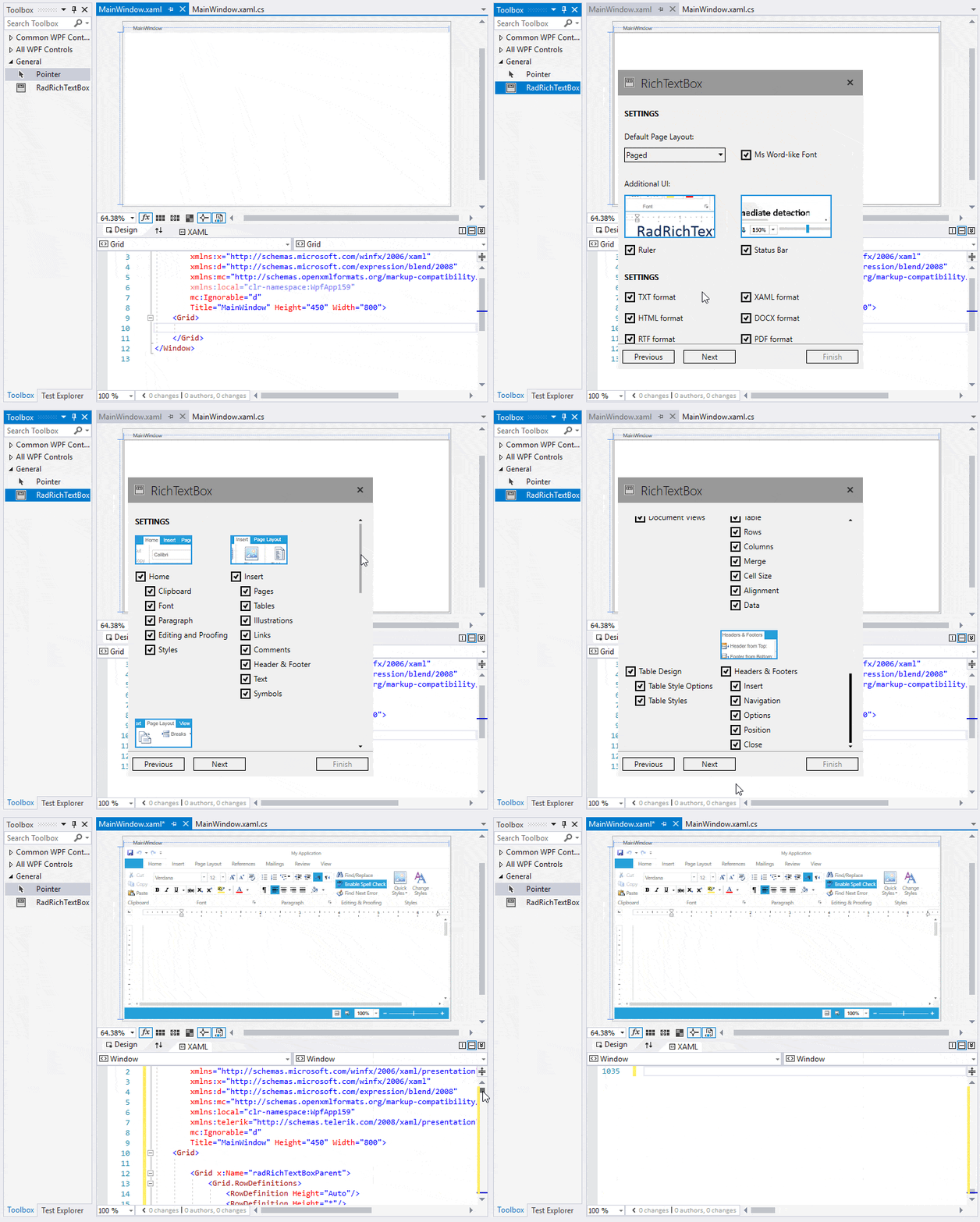
Design-Time Support
The RichTextBox control provides convenient design-time experience—dragging component in the XAML designer will start the code-generation wizard. You can choose a scenario and a set of components, and all the needed XAML code and assembly references are automatically added to the project.
-
RTL and IME
Allow entering text in various languages, thanks to the built-in Input Method Editor and Right-to-Left support. -
Mail Merge
Create or open existing templates and fill in different data taken from database, spreadsheet or any other source. Preview the results in the RichTextBox or proceed with exporting. -
Different Views and Printing
Use a standard text box layout or a paged view with various sizes and headers and footers. Utilize the printing functionality that comes out-of-the-box. -
Document Protection
Define different editing restrictions and enforce them on different parts of the document. Import and export protected documents in the supported file formats. -
Import and Export
This control enables you to import and export files to and from DOCX, RTF, HTML, XAML and TXT, as well as export files to PDF, without writing a single line of code. -
Track Changes
Track all changes made in the document and separate them semantically, as well as visually, from the rest of the content. -
Also Available...
