
UI for ASP.NET AJAX
ASP.NET AJAX Slider
- Use the ASP.NET AJAX Slider to easily select numeric values from a predefined range. Featuring orientation, ticks, and tooltips for a smooth user experience in any app scenario.
- Part of the Telerik UI for ASP.NET AJAX library along with 120+ professionally designed UI components.
- Includes support, documentation, demos, virtual classrooms and more!

-
Slider Configuration
Take advantage of the high level of customization offered by the ASP.NET slider control. Dictate behavior such as orientation and direction.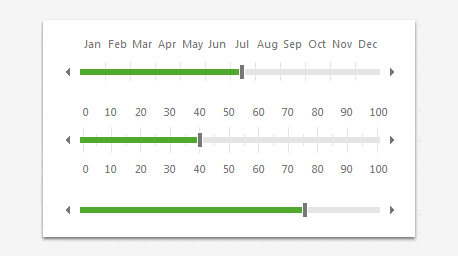
-
Range Selection
Provide your users with the ability to intuitively select a range of values.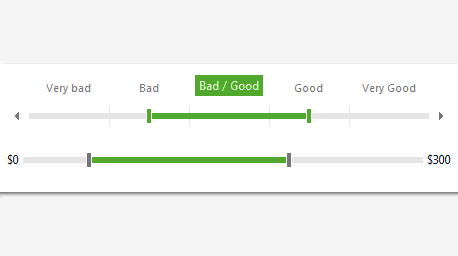
-
Various Tick Markers
Utilize the wide range of tick-marker styles, as well as the ability to provide your own, to fully customize your slider control. -
Keyboard Support
Interact with the slider component without the mouse. Ideal in scenarios where accessibility is a priority. -
Client-Side API
Take full control over the ASP.NET slider control with JavaScript via its rich client-side API.
